Free Shipping for CNC Bit orders over $160

Shop

Shop By Project

Shop By Type

Sets

Sets

Inlay

Inlay

3D Carving

3D Carving

Acrylic

Acrylic

Engraving

Engraving

Bowl And Tray

Bowl And Tray

Digital Files

Digital Files

Sets

Sets

Ball Nose

Ball Nose

Compression

Compression

Downcut

Downcut

Drills

Drills

Engraving

Engraving

Extended Cut

Extended Cut

Roughing

Roughing

Rounding

Rounding

Slotting

Slotting

Straight Cut

Straight Cut

Surfacing

Surfacing

Upcut

Upcut

V Grooving

V Grooving

Jenny Bits

Jenny Bits

Collets

Collets

Accessories

Accessories

CNC Machines

CNC Machines

Vacuum Tables

Vacuum Tables

Spindles

Spindles

Software

Software

Digital Files

Digital Files

Merch

Merch

Closeout

Closeout

CNC Resources

Database Downloads

About

Contact Us

Get A Gift Card

Shop

Shop By Project

Shop By Type

Sets

Sets

Inlay

Inlay

3D Carving

3D Carving

Acrylic

Acrylic

Engraving

Engraving

Bowl And Tray

Bowl And Tray

Digital Files

Digital Files

Sets

Sets

Ball Nose

Ball Nose

Compression

Compression

Downcut

Downcut

Drills

Drills

Engraving

Engraving

Extended Cut

Extended Cut

Roughing

Roughing

Rounding

Rounding

Slotting

Slotting

Straight Cut

Straight Cut

Surfacing

Surfacing

Upcut

Upcut

V Grooving

V Grooving

Jenny Bits

Jenny Bits

Collets

Collets

Accessories

Accessories

CNC Machines

CNC Machines

Vacuum Tables

Vacuum Tables

Spindles

Spindles

Software

Software

Digital Files

Digital Files

Merch

Merch

Closeout

Closeout

CNC Resources

Database Downloads

About

Contact Us

Get A Gift Card

CNC Routers Explained: Everything Beginners Need to Know

If you are new to CNC routers and drowning in jargon, we are here to keep it simple and help you start your journey off right. At its core, a CNC router does one thing: it moves a spinning bit through material along a path a computer gives it. Everything else exists to make that movement accurate and repeatable.

The trouble is that finding your first machine buries that simple idea under a pile of unfamiliar terms before you can even cut a single sign. This guide walks through what the parts actually do, what a CNC router can and cannot cut, how a project travels from idea to finished piece, and what to look at before you spend money on a machine.

Alt image

What CNC Means, and What Makes a Router a Router

A CNC router is a woodworking machine that moves a spinning bit through material along a path a computer controls. The spindle spins fast, often between 5,000  and 20,000 RPM, and a rigid frame keeps the bit steady while it cuts. That combination is what lets one machine work through woods, plastics, foam, and sometimes softer metals like aluminum. 

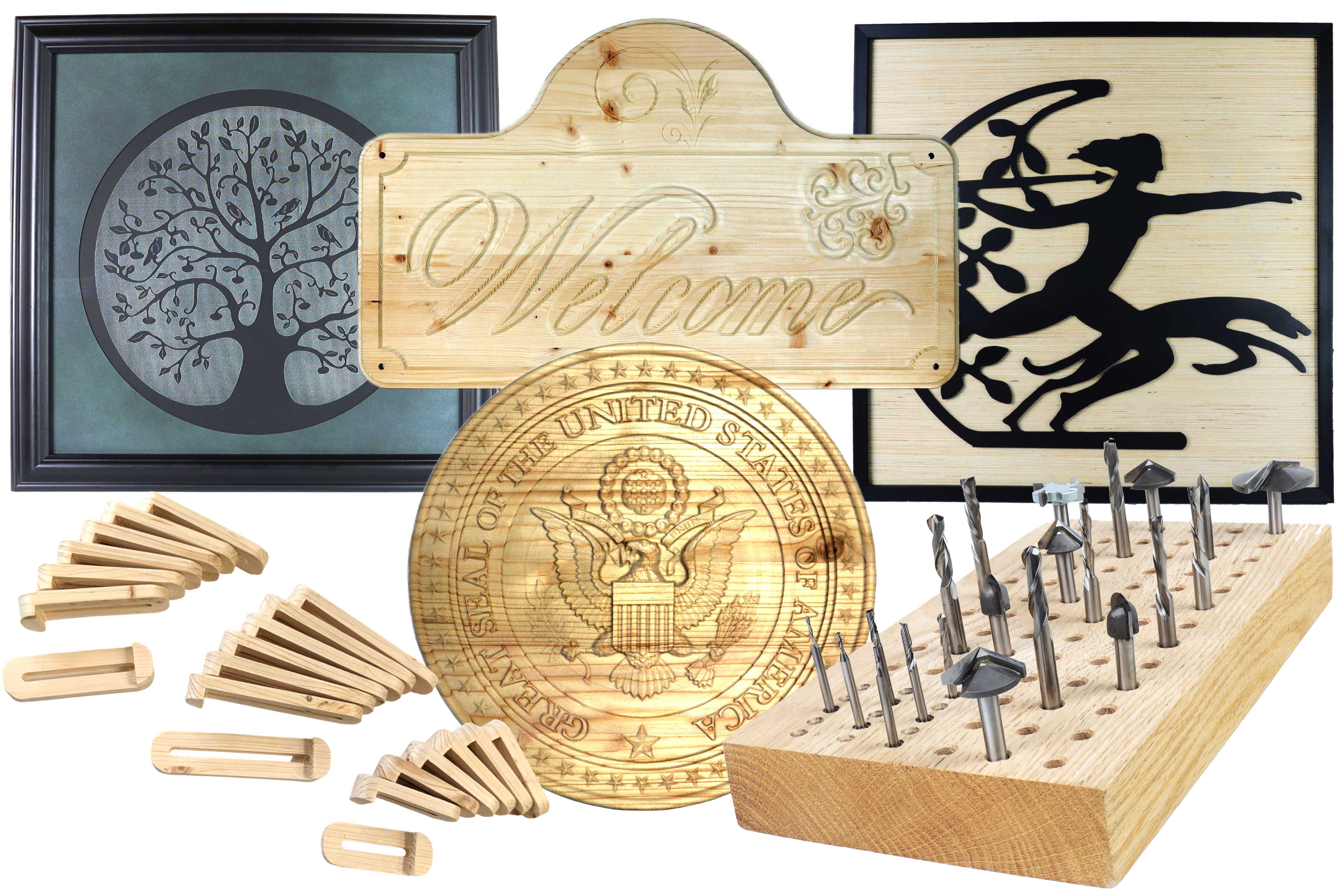
Nearly every beginner-friendly CNC router is a 3-axis machine. X moves left and right, Y moves front to back, and Z moves the cutting tools up and down. All three can move at once, which is how you get arcs, curves, pockets, and carvings instead of straight lines. Those three axes cover most woodworking projects, including signs, furniture parts, inlays, trays, templates, and jigs.

CNC stands for computer numerical control. The instructions live in a file called "g-code," a list of commands like "move in this direction, at this speed, to this location, with the spindle spinning at this RPM." Once the job starts, the machine follows that file from the first cut to the last.

 

The 8 Parts Worth Understanding Before You Buy

A CNC router isn’t just a table and a motor. It is a system that is constantly working together, and the system is only as strong as its weakest link. Here are the big pieces to pay attention to when you’re trying to understand or compare machines.


Frame
 

The frame sets the expectation for what the rest of the machine can do. If it flexes or vibrates under load, you will see it in your cuts. Look for rigid construction, enough mass to soak up vibration, and a footprint that actually fits your space with room to work around it.


Gantry
 

The gantry is a bridge that carries the spindle across the work area. When a cutter pushes through wood, the bit tries to deflect, and the gantry's job is to keep it on track. If a flimsy gantry vibrates, that vibration feeds back into the cutting edge, and your project comes off with chatter marks and ridges instead of a clean, smooth surface.


Spindle
 

The spindle is what holds and spins the bit. On a cheaper machine, a handheld trim router is clamped into a bracket on the gantry and does that job. It works and keeps the cost down, but you set the speed by hand, and it is not built to cut for hours. Upgrading to a dedicated spindle is a common next step. A spindle is a motor built for CNC, so it is heavier, quieter, and made to run long jobs. It is controlled by a VFD, a small box that takes commands from the machine's 


Drive System
 

As the motor turns, the drive system converts that rotation into straight-line motion. Most consumer machines use stepper motors, which move in small, fixed steps each time the controller pulses them. They work well but run open-loop, meaning the machine assumes each step landed and has no way to check. Higher-end machines use servo motors, which add an encoder that reports the motor's real position back to the controller, so the system can catch and correct a missed move as it happens. Whichever motor a machine uses, the spinning still has to become straight-line motion, which happens one of three ways: a belt, a lead screw, or a ball screw. 


Motion System
 

The motion system is the track the gantry rides on while the drive pushes it, and its job is to keep that travel straight. Machines do it in one of three ways: rods with bushing, V-wheels on a track, or profiled linear guide rails. Rods with bushings are simple but flex over long spans. V-wheels roll along a track and work well on smaller machines, though the wheels wear out and grind down faster as dust and chips pack into the track. A profiled linear guide rail is the sturdiest, pairing a hardened, precisely ground rail with preloaded bearings that glide along it, and it holds a precise cut for years.


Spoilboard
 

The spoilboard is the flat sheet of MDF your material sits on. It catches mistakes, but more importantly, it defines the reference plane for the machine. If it is not flat and parallel to your axes, delicate work like V-carving will not appear how it is supposed to. 


Controller and Software
 

The controller is the hardware that turns your G-code into motor signals. The control software is the dashboard you actually touch, where you drive the machine around, set your zero point, load a job, and start the cut. The two work as a pair: the controller cannot run a job without instructions from the software, and the software cannot move anything without the controller.


Dust Collection
 

Cutting wood throws chips and fine dust everywhere, and dust collection systems keep the cutting process visible and the rails clean. A dust shoe around the spindle connected to a shop vac is the entry point, and it is the cheapest upgrade on this list. Without it, chips pile up over the cut, you cannot see what the bit is doing, and the dust ends up disrupting the cut, up in the rails, on the floor, and in your lungs.

The Five Levels of CNC Router Machines

Some CNC routers cost less than dinner out. Others cost more than a house. It helps to break them into groups to find the right one for you.

  • Industrial: Factory machines that run full sheet goods all day, with automatic tool changers, vacuum tables, and three-phase power. Built for continuous production.
  • Professional: Heavy machines for busy production shops. Less than a full factory setup, but rigid and powerful enough to run large jobs day after day.
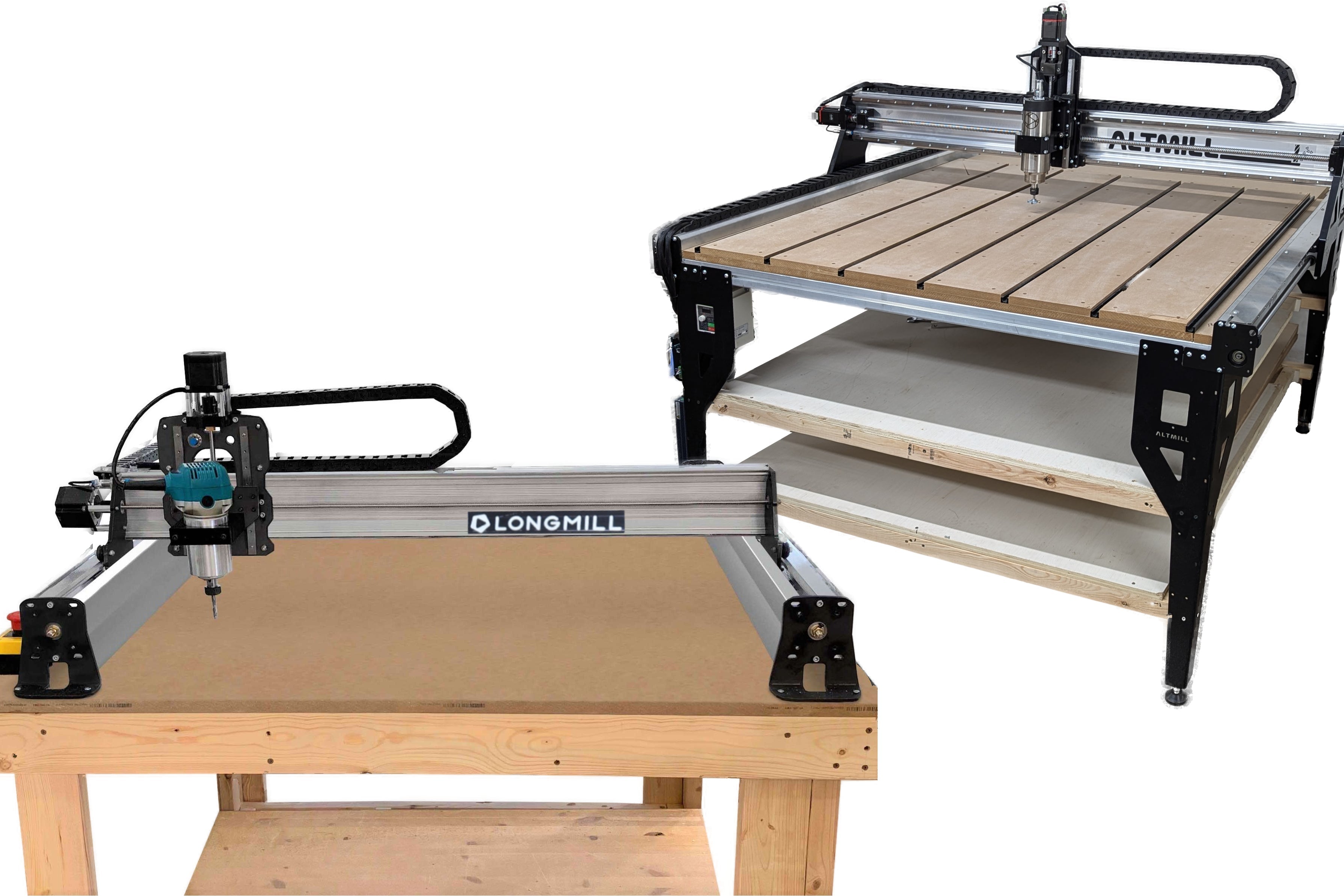
  • Prosumer: Where most serious buyers land. Enough rigidity, work area, and precision to build furniture parts and large signs without the machine getting in the way.
  • Benchtop: Smaller machines that bolt to a stand. They handle signs, trays, inlays, and most projects a smaller shop takes on.
  • Desktop: The entry point. Small and affordable for a beginner, though they give up some power and rigidity to get there.

The best CNC router for you is the one that matches what you plan to build. If the goal is furniture parts, signs, or income, prosumer and benchtop routers are where things get interesting. You can also start on a smaller desktop machine to learn the process, then move up to a larger one once you have experience and know what you want to make.

How Big a Piece Can a CNC Router Cut

A machine's work area is the size of material it can cut in a single setup, usually listed as X by Y in inches. It is one of the first specs to check, because it decides which projects are on the table and which are not.


Desktop and benchtop machines commonly cover something in the range of 12 by 12 up to 24 by 24 inches, which handles signs, trays, small furniture parts, and most projects a home shop takes on. Larger benchtop and prosumer machines step up to cut a full 4 by 8 foot sheet, which is what you need for cabinet parts and big sign work.


Two things to keep in mind. The work area is usually a little smaller than the machine's overall footprint, so measure the space the machine needs, not just the space it cuts. The cutting depth, set by how far the Z axis travels, matters as much as the width and length when you work with thicker stock. Match all three to the biggest piece you realistically plan to make.

How to Choose Your First CNC Router

Answer a few questions before you spend anything. What do you plan to make in the next year or two? Small signs and woodworking projects live comfortably on a benchtop machine, while furniture parts and full-sheet materials want a larger table. How much room do you really have in your space? And what power is available, a standard outlet or a 220-volt circuit?


Last, look at support, since documentation, an active user community, and responsive technical support matter more on a first machine because fancy hardware is a lot less fun when you are stuck and alone with it.

Choosing the Right Router Bits for CNC

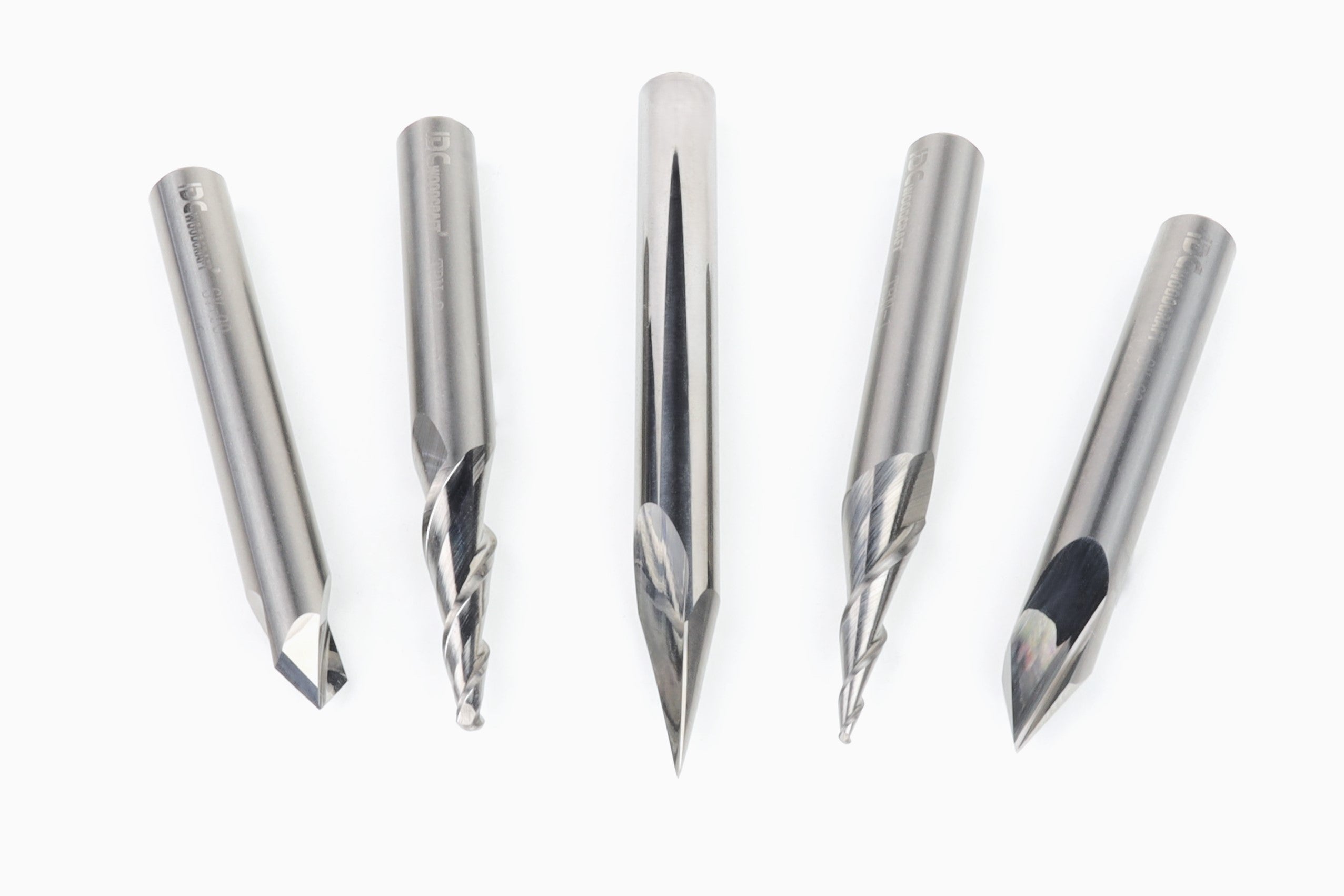
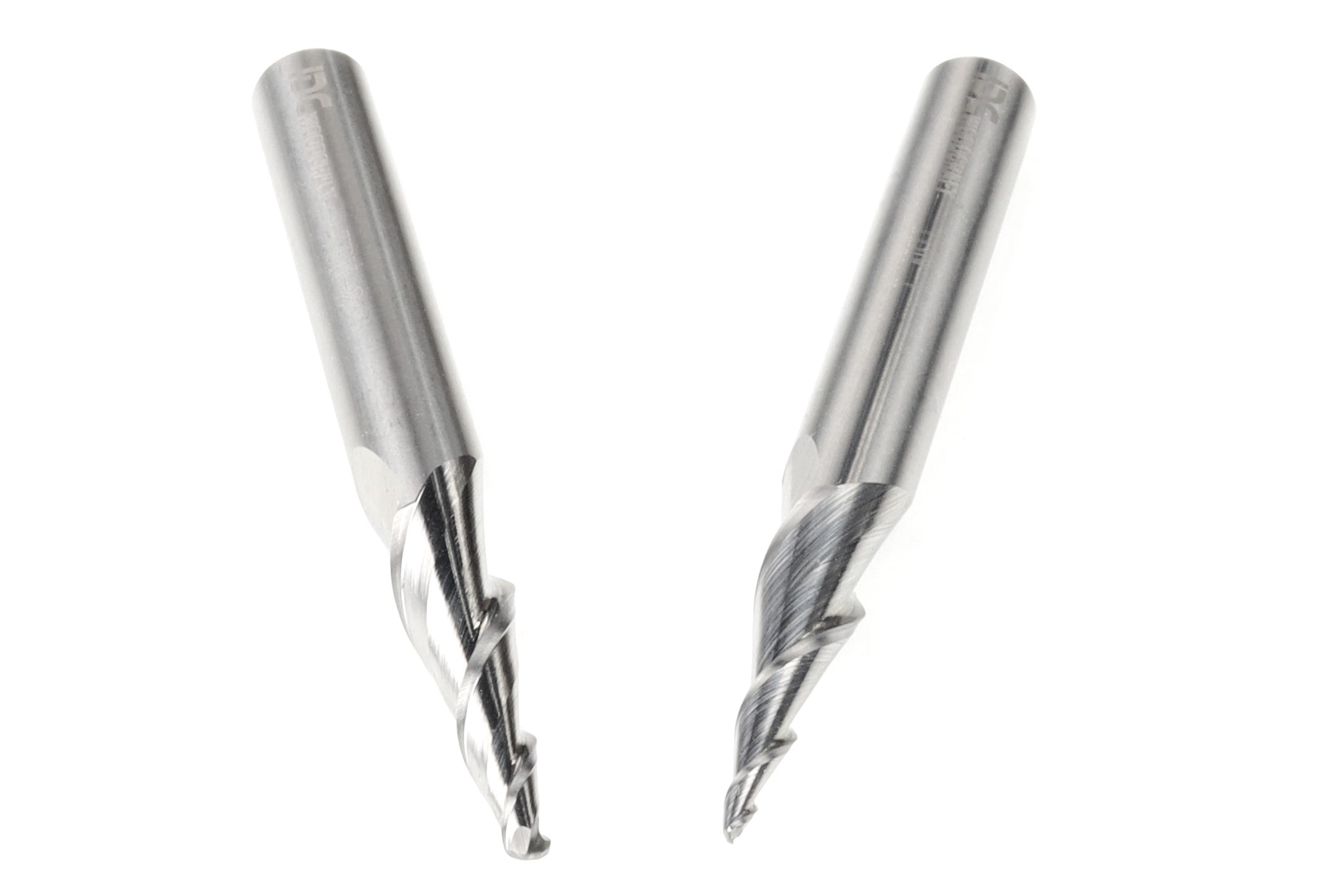
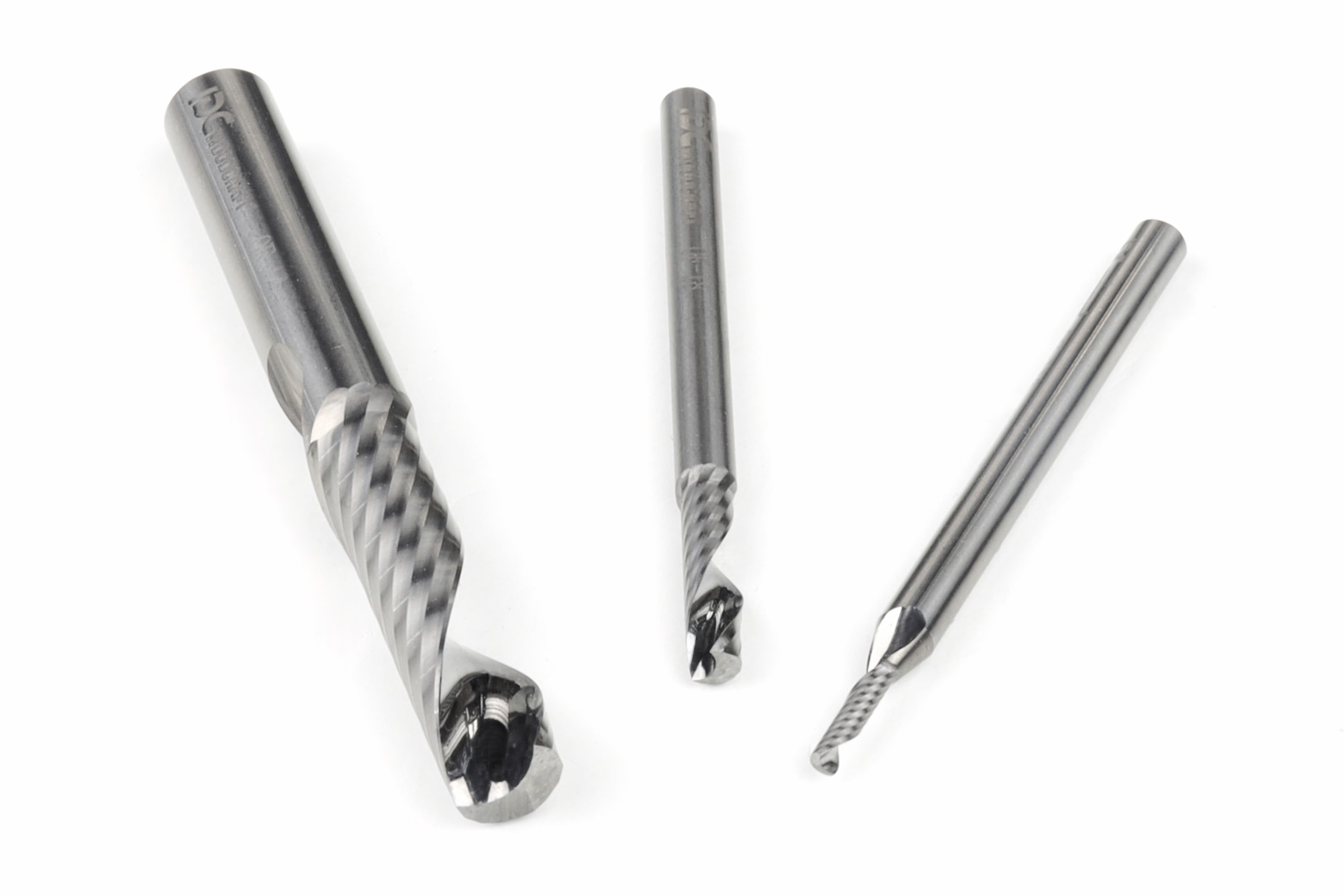
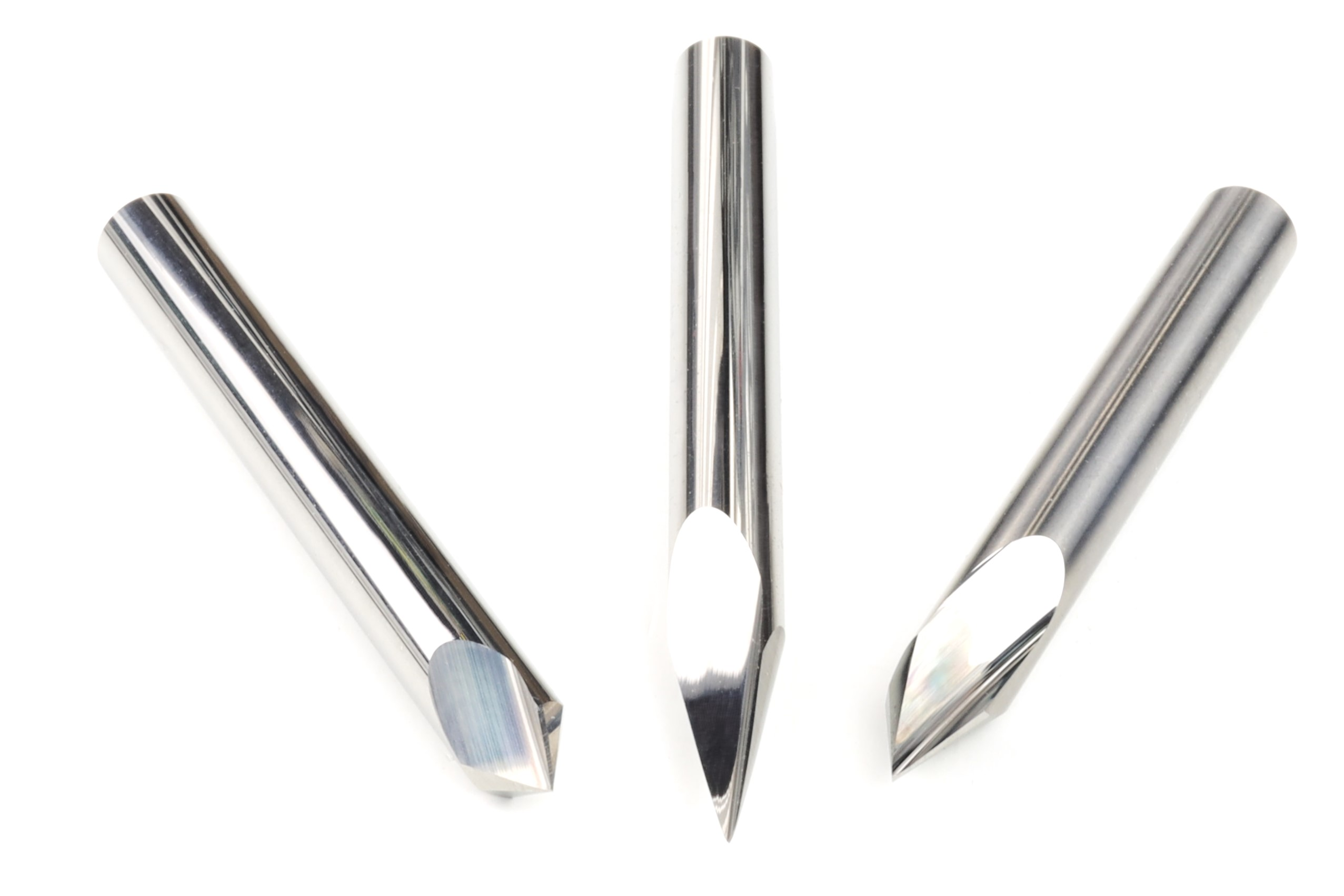
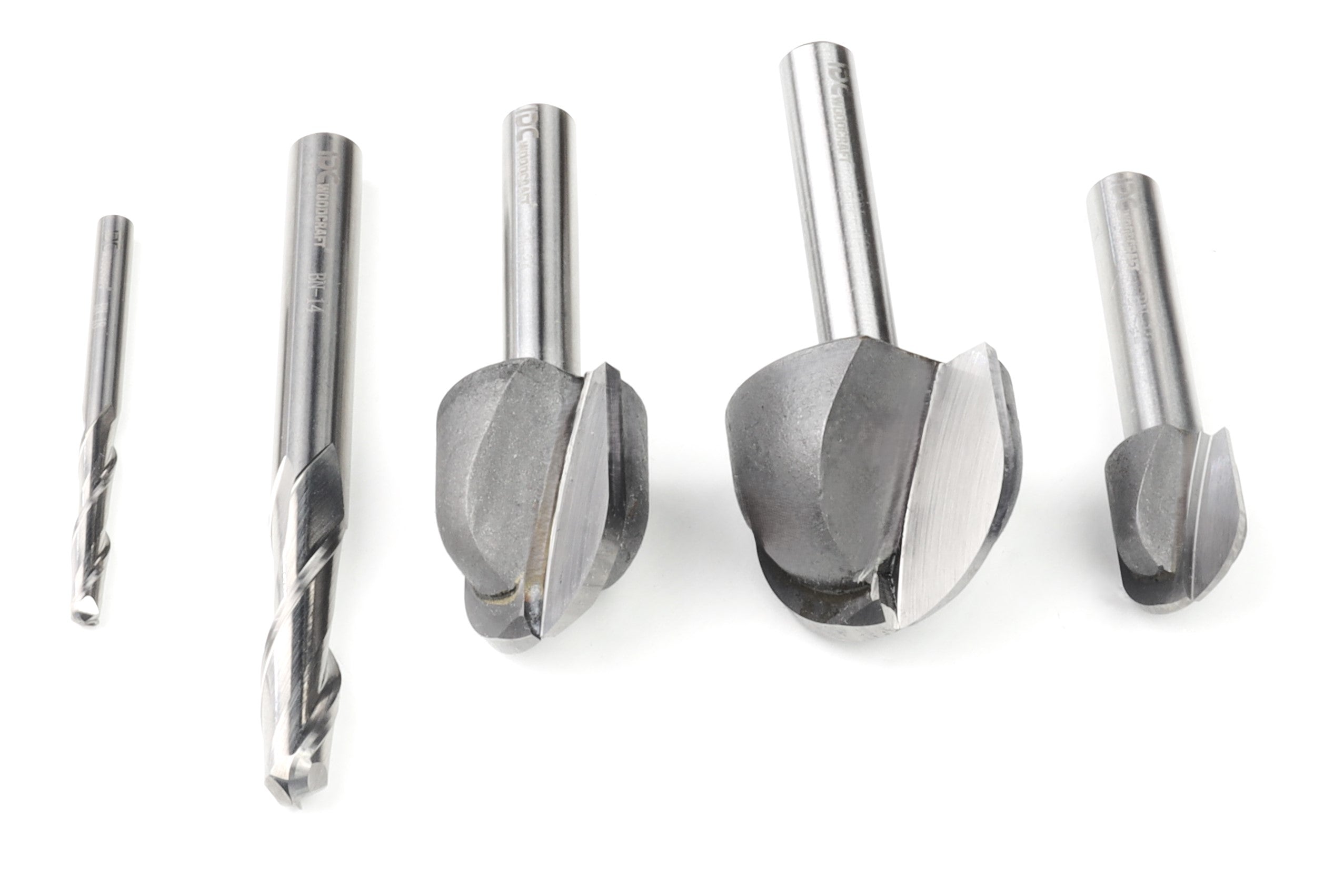
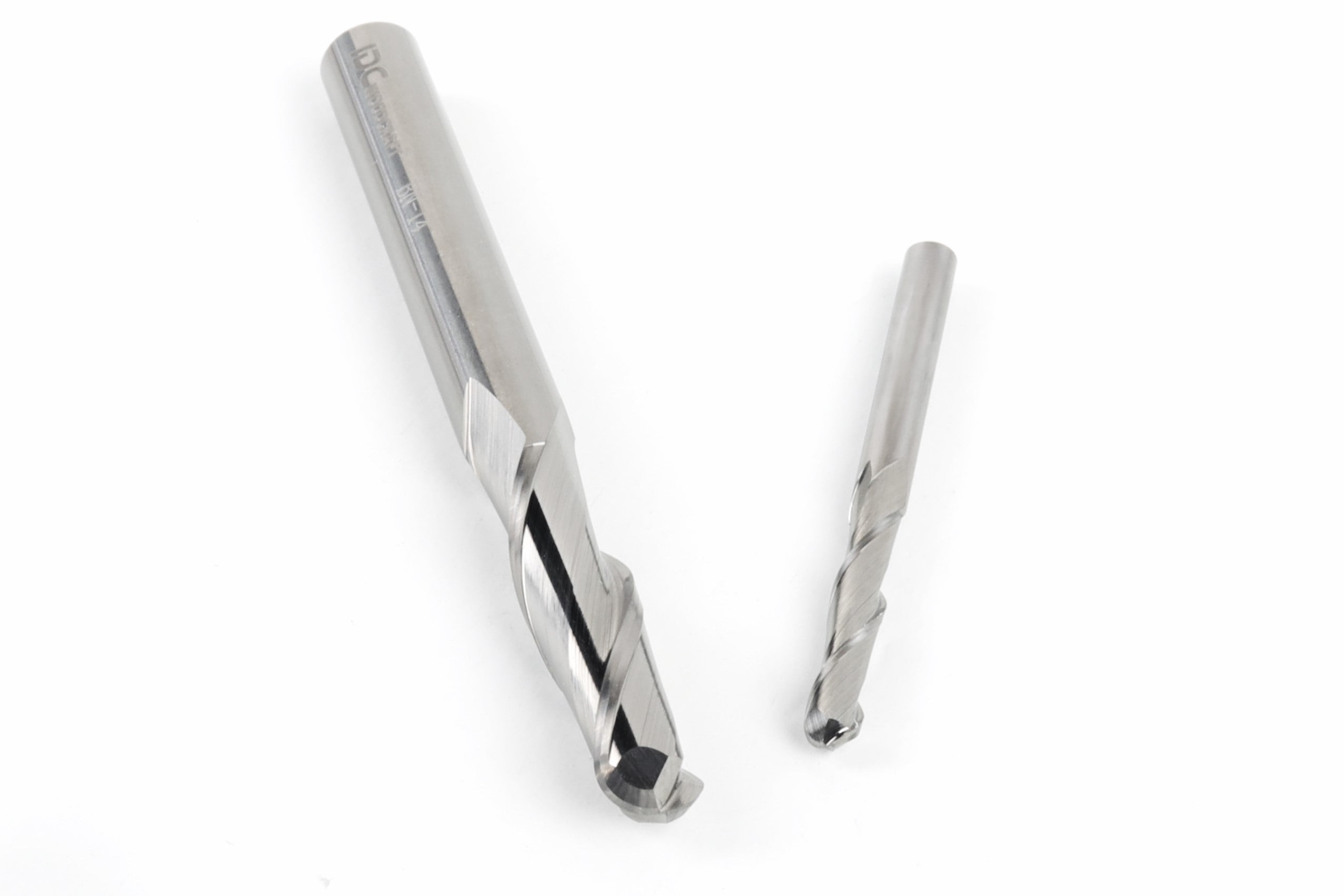
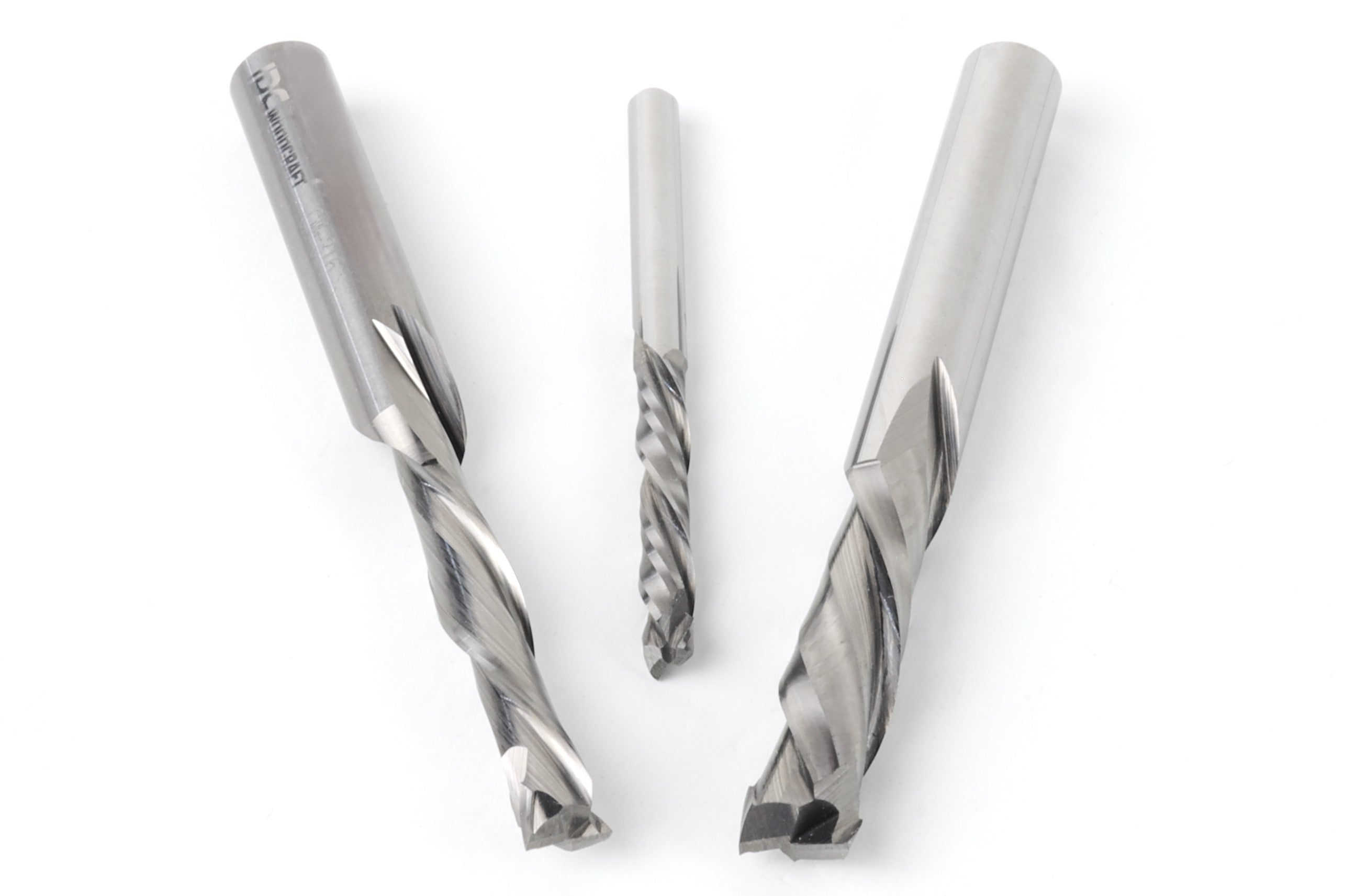
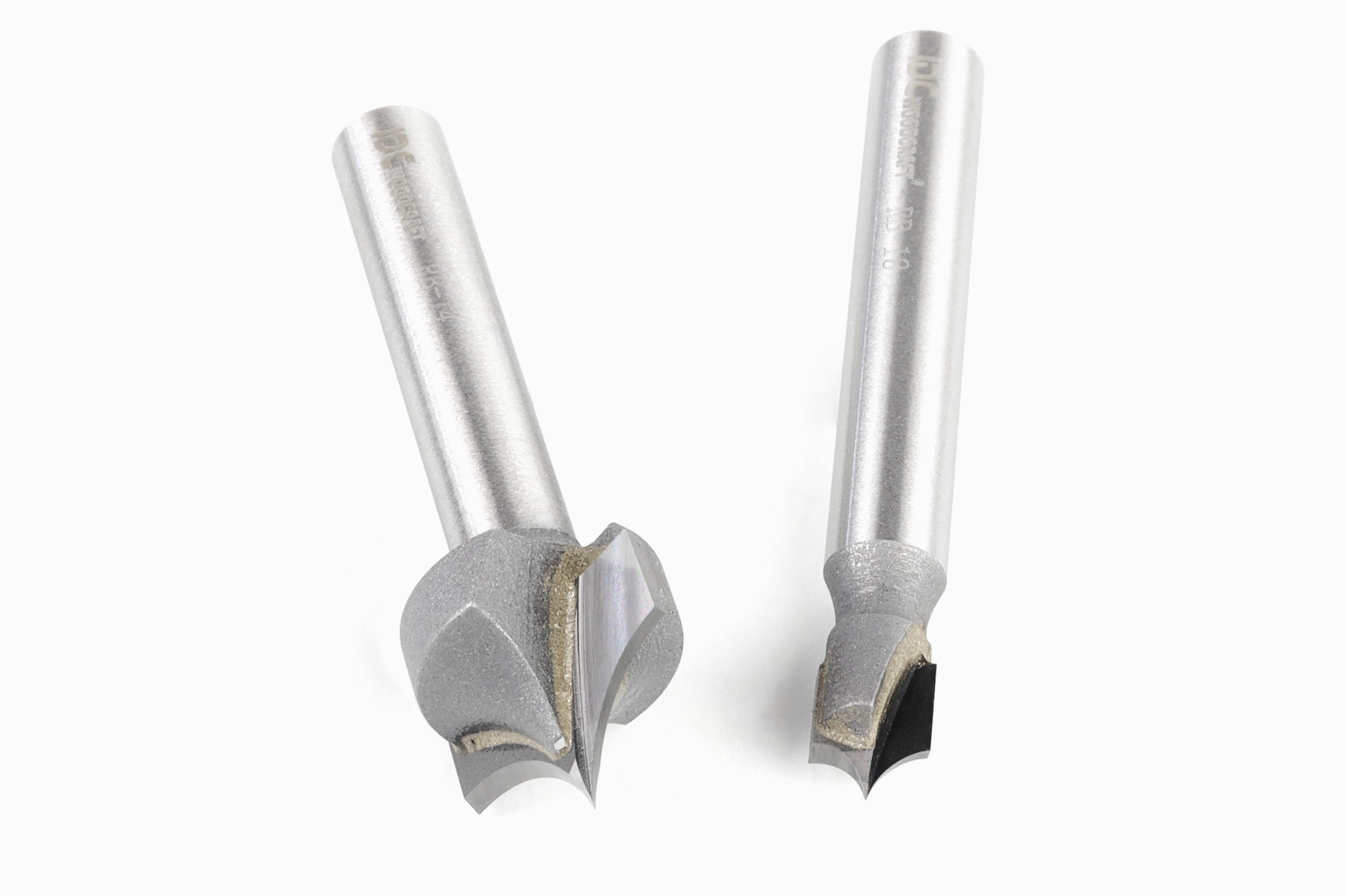
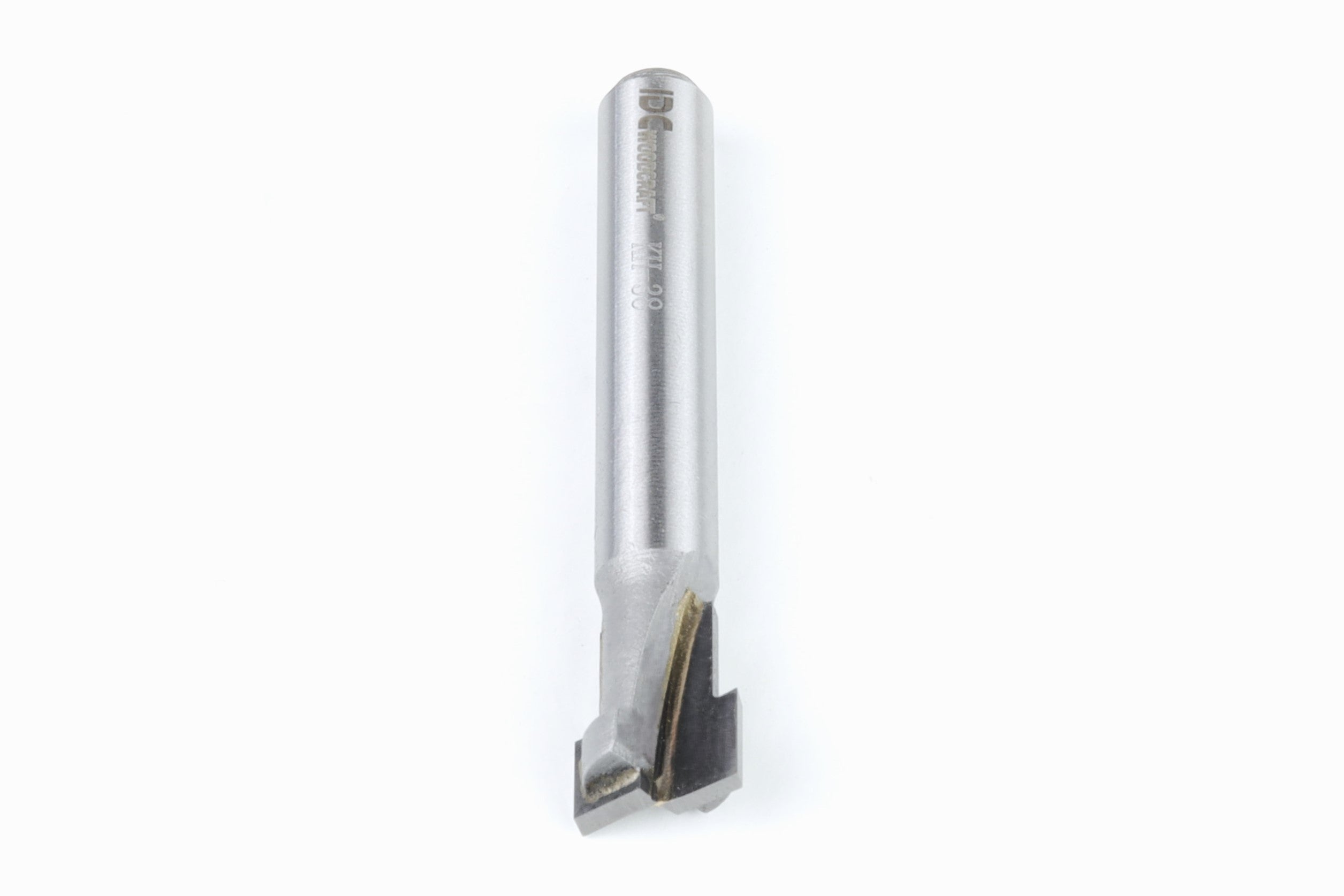
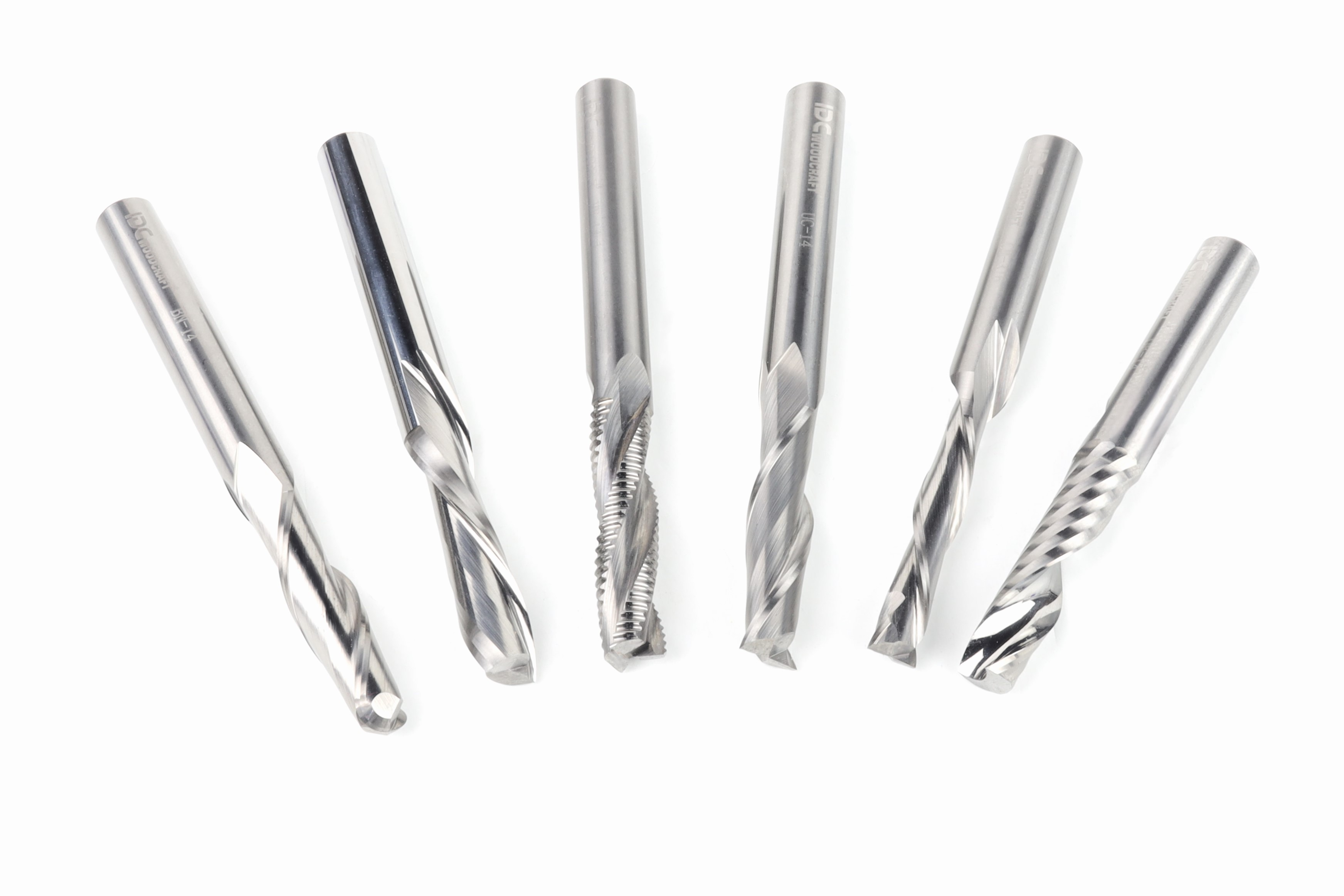
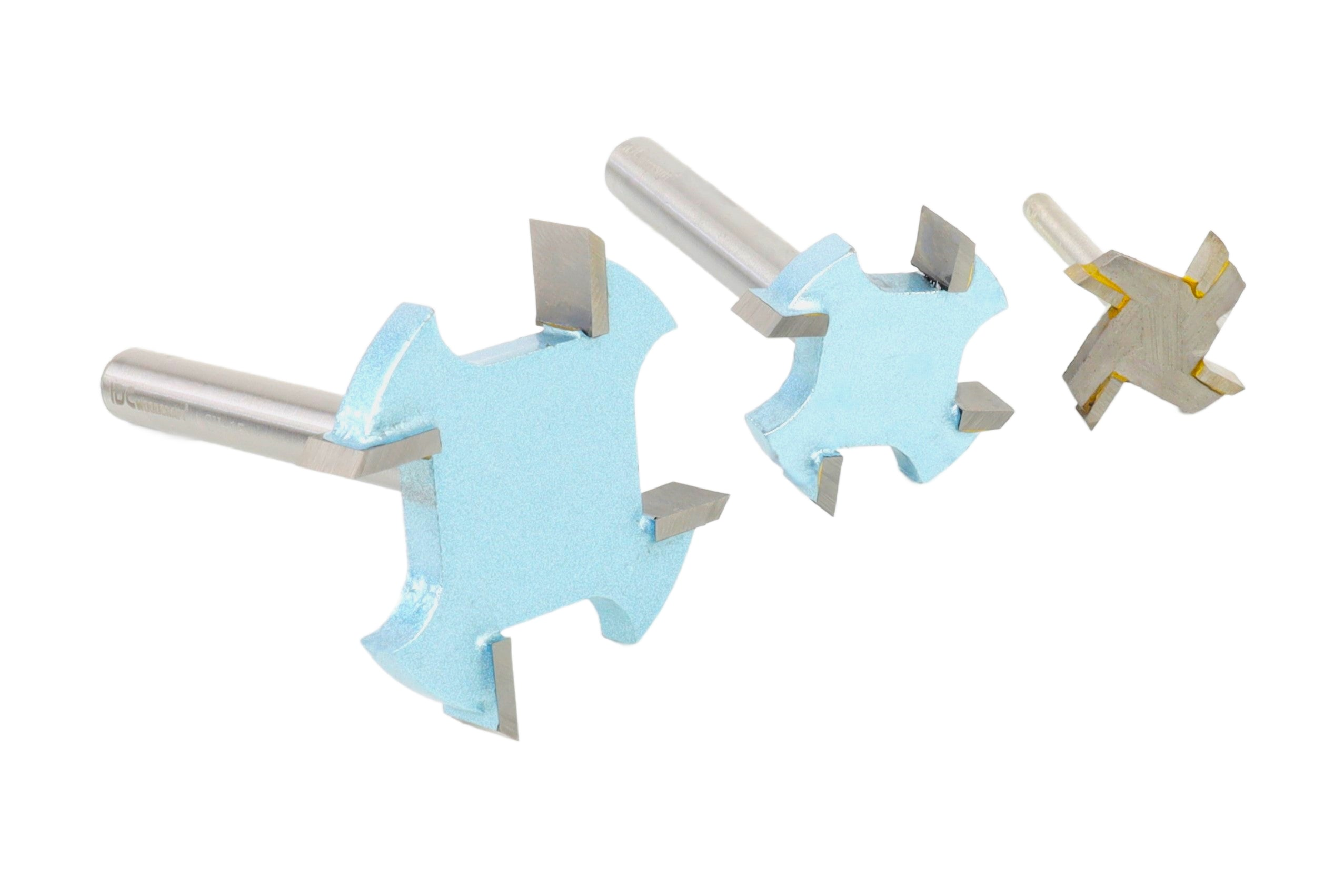
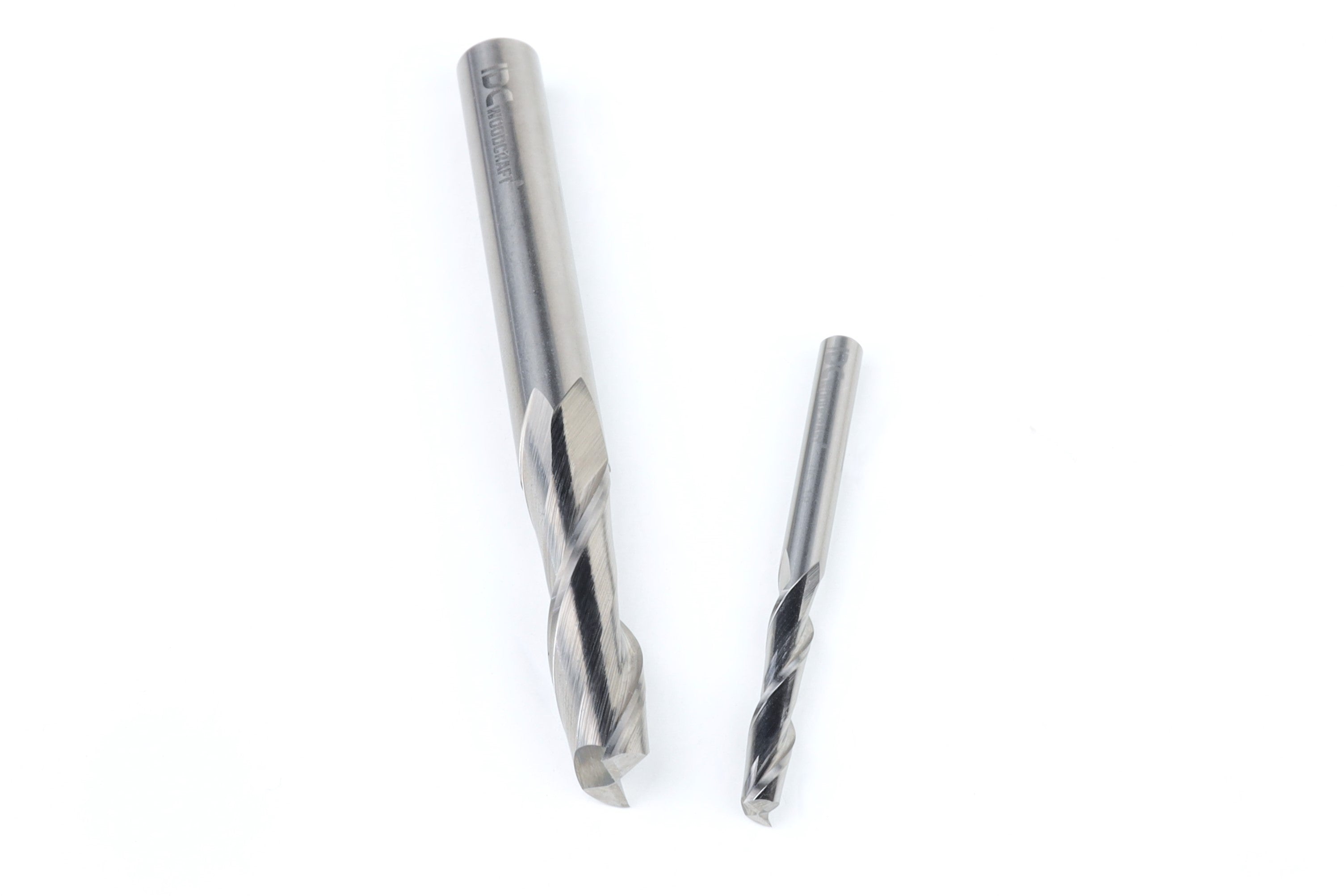
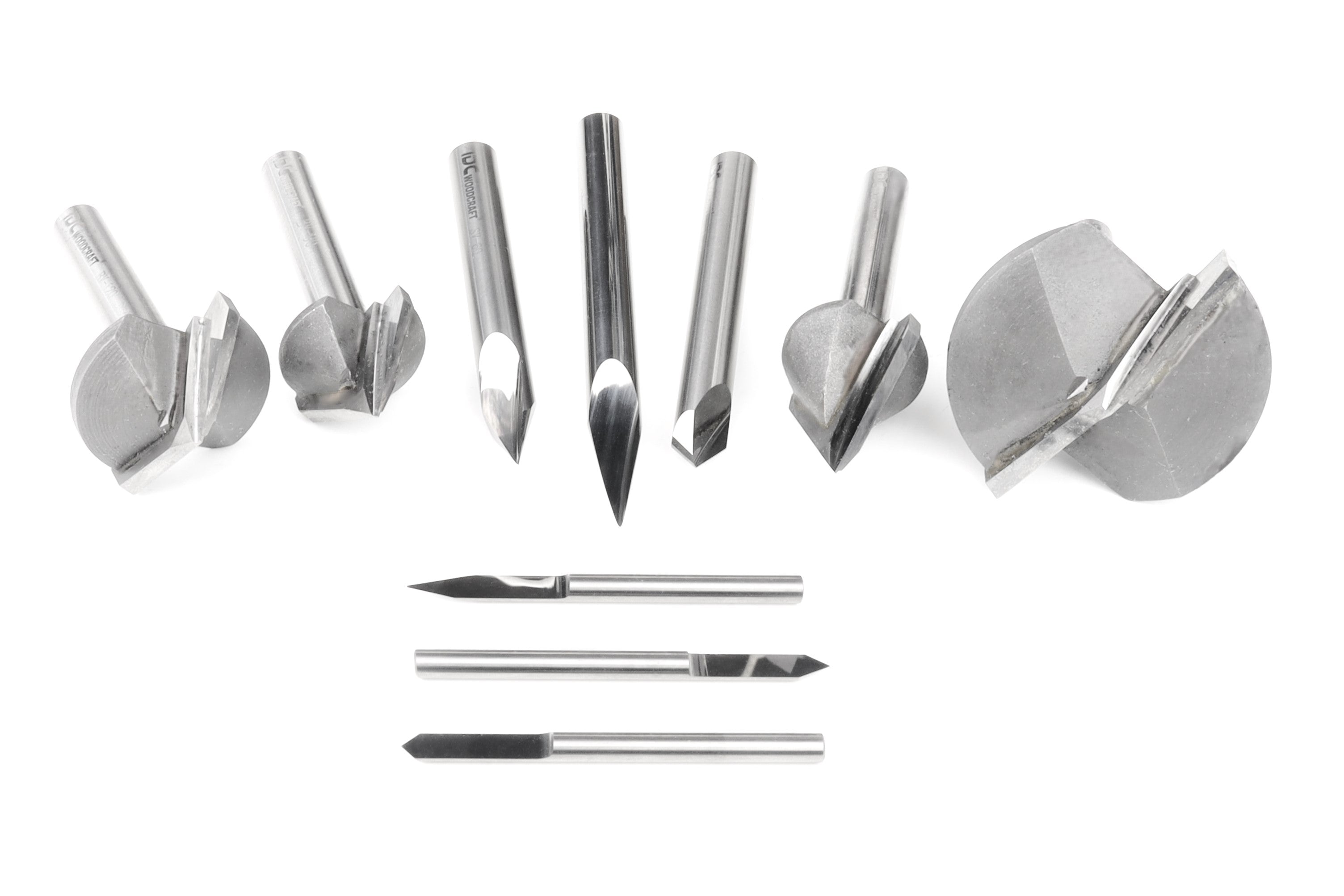
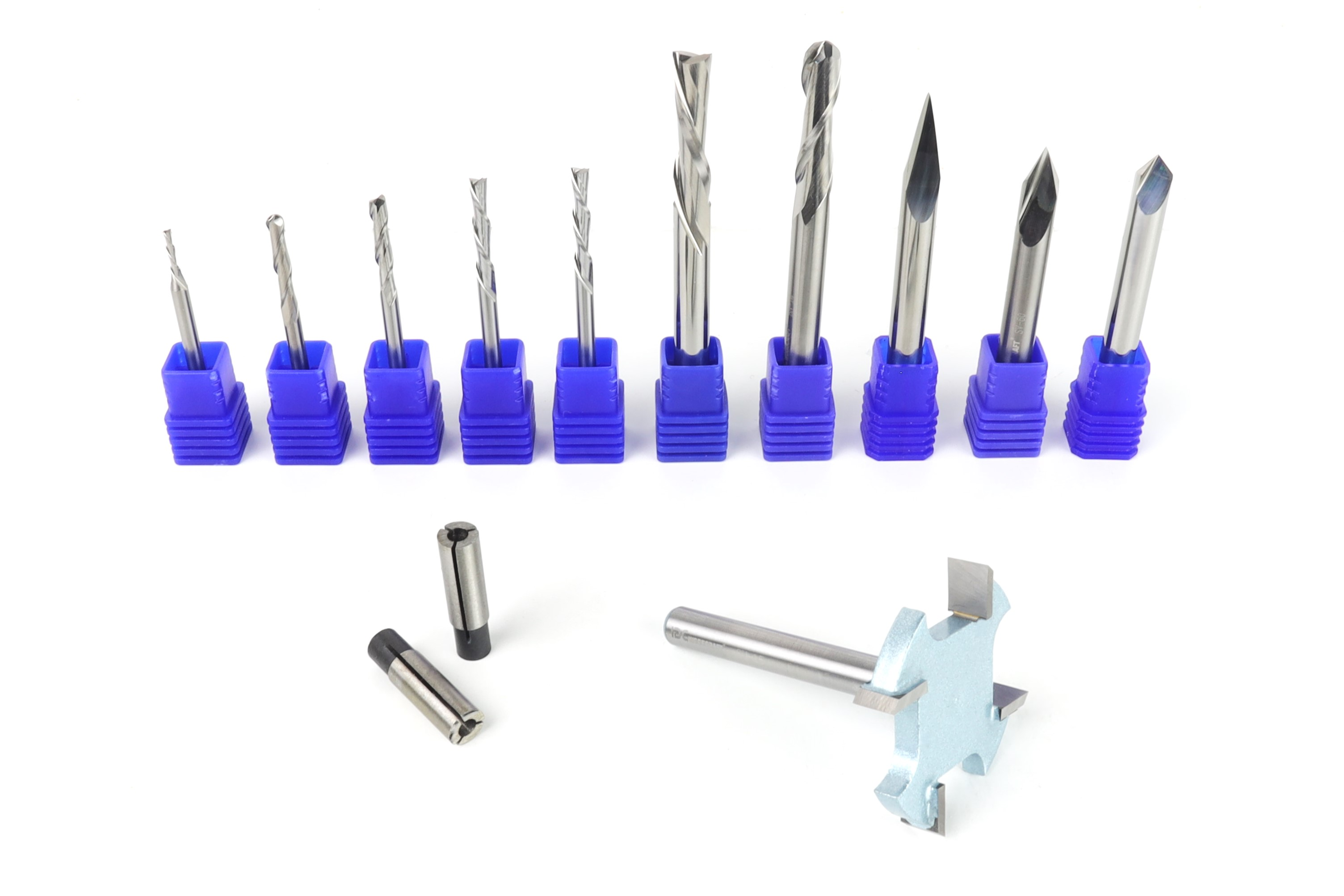
Picking bits comes down to a few things: the shape for the cut you want, the shank size your machine takes, and the quality of the grind. The quality matters more than beginners expect, since a good bit does more for your finished project than an expensive machine. 


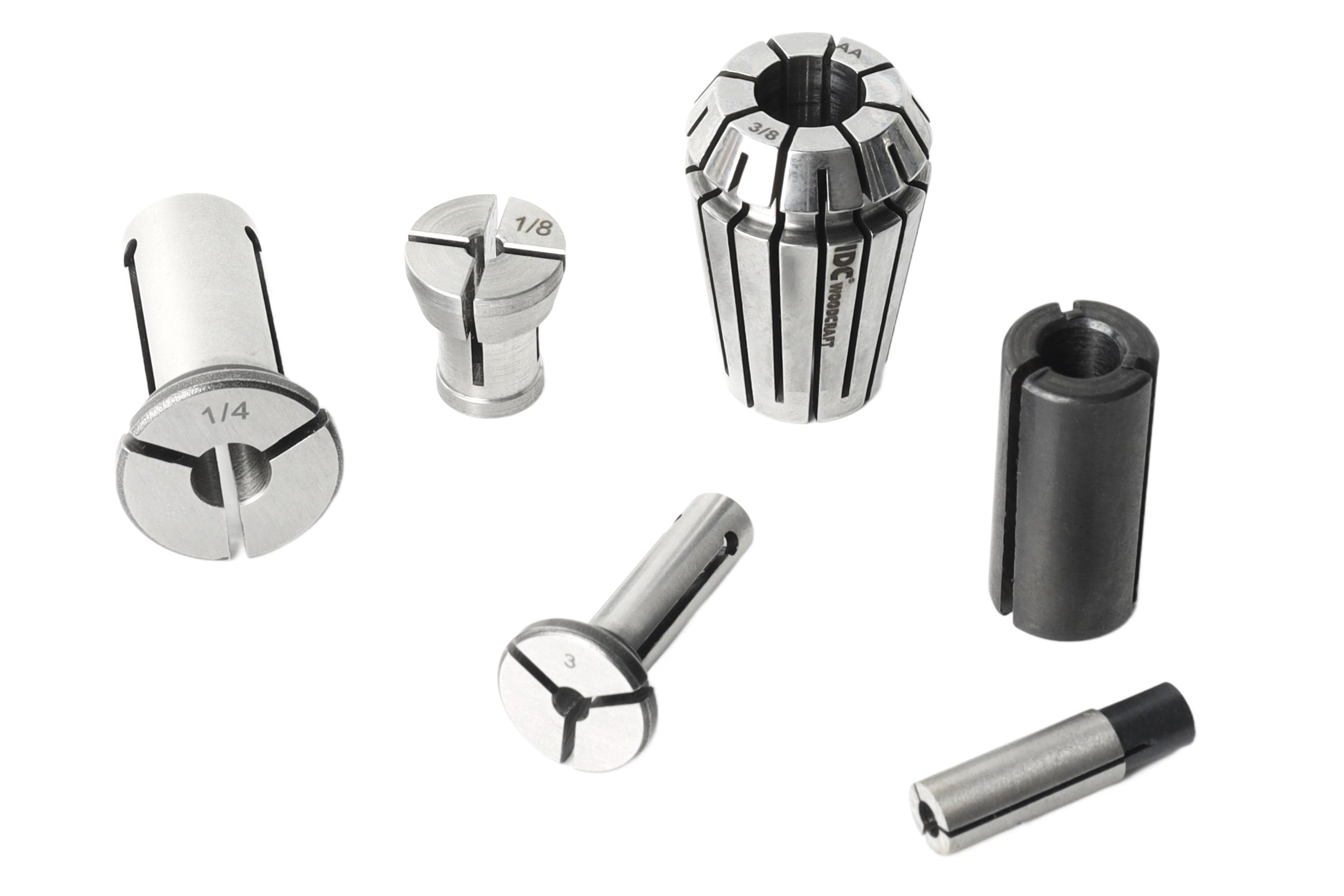
Bits come in different shapes, sizes, and shank diameters. Hobbyist and prosumer machines usually run 1/4 inch and 1/8 inch shanks, while larger machines can add 1/2 inch tooling. The shank has to match your collet, which is the metal sleeve that grips the bit. A collet only fits one shank size, so a ¼ inch collet holds a ¼ inch shank and nothing else. Most machines come with the common sizes, , so before you buy a bit, make sure to check that you have the correct collet. 

IDC Pro Tip: CNC routers cannot use bits with guide bearings. Those are made for handheld routing only. On a CNC, the machine is already controlling the path, and the toolpath will drive that bearing into the wood and cause the machine to jam, possibly breaking your bit or causing damage to your machine. 

The Workflow: From Idea to Sawdust

Every project follows the same path. You start in CAD (computer-aided design), where you draw the shapes, type the text, or import the artwork you want to cut. That design moves into CAM (computer-aided manufacturing) software, where you pick your bits, set how deep each cut goes, choose strategies like profiling, pocketing, or V-carving, and set your feed rates and spindle speeds. 

If you run IDC Woodcraft bits, our free bit library database loads those feeds and speeds straight into Vectric, Carbide Create, or Fusion 360 so you don’t have to enter them by hand. Our chipload calculator also helps you check the numbers if you want to fine-tune. The CAM program turns all of that info into G-code, and you load that file into your control software and start the job.

Start With Tooling You Can Trust

A CNC router is not a gadget you plug in and walk away from. It is a machine with a process. Once you understand what the machine is doing at each step, which parts carry the load, and why the bit matters just as much as the router itself, the whole thing stops feeling like a mystery and starts feeling like a tool you can control.

If you can measure, follow a set of steps, and learn from a few small mistakes, you can learn CNC. And the first time a finished piece comes off the machine looking like the picture in your head, you will understand why so many people get hooked.

Every good CNC project starts with a machine you understand and bits that cut clean. IDC Woodcraft carries both, along with CNC routers, starter sets, and beginner resources. Browse the bits, machines, and accessories you need for your first project at IDC Woodcraft and start carving.