Free Shipping for CNC Bit orders over $160

Shop

Shop By Project

Shop By Type

Starter Sets

Starter Sets

Inlay

Inlay

3D Carving

3D Carving

Acrylic

Acrylic

Engraving

Engraving

Bowl And Tray

Bowl And Tray

Digital Files

Digital Files

Slotting

Slotting

Rounding

Rounding

V Grooving

V Grooving

Surfacing

Surfacing

Starter Sets

Starter Sets

Bit Bundles

Bit Bundles

Ball Nose

Ball Nose

Compression

Compression

Downcut

Downcut

Drills

Drills

Engraving

Engraving

Extended Cut

Extended Cut

Roughing

Roughing

Rounding

Rounding

Slotting

Slotting

Straight Cut

Straight Cut

Surfacing

Surfacing

Upcut

Upcut

V Grooving

V Grooving

Jenny Bits

Jenny Bits

Collets

Collets

Accessories

Accessories

CNC Machines

CNC Machines

Vacuum Tables

Vacuum Tables

Spindles

Spindles

Software

Software

Digital Files

Digital Files

Merch

Merch

Closeout

Closeout

CNC Resources

Database Downloads

About

Contact Us

Get A Gift Card

Shop

Shop By Project

Shop By Type

Starter Sets

Starter Sets

Inlay

Inlay

3D Carving

3D Carving

Acrylic

Acrylic

Engraving

Engraving

Bowl And Tray

Bowl And Tray

Digital Files

Digital Files

Slotting

Slotting

Rounding

Rounding

V Grooving

V Grooving

Surfacing

Surfacing

Starter Sets

Starter Sets

Bit Bundles

Bit Bundles

Ball Nose

Ball Nose

Compression

Compression

Downcut

Downcut

Drills

Drills

Engraving

Engraving

Extended Cut

Extended Cut

Roughing

Roughing

Rounding

Rounding

Slotting

Slotting

Straight Cut

Straight Cut

Surfacing

Surfacing

Upcut

Upcut

V Grooving

V Grooving

Jenny Bits

Jenny Bits

Collets

Collets

Accessories

Accessories

CNC Machines

CNC Machines

Vacuum Tables

Vacuum Tables

Spindles

Spindles

Software

Software

Digital Files

Digital Files

Merch

Merch

Closeout

Closeout

CNC Resources

Database Downloads

About

Contact Us

Get A Gift Card

CNC Router Feeds and Speeds for Beginners

Hey CNC'ER


The Short Answer: CNC router feeds and speeds are the settings that control how fast the cutting tool spins and how fast the machine moves it through the material. The right settings change based on the tool diameter, tool type, number of flutes, workpiece material, spindle power, and machine rigidity. Set them correctly, and you get cleaner cuts, better chip evacuation, and longer tool life. Set them too high or too low, and you may see fuzzy edges, burning, chatter, broken bits, or a poor surface finish.


Feeds and speeds can feel confusing at first, but you do not need to guess. Understanding the basic terms, how the numbers work together, and how to use IDC Woodcraft’s CNC Resources for Beginners and Chip Load Calculator gives you a reliable starting point for each project.

Feeds and Speeds Overview

Feeds and speeds are two separate settings that work as a pair for every CNC router project. Learn more about how feeds and speeds interact on a real CNC router with our video:

Alt image

Feeds and speeds are two separate settings that work as a pair for every CNC router project. Learn more about how feeds and speeds interact on a real CNC router with our video:

Spindle Speed

Spindle speed is how fast the router bit turns. It is measured in revolutions per minute, or RPM. If you use a trim router, the speed dial controls the rotation speed. If your machine uses a spindle, the spindle RPM may be set through the machine controller or a variable frequency drive.

Feed Rate

Feed rate is how fast the CNC router moves the bit through the material while cutting. In the United States, feed is commonly measured in inches per minute, or IPM. A feed rate of 120 IPM means the cutting tool travels 120 inches in one minute while it is making a cut.

How Feed Rate and Spindle Speed Work Together

Put together, feed rate and spindle speed control how much material each cutting edge removes. That relationship affects cutting speed, chip evacuation, heat, surface finish, and the stress placed on the bit and machine.


For example, a 1/4-inch solid carbide end mill cutting pine at 18,000 RPM and 120 IPM removes a larger chip with each pass of the cutting edge. This helps the bit cut efficiently, move chips out of the cut, and limit excess heat, provided the CNC router has enough rigidity and spindle power for that feed rate.


At the same 18,000 RPM but only 30 IPM, the bit travels through the pine much slower, while maintaining the same high rotation speed. Each cutting edge removes less material, which can cause the bit to rub rather than cut cleanly. That friction creates heat, increases the risk of burn marks, and can dull the bit faster.
Why the Ratio Matters

The right feeds and speeds depend on the material selection and cutting tool. Pine, hardwood, MDF, plywood, acrylic, PVC, aluminum, and other materials all cut differently. Material density, heat sensitivity, and chip behavior all change the settings that are required for the project.


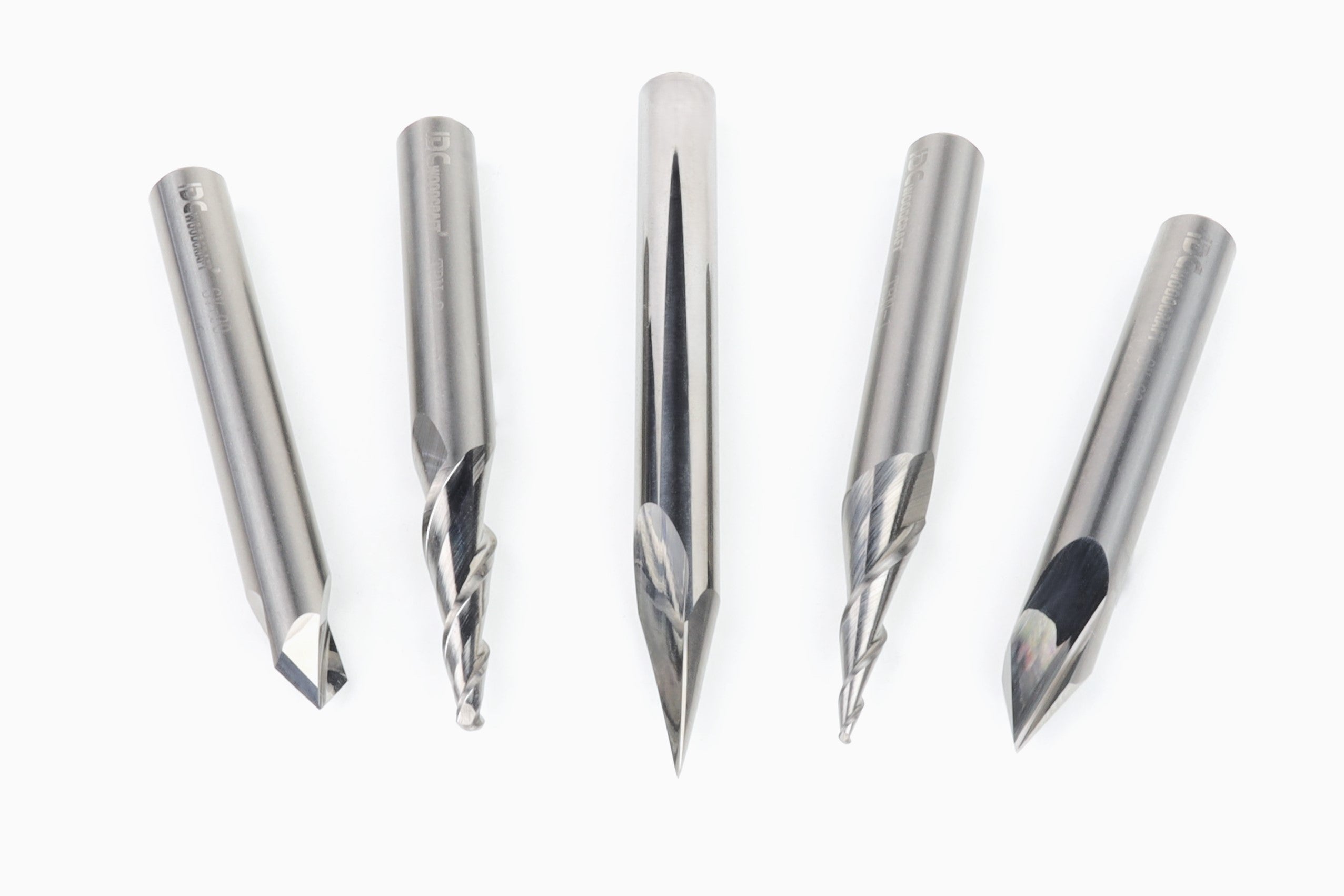
Tool geometry matters too. A straight bit, downcut bit, upcut bit, compression bit, V-bit, ball nose bit, and surfacing bit each have a different cutting edge and chip evacuation pattern. A solid endmill with two flutes may need a different feed rate than a single-flute acrylic bit or a three-flute tool.


The goal is not to find one maximum speed that works for every job. The goal is to choose a safe starting point, listen to the cut, inspect the chips and surface finish, and adjust one parameter at a time when needed.

The Two Feed Rates You Will Use

CNC software usually asks for at least two feed values when you create a toolpath. Both matter, but they control different movements.

The Standard Feed Rate

The standard feed rate is the horizontal speed of the tool as it moves through the workpiece material. This is the number most people mean when they say feed rate. Tool diameter, tool material, number of flutes, material selection, depth of cut, and machine rigidity all affect the right number. A 1/4-inch end mill profiling hardwood may run at a different feed than the same end mill surfacing MDF or cutting a shallow pocket. 

Plunge Rate

The plunge rate is how fast the bit moves downward into the material. It is usually lower than the standard feed rate because drilling or plunging places more force on the cutting edges and leaves fewer paths for chip evacuation.


Set the plunge rate too high, and the bit can deflect, break, or leave a rough entry point. This matters most when using small engraving bits, V-bits, ball nose bits, and small-diameter solid carbide tools.


When a toolpath gives you a feed rate and plunge rate field, use the published values in your tool library as a starting point. Then make adjustments only after checking the cut and confirming your machine is holding the workpiece securely.

Chip Load: The Number Behind the Cut

Chip load, sometimes called tooth load, is the amount of material each cutting edge removes on every revolution. It is one of the most useful ways to understand the relationship between RPM and feed rate.


The basic formula is Feed Rate (RPM) ÷ (Spindle RPM × Flutes):

You do not need to perform this math for every beginner project. But chip load explains a problem many new CNC users run into: a bit spinning at high speed with too little feed can rub rather than cut. Rubbing produces heat, burns wood, dulls the tool, and can shorten tool life.


IDC Woodcraft’s free Chip Load Calculator makes the calculation easier. Enter your tool diameter, spindle speed, and feed rate to check your chip load against reference ranges for hardwood, softwood, and MDF.

How to Find the Right Starting Numbers

No single speed calculator can replace real-world judgment. Your router, spindle power, workholding, toolpath, and material all matter. Still, you do not need to start from scratch.

Use this order to choose a starting point:

  1. Identify the material. Softwood, hardwood, MDF, plywood, acrylic, and aluminum need different cutting speeds and feed settings.
  2. Choose the right tool type. Match the bit to the cut. A V-groove bit suits lettering, a ball nose bit suits 3D carving, and a straight or spiral end mill suits pockets and profiles.
  3. Confirm tool diameter and number of flutes. Smaller tools and more flutes change chip load and feed requirements.
  4. Check your machine’s limits. A lighter desktop CNC router cannot always run the same feed rate as a heavier machine with greater machine rigidity and spindle power.
  5. Use a trusted tool library or feed calculator. Start with the bit maker’s data instead of pulling random numbers from a forum.
  6. Make a test cut. Check surface finish, chip size, sound, and heat before committing to an expensive workpiece.

IDC Woodcraft offers free CNC router bit library database downloads for Vectric, Carbide Create, and Fusion 360. Once you import the tool library, feeds, speeds, and router-bit information are already populated for IDC Woodcraft bits, reducing manual entry and setup errors.

What to Watch for During a Cut

A CNC router gives useful feedback while it runs. Watch the chips, listen to the tool, and inspect the first cuts before walking away from the machine. Do not change every setting at once. Change one parameter, run a small test, and compare the result. This makes it easier to learn what the machine and material are telling you. 

What you see or hear Likely cause First adjustment to consider
Burn marks on wood Feed too slow, RPM too high, or dull tool Increase feed slightly or lower spindle speed
Fuzzy top edge Incorrect tool type or cutting direction Try a downcut or compression bit
Chips packed in the slot Poor chip evacuation Reduce depth per pass or use a tool that clears chips better
Bit chatter or vibration Feed too high, weak workholding, or low machine rigidity Check clamps and reduce feed slightly
Bit breaks during plunge Plunge rate too fast or cut too deep Lower plunge rate and reduce depth per pass
Dull, rough surface finish Worn bit or mismatched settings Inspect the cutting edge and review feeds and speeds

Start with the Right CNC Router Bits

A reliable bit makes feeds and speeds easier to manage. Low-quality tooling can be inconsistent from one bit to the next, which makes a published parameter less useful.


For woodworking, solid carbide bits are a dependable choice because they hold a sharp cutting edge through wood, MDF, plywood, plastics, and many other CNC router jobs. 


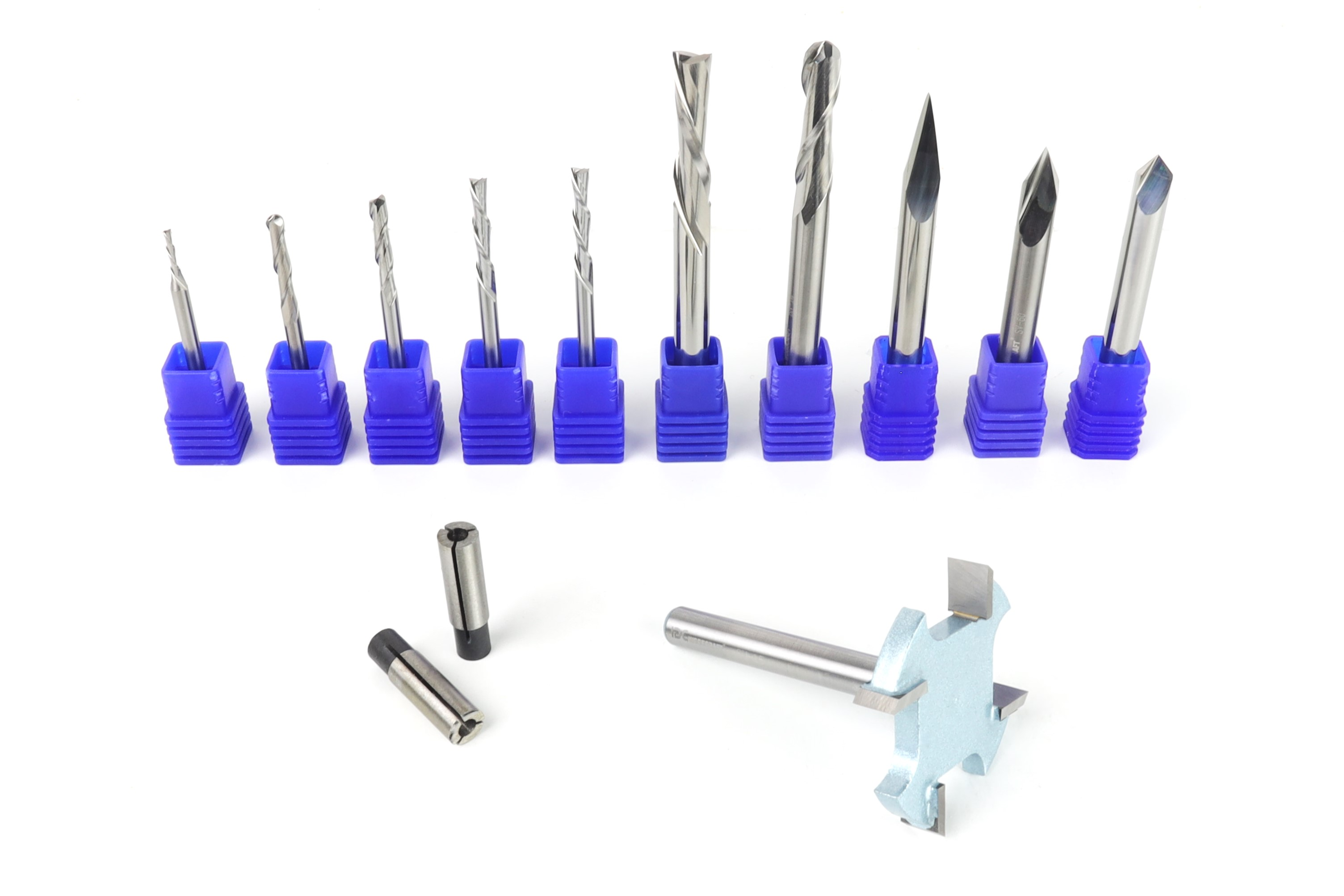
If you are choosing bits for the first time, IDC Woodcraft’s CNC bit starter sets give you common bit types for profiling, pockets, lettering, detail work, and surfacing. Using a coordinated set also gives you one reliable tool library and feed-data source instead of piecing together unknown settings from multiple suppliers.


For more help matching a cutting tool to your project, visit IDC Woodcraft’s Beginner Learning Center, which includes practical setup and tooling resources for CNC users.