Free Shipping for CNC Bit orders over $160

Shop

Shop By Project

Shop By Type

Starter Sets

Starter Sets

Inlay

Inlay

3D Carving

3D Carving

Acrylic

Acrylic

Engraving

Engraving

Bowl And Tray

Bowl And Tray

Digital Files

Digital Files

Slotting

Slotting

Rounding

Rounding

V Grooving

V Grooving

Surfacing

Surfacing

Starter Sets

Starter Sets

Bit Bundles

Bit Bundles

Ball Nose

Ball Nose

Compression

Compression

Downcut

Downcut

Drills

Drills

Engraving

Engraving

Extended Cut

Extended Cut

Roughing

Roughing

Rounding

Rounding

Slotting

Slotting

Straight Cut

Straight Cut

Surfacing

Surfacing

Upcut

Upcut

V Grooving

V Grooving

Jenny Bits

Jenny Bits

Collets

Collets

Accessories

Accessories

CNC Machines

CNC Machines

Vacuum Tables

Vacuum Tables

Spindles

Spindles

Software

Software

Digital Files

Digital Files

Merch

Merch

Closeout

Closeout

CNC Resources

Database Downloads

About

Contact Us

Get A Gift Card

Shop

Shop By Project

Shop By Type

Starter Sets

Starter Sets

Inlay

Inlay

3D Carving

3D Carving

Acrylic

Acrylic

Engraving

Engraving

Bowl And Tray

Bowl And Tray

Digital Files

Digital Files

Slotting

Slotting

Rounding

Rounding

V Grooving

V Grooving

Surfacing

Surfacing

Starter Sets

Starter Sets

Bit Bundles

Bit Bundles

Ball Nose

Ball Nose

Compression

Compression

Downcut

Downcut

Drills

Drills

Engraving

Engraving

Extended Cut

Extended Cut

Roughing

Roughing

Rounding

Rounding

Slotting

Slotting

Straight Cut

Straight Cut

Surfacing

Surfacing

Upcut

Upcut

V Grooving

V Grooving

Jenny Bits

Jenny Bits

Collets

Collets

Accessories

Accessories

CNC Machines

CNC Machines

Vacuum Tables

Vacuum Tables

Spindles

Spindles

Software

Software

Digital Files

Digital Files

Merch

Merch

Closeout

Closeout

CNC Resources

Database Downloads

About

Contact Us

Get A Gift Card

The Ultimate CNC Router's Buyer Guide


The Short Answer: The best CNC woodworking machines for most buyers are mid-priced benchtop routers with a rigid frame, a screw drive, four motors, and software that is well supported. Spend less and you often give up rigidity, longevity, or support. Spend much more and you pay for advanced features a home shop rarely needs.


Shopping for a CNC router gets confusing fast. Every machine looks impressive, and every product page promises precision, yet the forums are full of owners fixing problems they did not see coming. This guide gives you enough to judge a machine on its own, so you can look at the photos, specs, and price and tell if it is solid, questionable, or likely to cause trouble later.


What a CNC Woodworking Machine Does

A CNC router is the most common type of woodworking CNC machine, and it moves a spinning bit through material along a set path. CNC stands for computer numerical control, which means the machine follows a file of coordinates called g code instead of moving by hand. You design a project in design software, create toolpaths in CAM software, and the machine runs them the same way every time.


That repeatability and consistency is why CNC woodworking machines show up across the woodworking industry. Hobbyists carve wooden crafts and signs, and small shops cut furniture components, cabinet components, table legs, and other wood products that need to come out as identical parts. 


Most work is in solid wood and sheet materials like plywood or MDF, though many machines also handle soft metals, composite materials, and light plastic fabrication with the right bit and settings. The machine moves the tool, but the router bits do the cutting, so they matter as much as the frame.

The Three Types of CNC Routers

Most machines you will see fall into three groups, and the differences in work area and price are large.

Desktop

Desktop CNC routers are small, light machines for light-duty work. You can set one on a table and store it when you are done. They suit hobby projects and small pieces, but their work area is limited and they tend to struggle with harder materials or aggressive cuts.

Benchtop

Benchtop CNC routers mount to a bench and fit in a garage or workshop. They handle serious projects without taking over your budget, costing more than a desktop machine but far less than an industrial one. For most hobbyists, retirees, and small business owners, this is the right place to look.

Industrial

Industrial CNC routers run all day in commercial shops. They are large and capable, often with a servo motor on each axis, an automatic tool changer, a vacuum pump hold-down, and high speed panel processing for furniture manufacturers. 


Some add a rotary axis or 5-axis CNC routers for curved parts and complex designs, and related machines like a CNC lathe or CNC wood lathe handle round work. All of that supports production efficiency at a scale a home shop does not need, and the prices only make sense when CNC is already central to a business.

What Makes a Good CNC Woodworking Machine

Two machines with the same work area and price can perform very differently. These are the build details that separate a machine that helps you learn from one that fights you.

Rigidity

Rigidity is how much a machine resists bending, twisting, or vibrating while it cuts. It matters because a router pushes a spinning tool through material, and CNC work holds tight tolerances. Machines built on long, unsupported round rails flex more under load, and even small flex causes rough cuts, broken bits, and inconsistent results. 


Stronger designs use rectangular aluminum extrusions and several anchor points, which spread the force and keep the frame steady. A rigid frame is a big part of getting high-quality results with fine detail.

Build Quality and Spare Parts

A CNC router lives in a dusty shop with temperature swings and constant vibration, so a well-built machine is made with that in mind. Look for components that are easy to replace, fasteners that stay tight, and bearings that tolerate dust. Machines built around common, well-understood parts tend to age better than ones built with custom components a single company supplies, because spare parts are easy to find when something wears out.

Drive Systems

A CNC router needs a way to move accurately along each axis, and the three common systems are belt, rack-and-pinion, and screw drive.

  • Belt drive: Common on lower-cost machines. Belts need careful tensioning, and they react to temperature and humidity, which can affect consistency.
  • Rack-and-pinion: Strong and fast, common on industrial machines, and usually more than a benchtop user needs.
  • Screw drive: Threaded shafts that move each axis. Ball screws are very precise but cost more, while well-made Acme-thread lead screws give plenty of accuracy for wood, since wood expands and contracts far more than a lead screw ever will. Paired with anti-backlash nuts, lead screws stay snug without constant tuning.

Motors and Axis Design

Some routers use three motors and rely on one motor to drive both sides of an axis, which saves money but can let the gantry twist slightly if one side binds. Four-motor designs put force where it is needed and keep movement square. 


Paired with NEMA 23 stepper motors, a proven standard, the machine holds position reliably. On the vertical Z axis, linear rails give stable, accurate movement, and steel bearings with quality Delrin wheels keep motion smooth and quiet.

Software, Accessories, and Add-Ons

The machine is only part of the system. The software and a few key add-ons shape how the machine feels to use day to day.

Control and Design Software

The control software is how you talk to the machine, so it should be clear and well supported. Most benchtop routers use Arduino-based controllers running GRBL firmware, which is widely understood. 


Sienci’s gSender is a common free option, with a visualizer, easy zeroing, and built-in routines like spoilboard surfacing. If you would rather run the machine from a touchscreen than a laptop, a controller like gControl comes with gSender loaded. Sienci’s gSender documentation is a good reference for how the software handles each step.


An auto-zero probe takes the guesswork out of setting tool height. A standard touch plate handles basic zeroing, and an AutoZero touch plate sets X, Y, and Z and works with V-bits. For design and toolpaths, pick design software and CAM software that fit together so the manufacturing process has a shorter learning curve.

Dust Collection

A CNC router makes a lot of fine dust, and managing it improves cut quality and keeps the air cleaner. A dust shoe attached to a vacuum hose catches debris at the source, and a magnetic design makes tool changes easier. A set of lead screw dust shields keeps chips off the screws so they stay accurate longer.

Add-Ons That Extend the Machine

A few add-ons widen what a machine can do. A laser module adds engraving and light cutting for personalization and mixed-media work, though it does not replace a dedicated laser cutter. An extension kit grows the work area for longer pieces. Reliable homing comes from inductive limit switches, available for both the MK1 and MK2 LongMill, which also help the machine stop before it hits its travel limits.

Router Bits

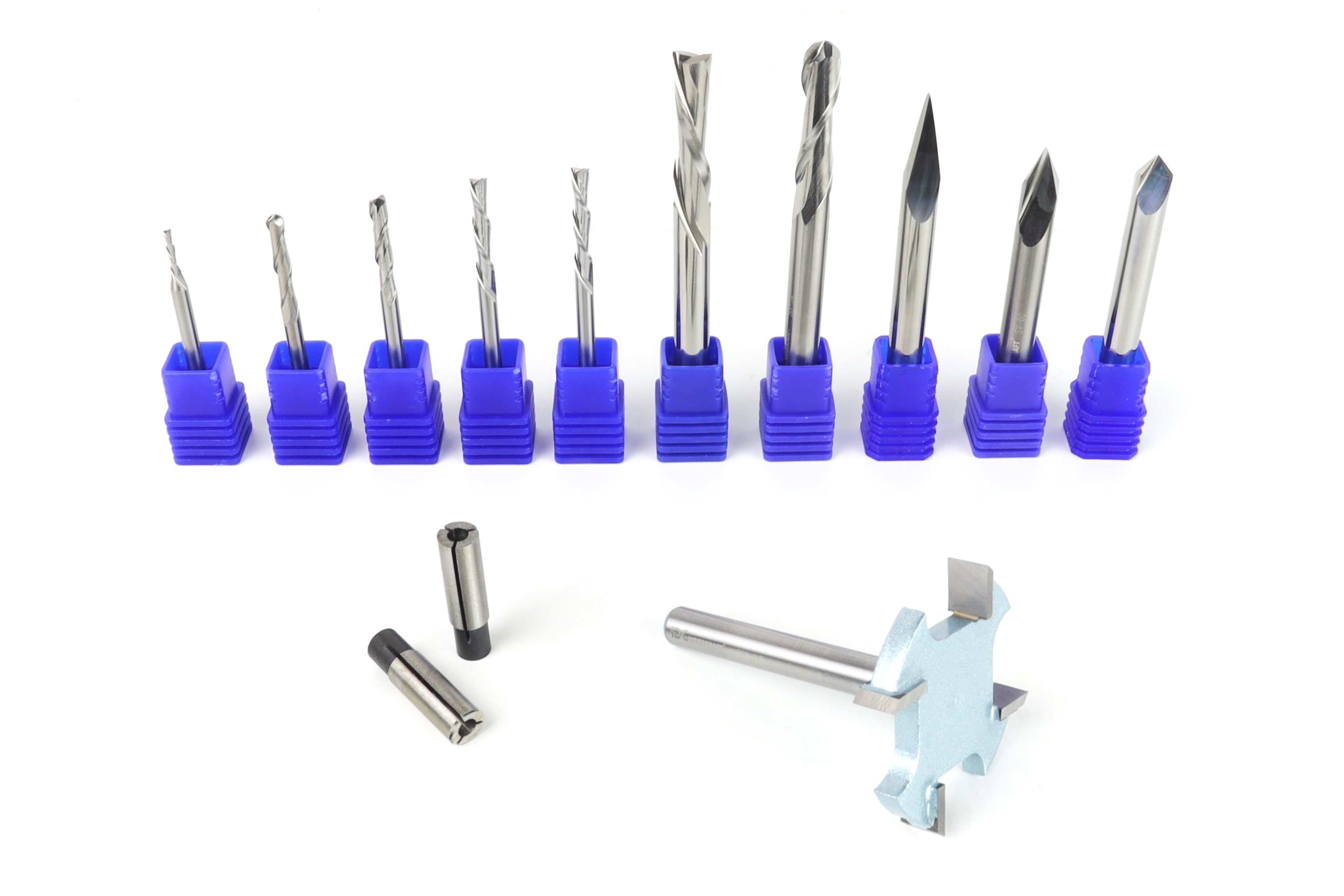
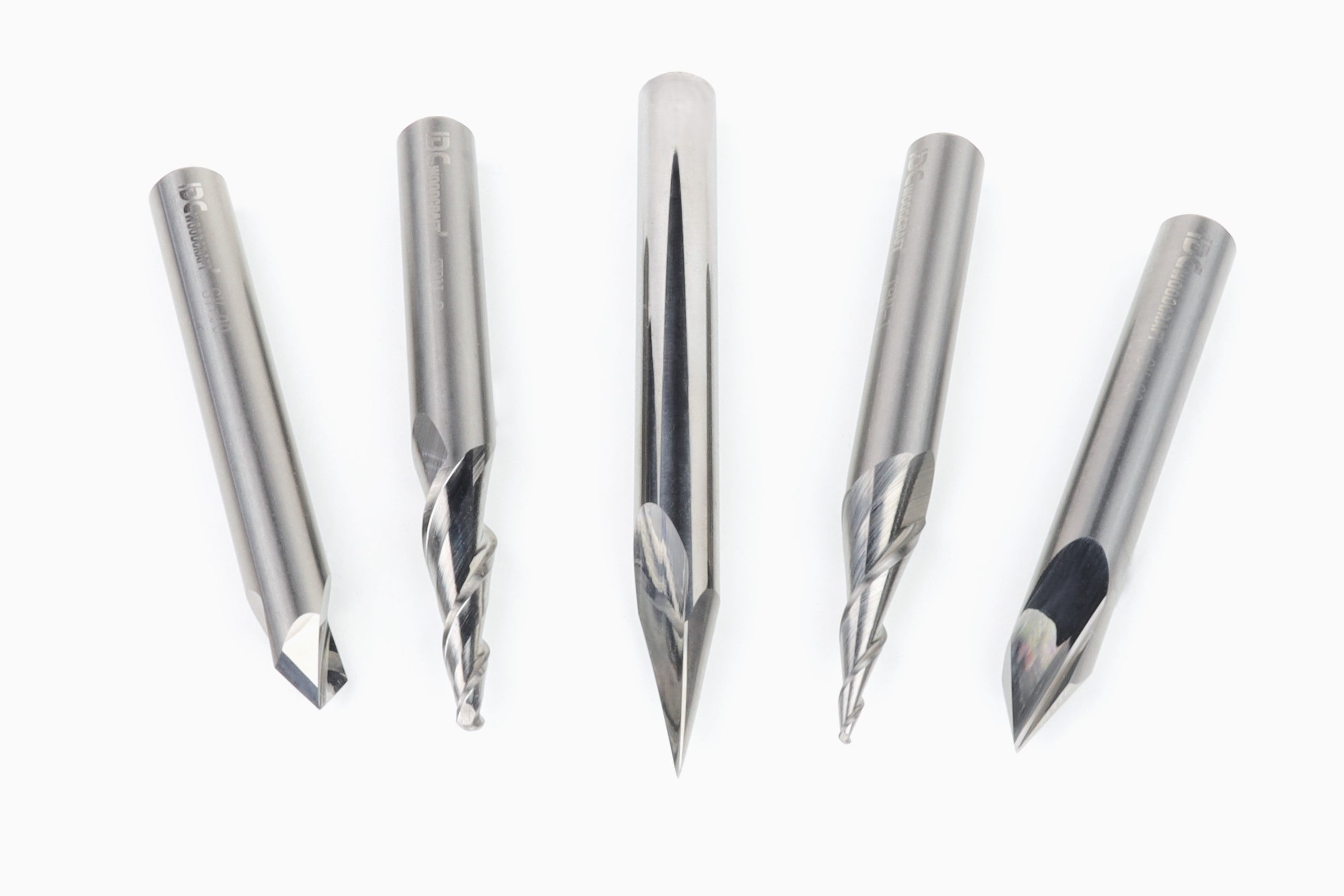
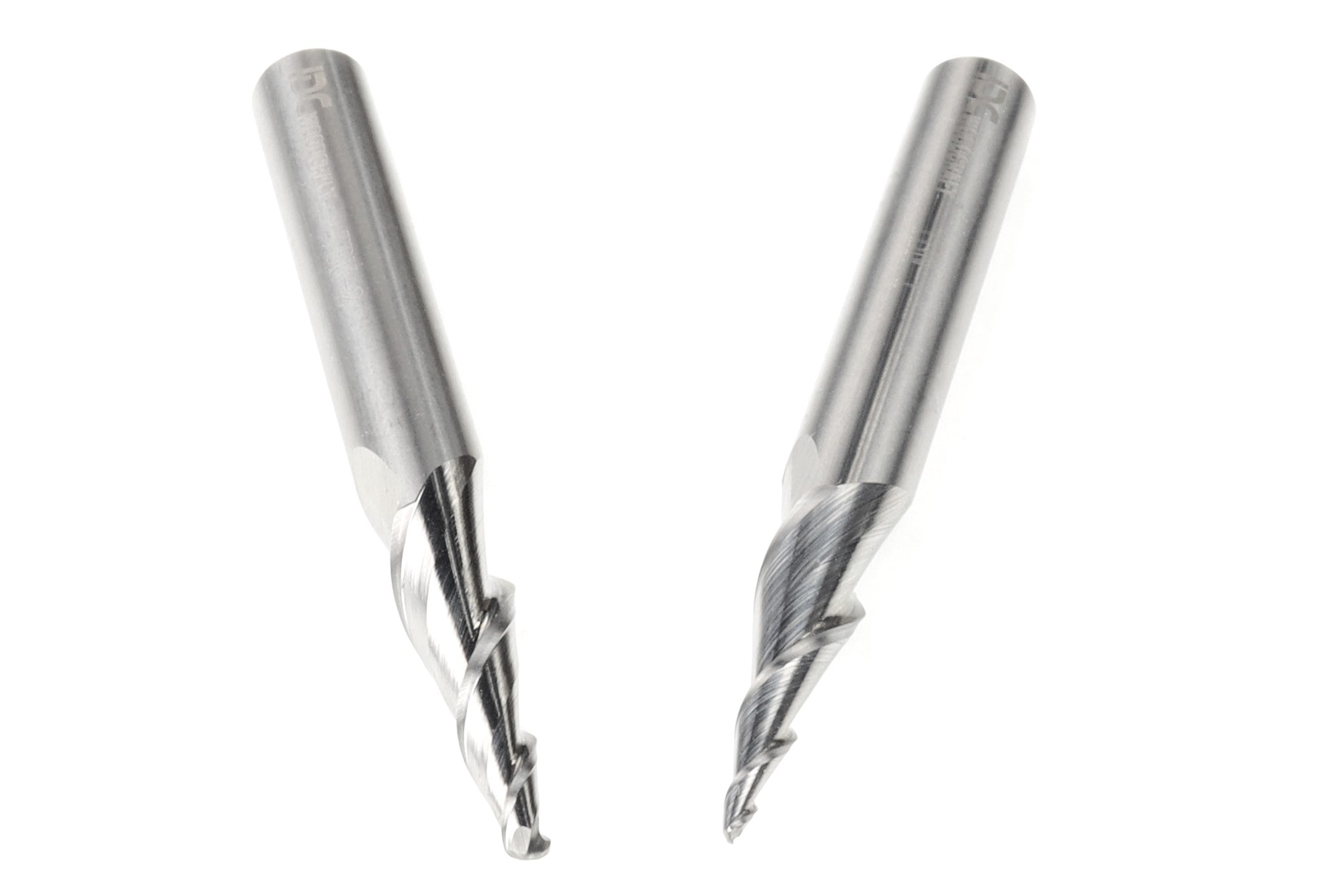
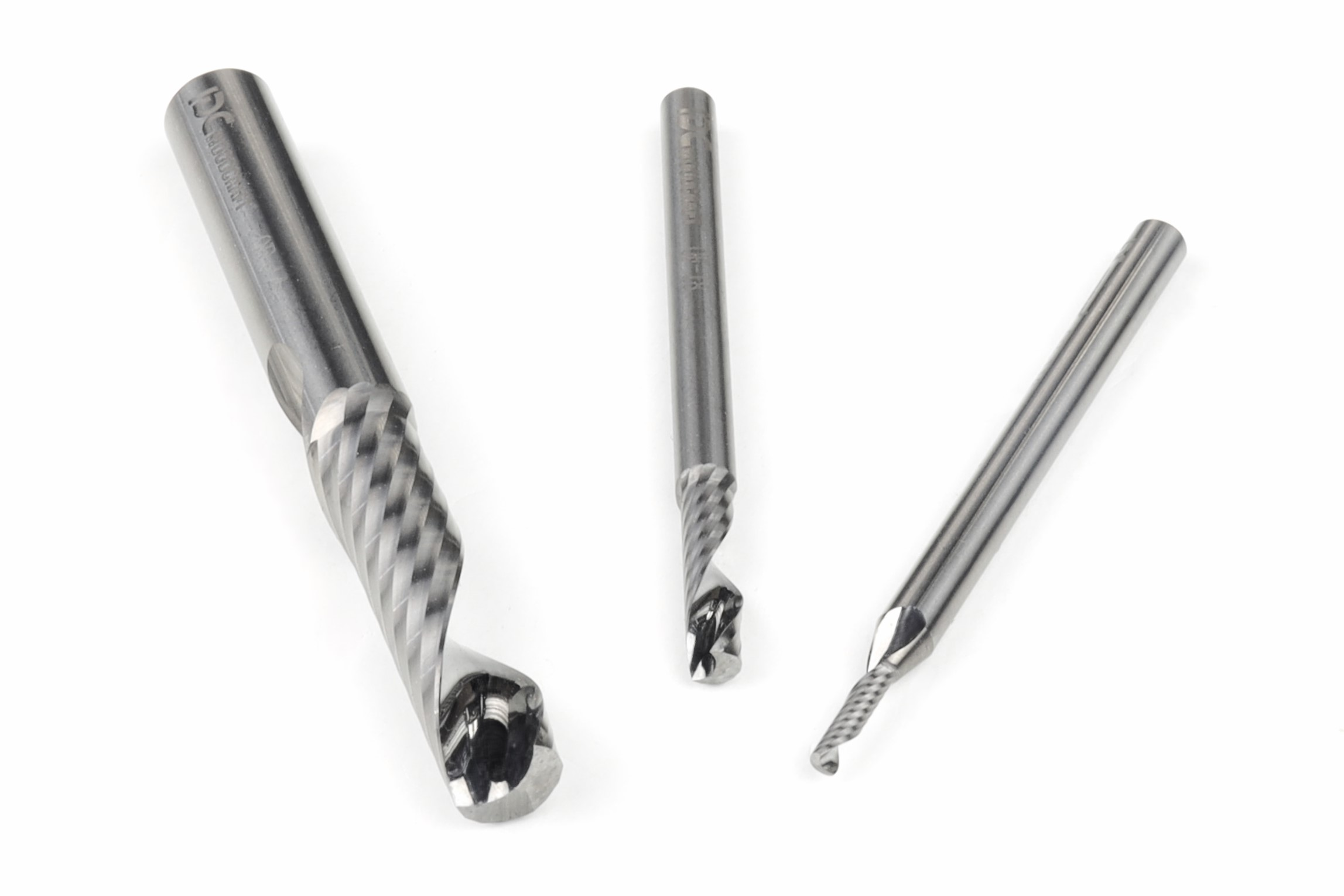
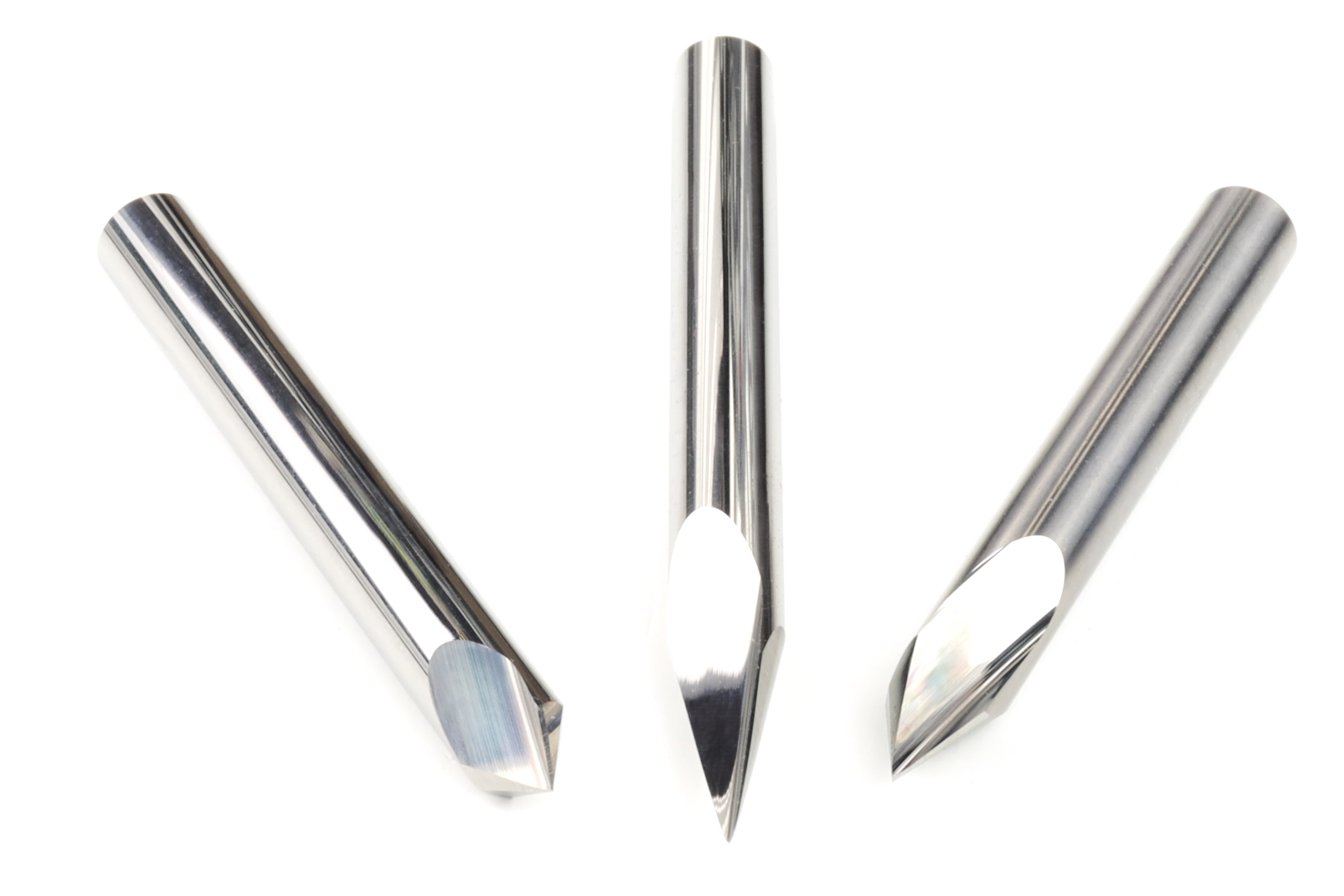
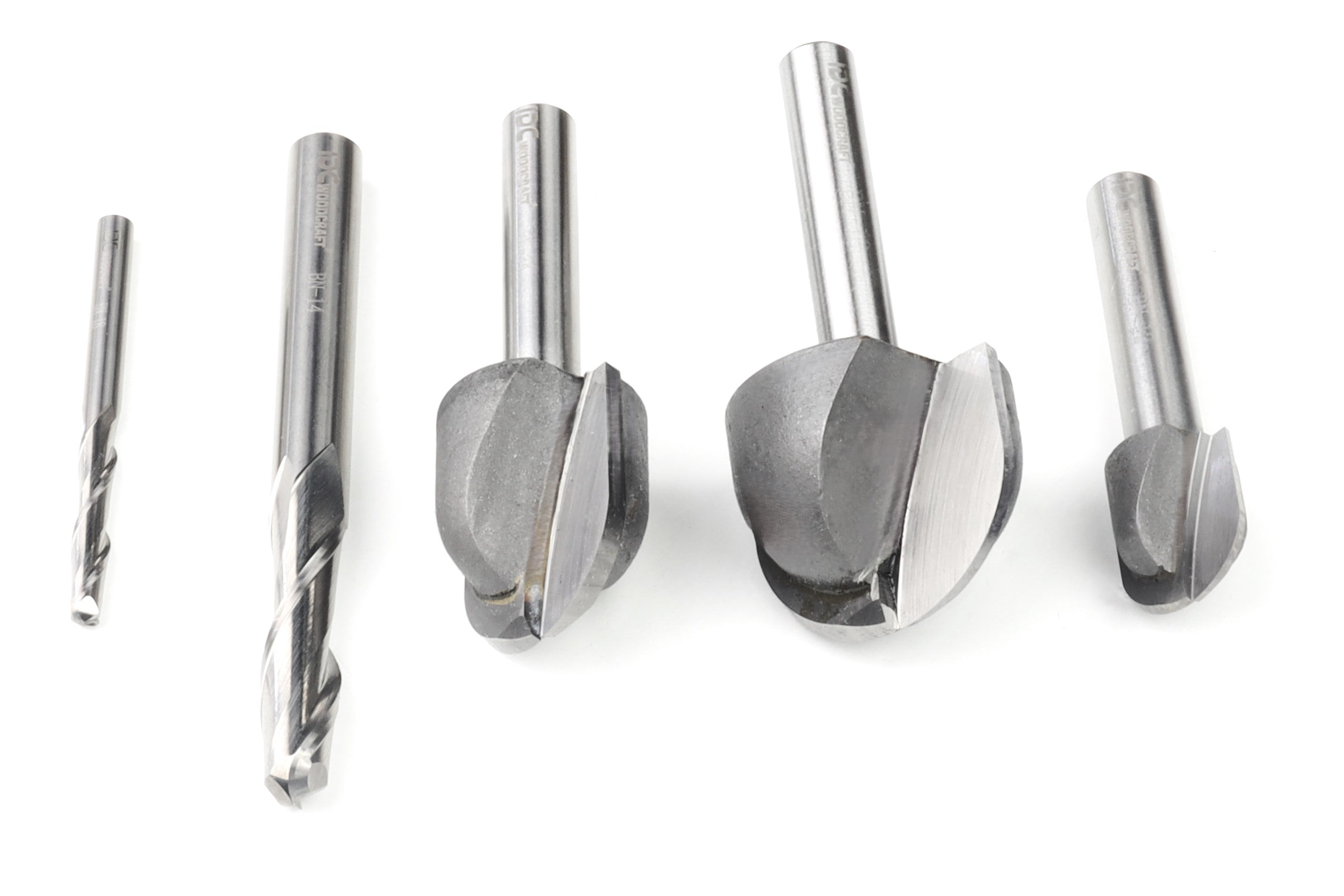
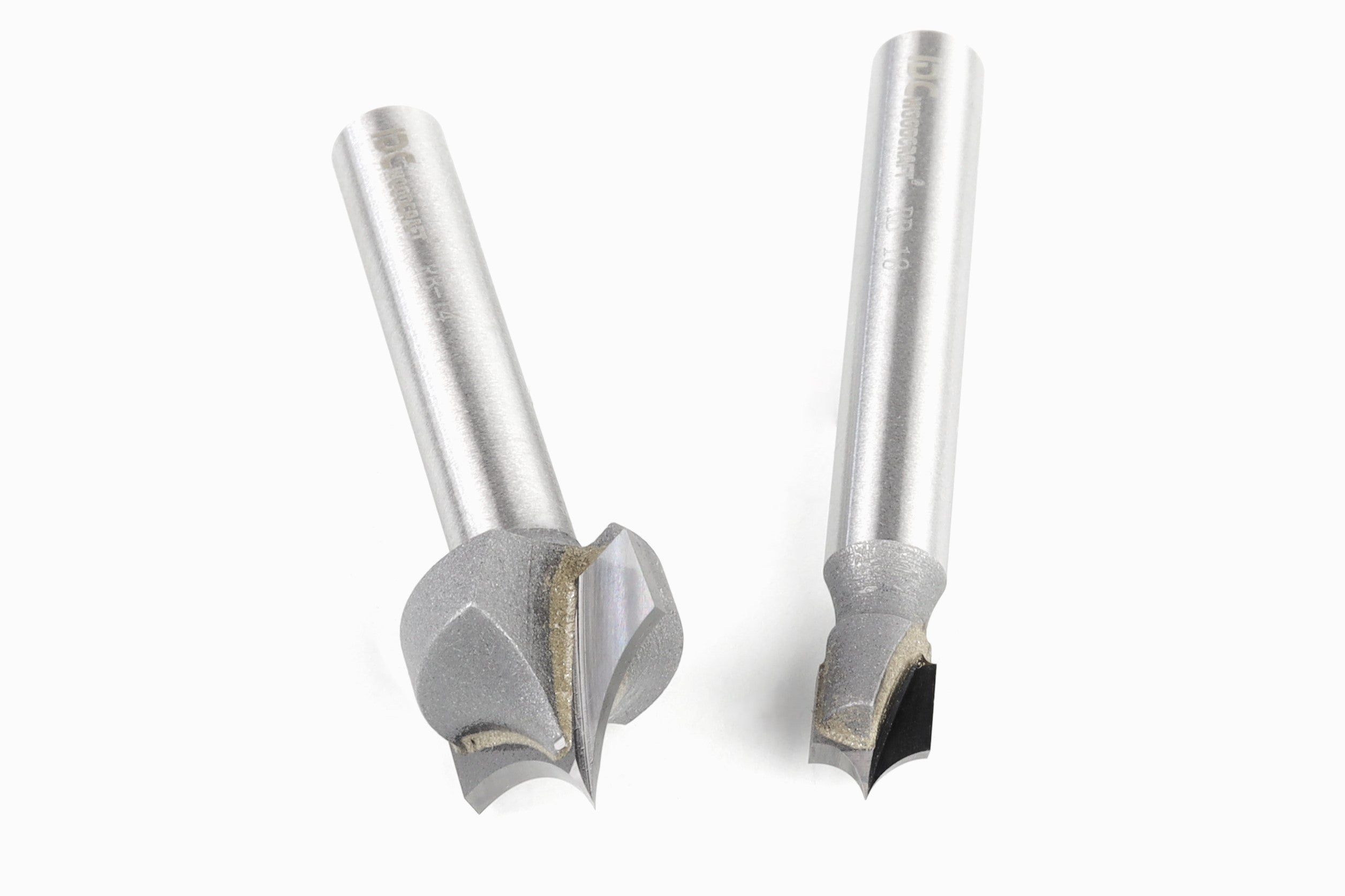
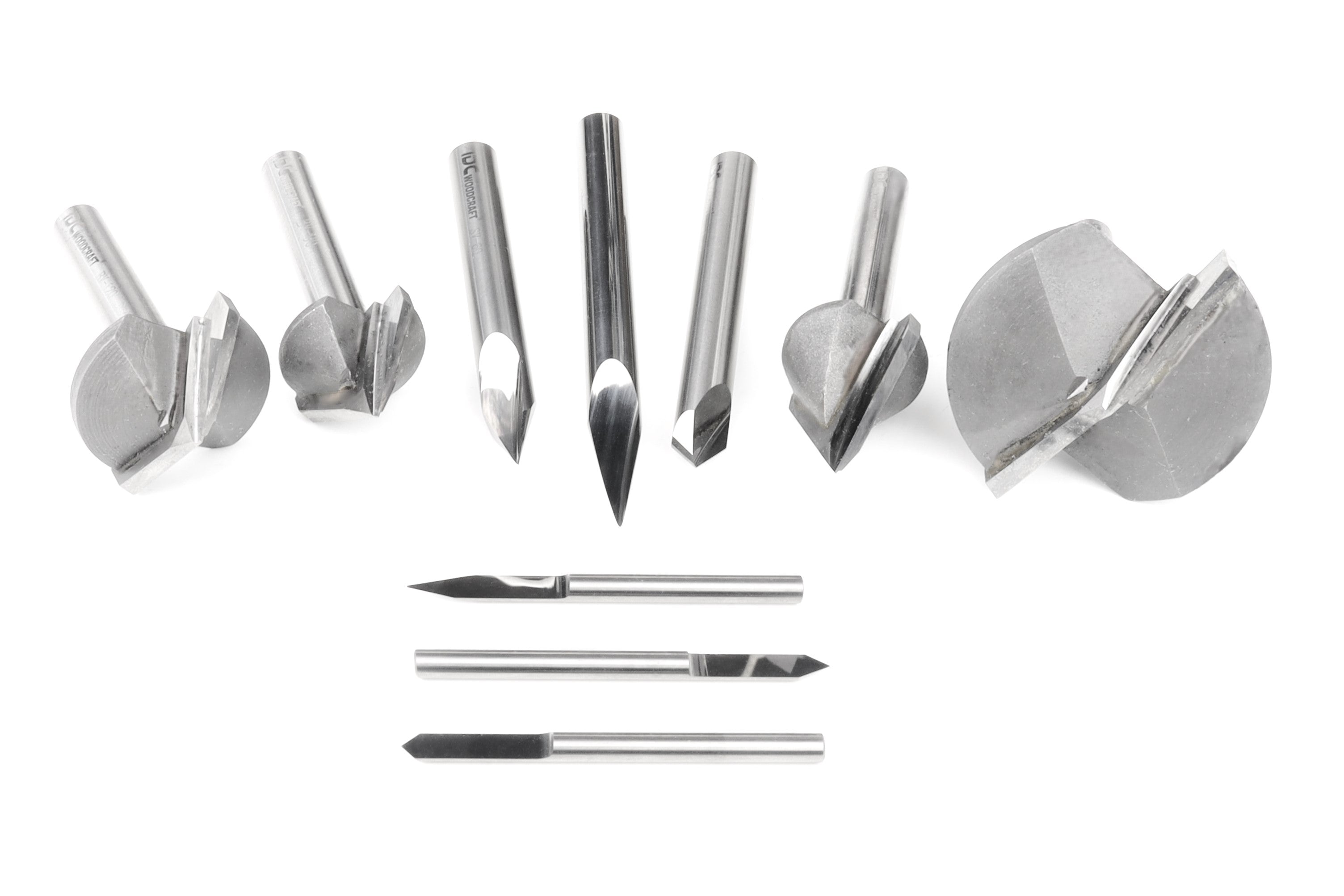
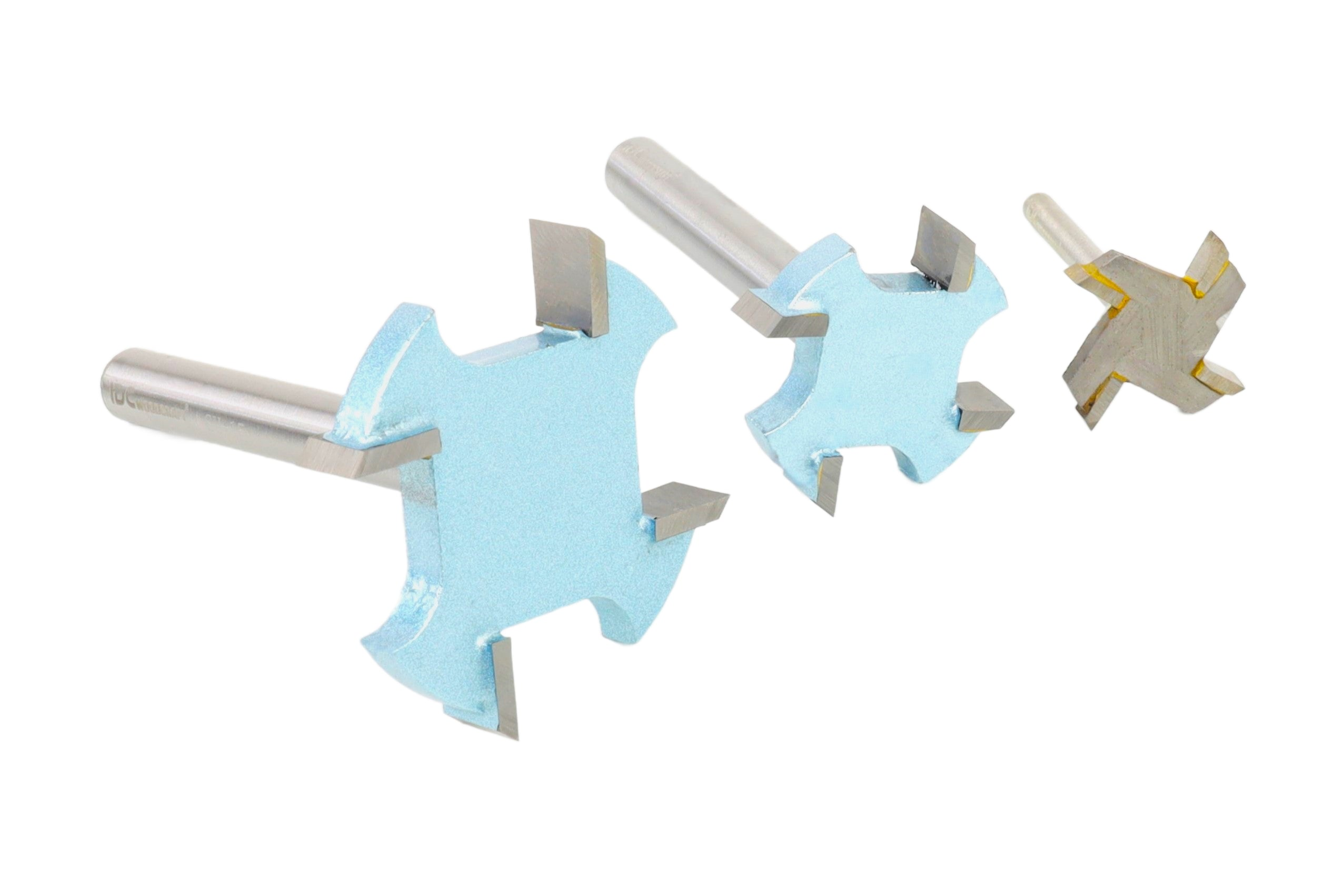
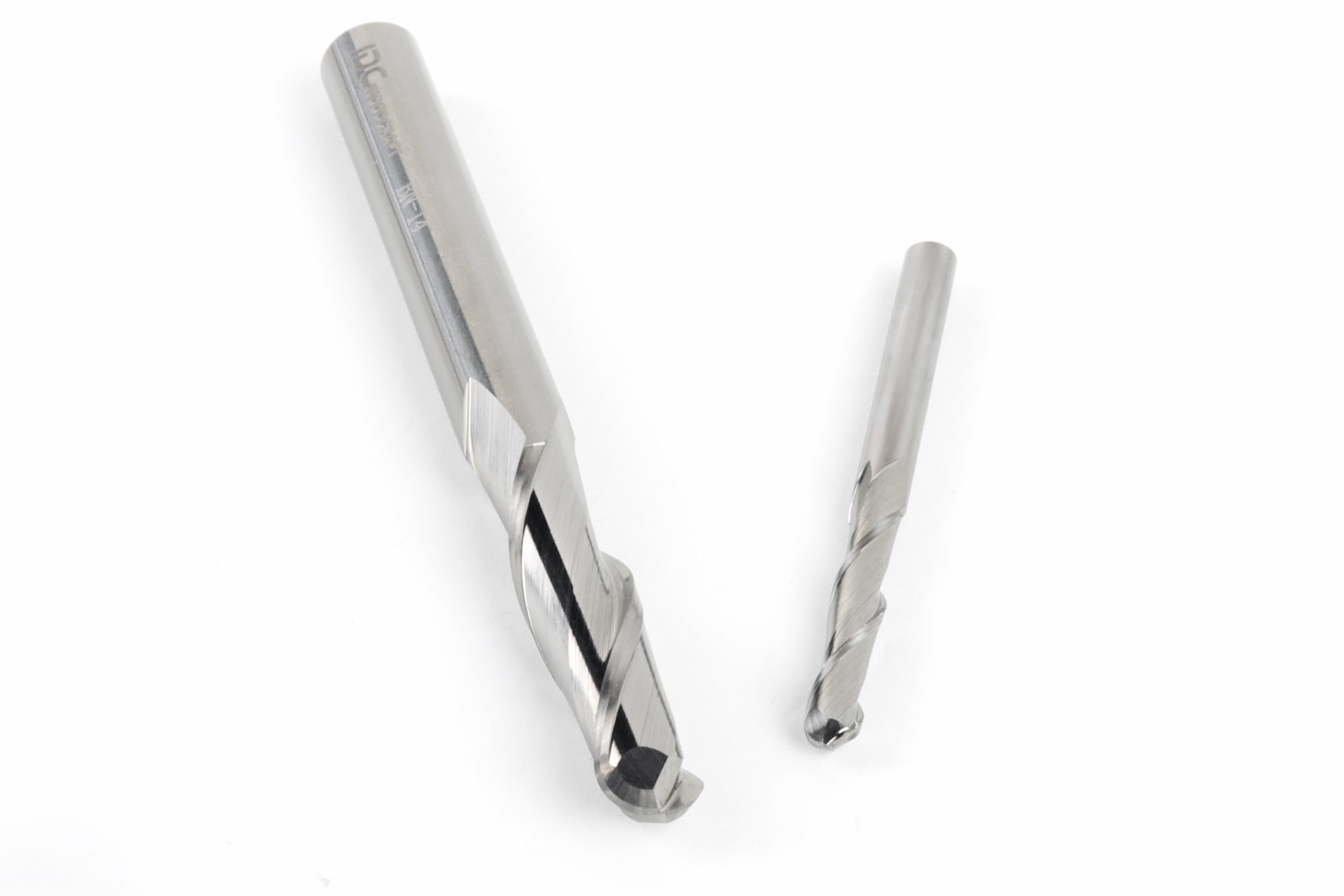
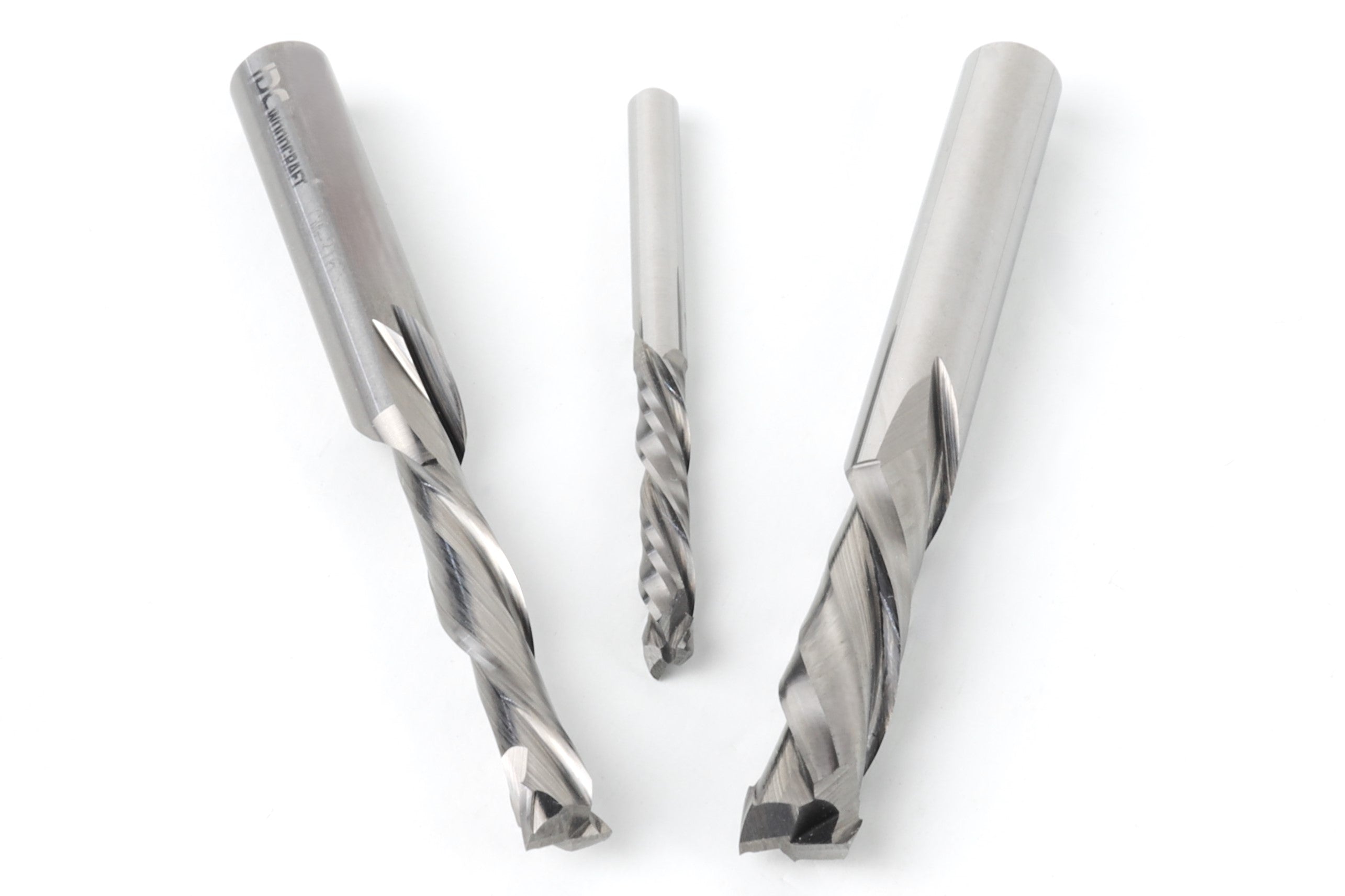
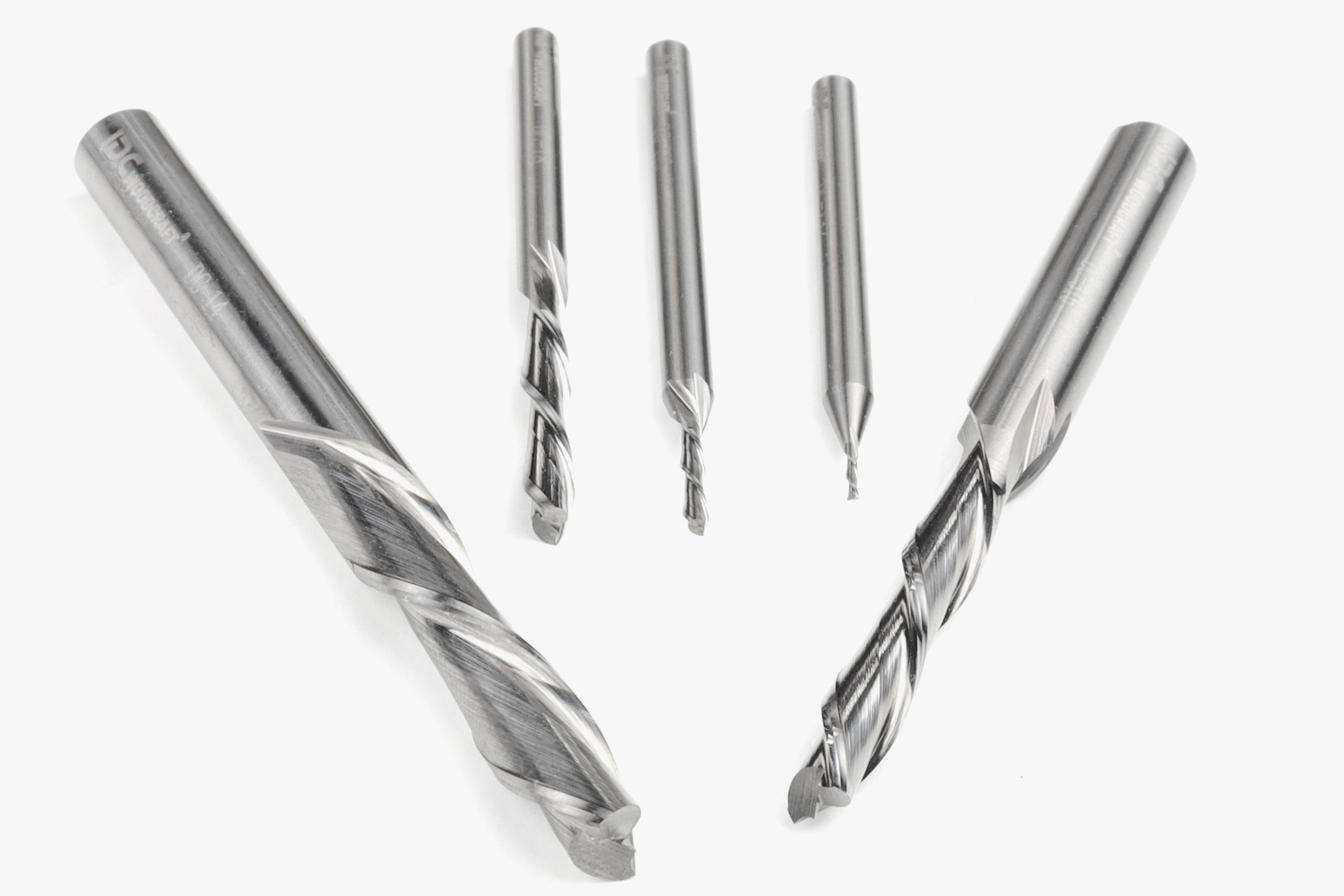
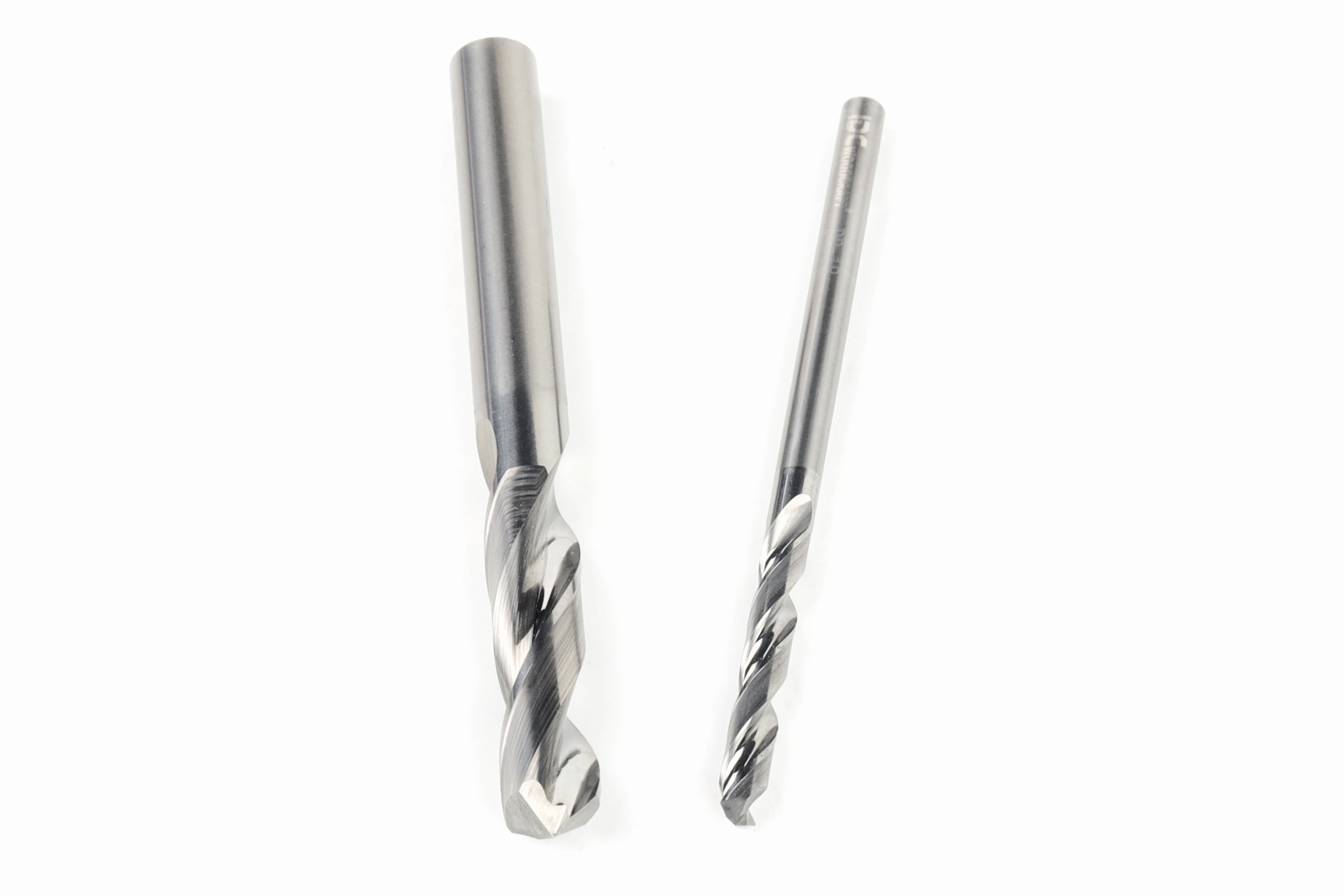
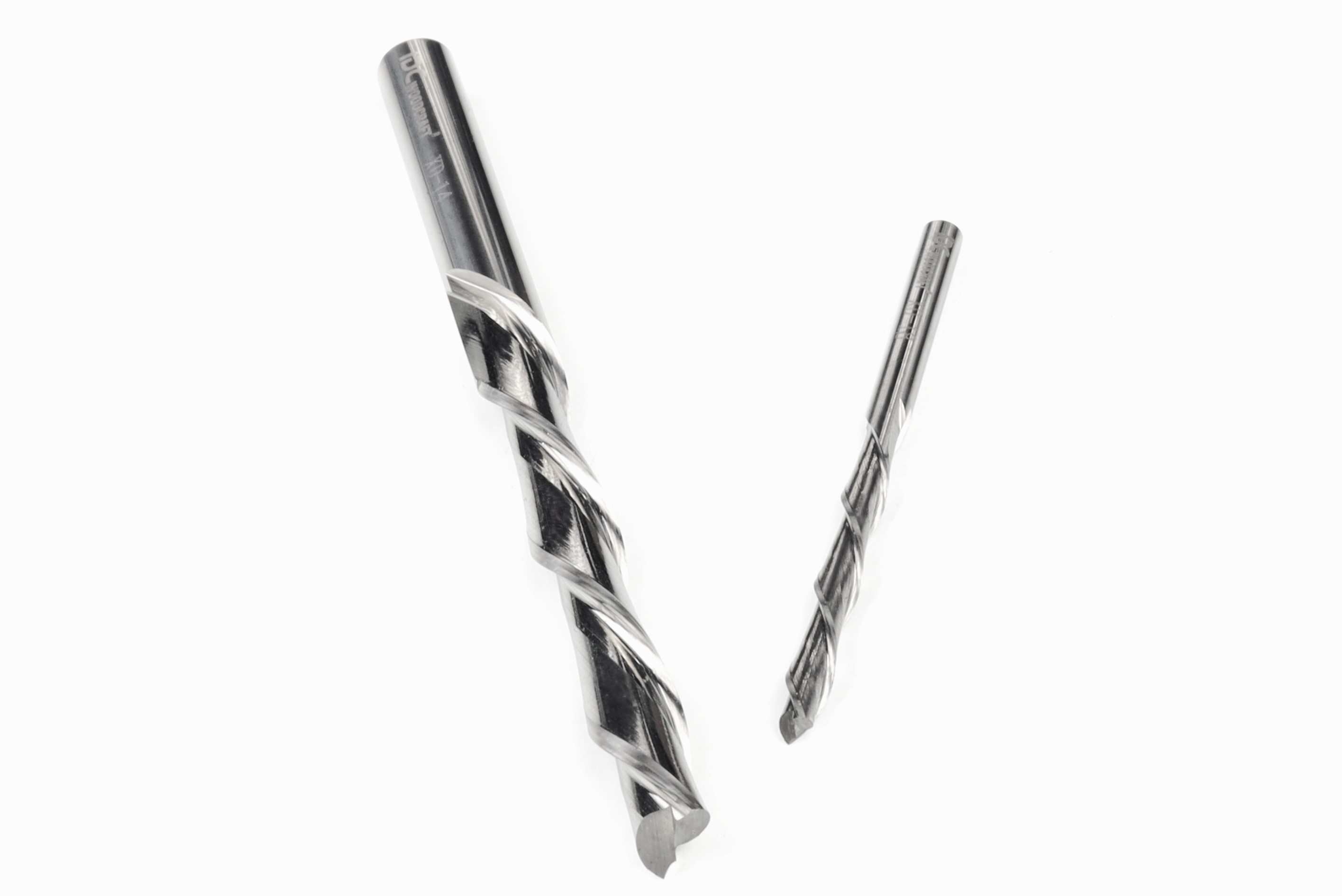
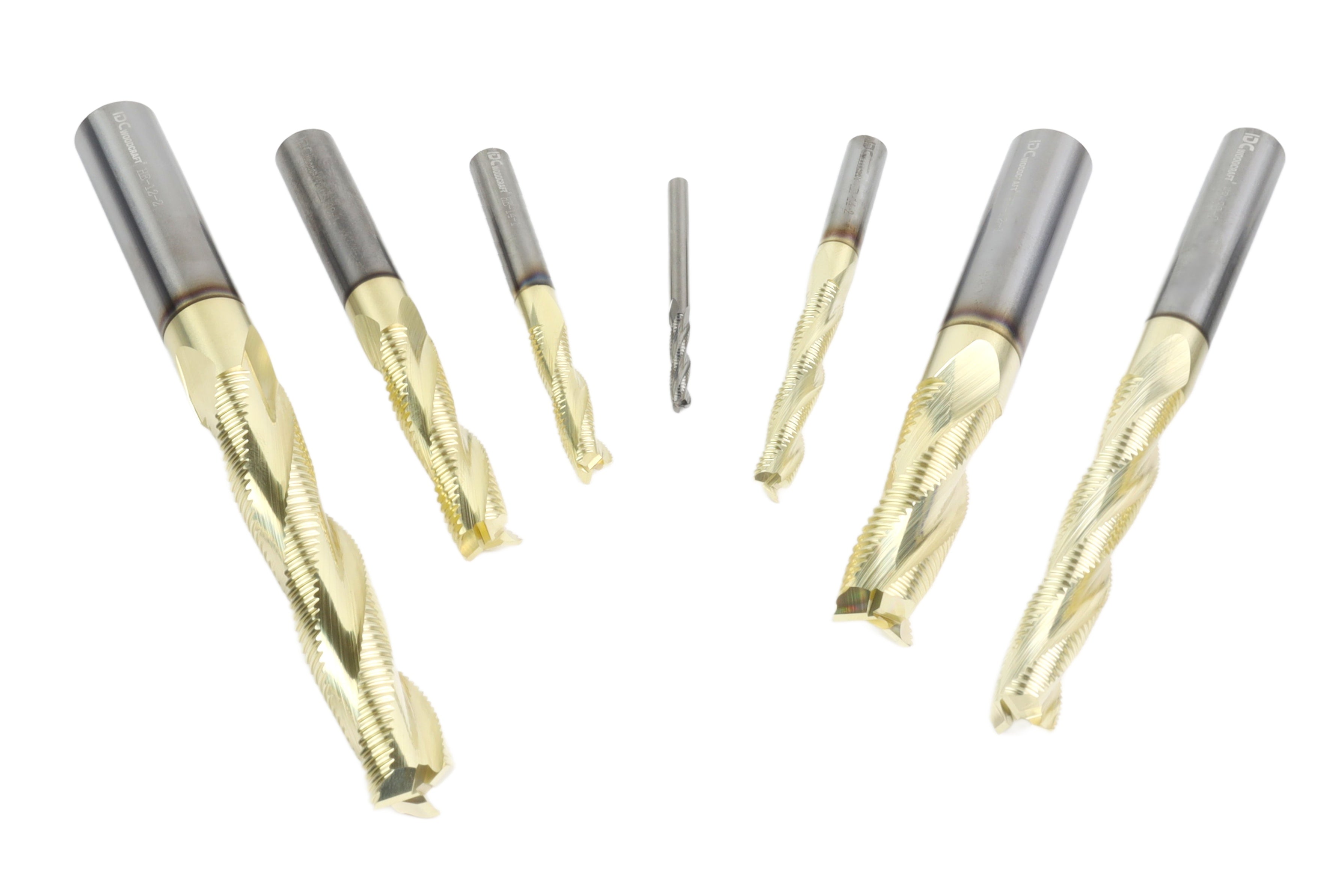
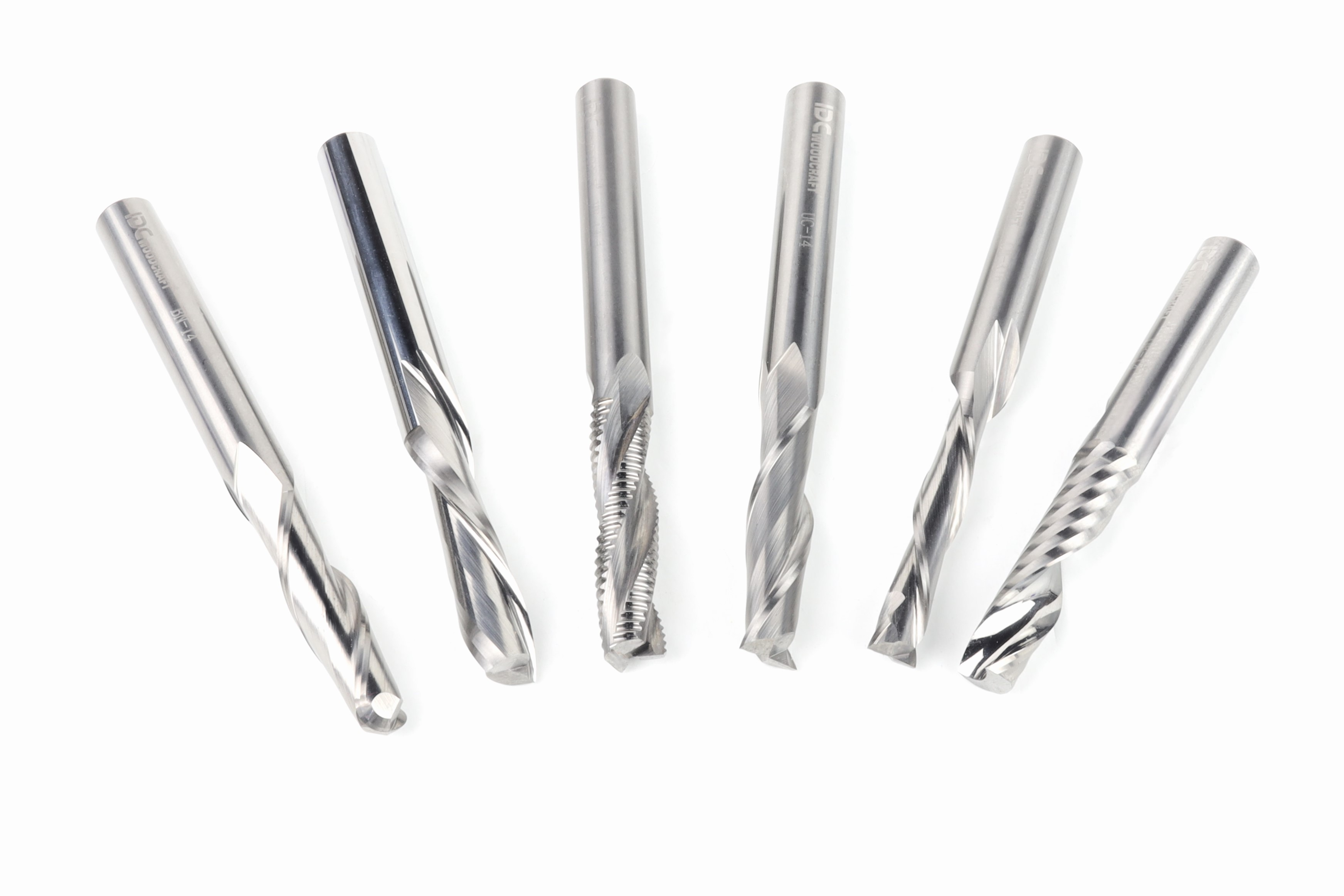
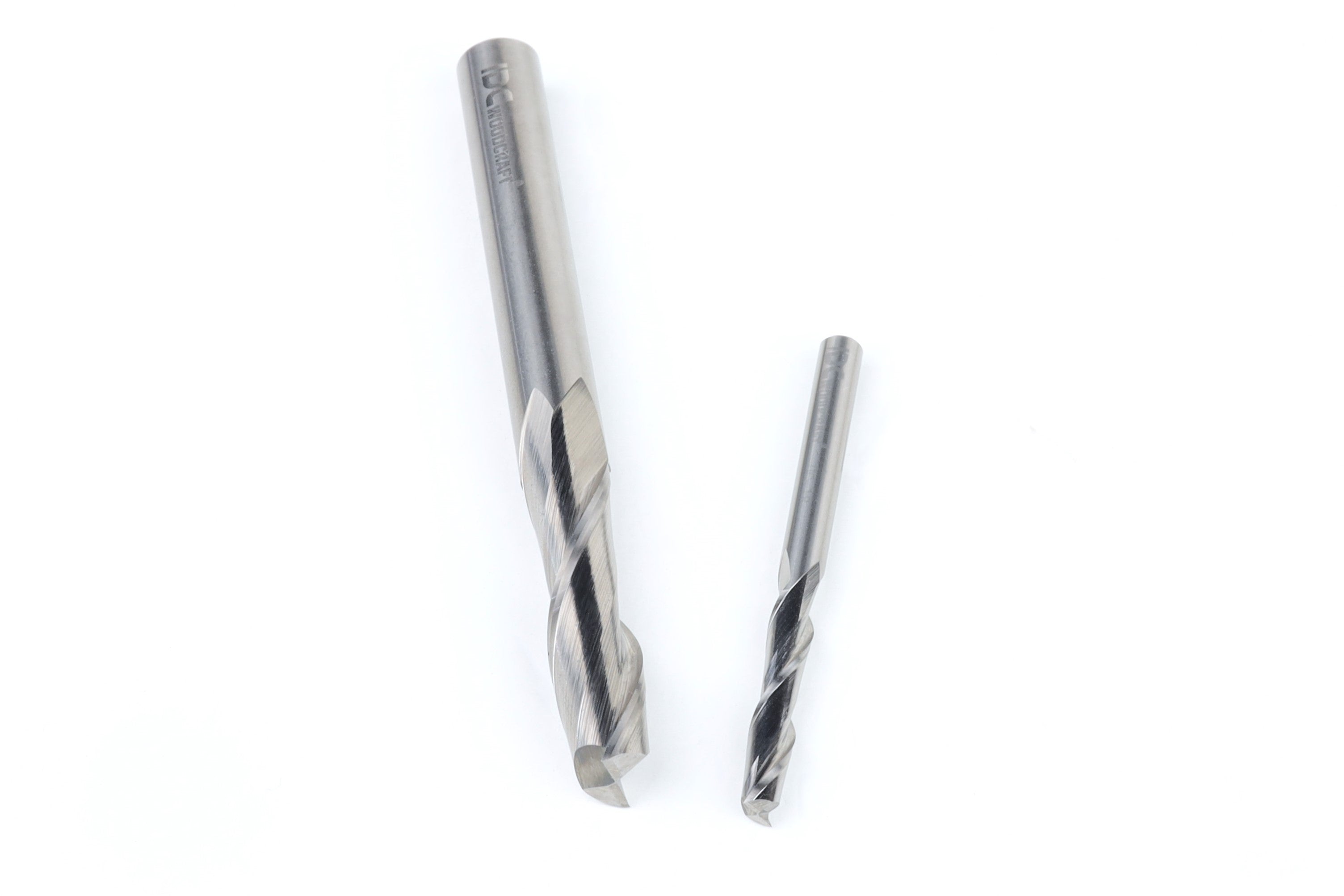
The bit does the cutting, so a small, thoughtful starter set covers most projects. A surfacing bit flattens spoilboards, down-cut end mills handle general cutting, V-bits carve lettering, and ball-nose bits do three-dimensional work. 


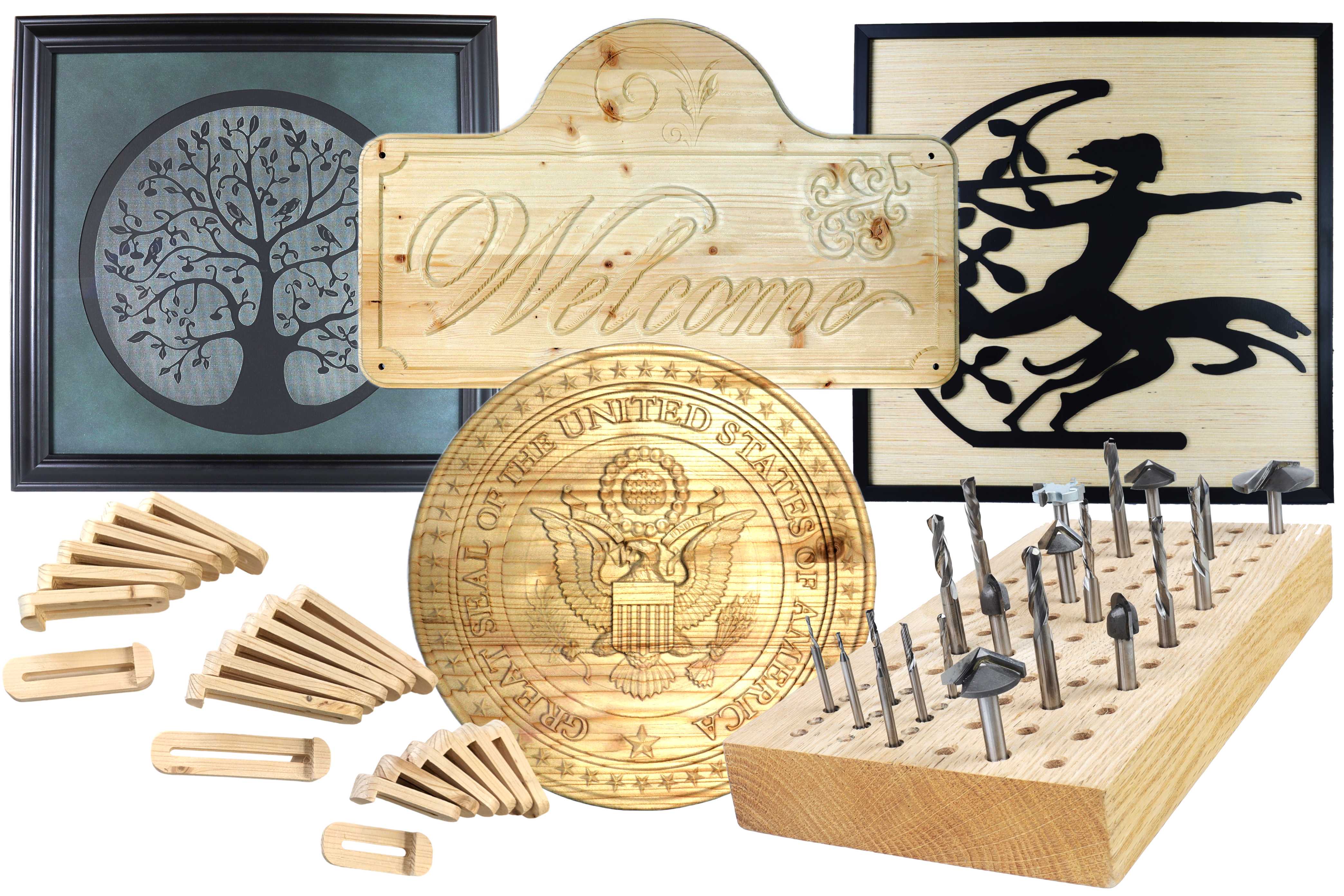
High quality starter sets of USA-made solid carbide bits cut cleaner and behave predictably, which makes learning easier. Getting the feeds and speeds right then does more for cut quality than almost anything else, and IDC’s chipload calculator gives you a starting point.

CNC ROUTER BIT STARTER SETS

Start Cutting With the Right Bits

Explore IDC Woodcraft's USA-made solid carbide starter sets for cutting, carving, lettering, and surfacing.

Shop Starter Sets →

What Price and Support Tell You

A capable benchtop CNC router costs more than an entry-level desktop machine and far less than an industrial one, with the price moving based on work area and components. The cheapest machines often save money by giving up rigidity, build quality, or support, and the most expensive ones may add advanced features a home shop will not use. The goal is to match the machine to how you plan to use it.


Support matters as much as the spec sheet. Clear documentation, responsive customer service, and an active user community all reduce downtime when a problem comes up. Technical support from a company that stands behind its machine, and sells spare parts for it, is worth paying for.

Which CNC Machine Should You Buy

For most buyers, it comes down to three machines. The right one depends on how big your projects are and how hard you plan to run it.

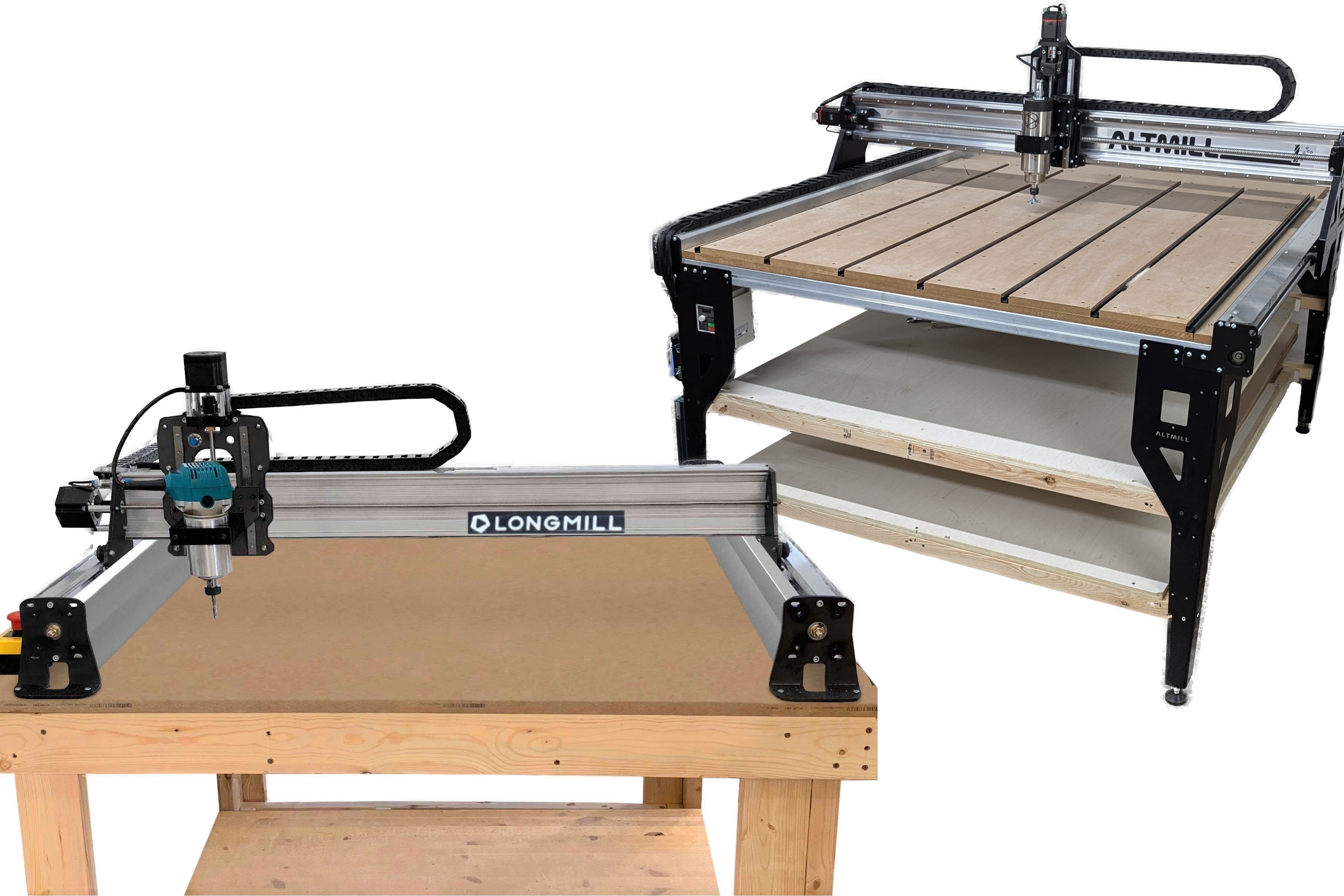
  • LongMill: the best first machine for most hobbyists and small shops. It uses anti-backlash lead screws and NEMA 23 steppers, runs gSender, and is the most affordable of the three. 
  • AltMill: the step up in rigidity, with ball screws on all axes and closed-loop motors for a larger work area and heavier use. It also runs gSender, so the accessories above fit it. Good for furniture makers and anyone cutting often. 
  • Onefinity: a solid alternative that runs its own touchscreen controller instead of gSender, so you control it without a laptop. Worth a look if a built-in screen matters more to you than the gSender accessory ecosystem. 

If you are still comparing, the full lineup is on IDC’s CNC machines page.

Start Cutting With IDC Woodcraft

Once you have picked a machine, IDC Woodcraft has the bits, software, and guidance to get you cutting. Pair a starter set of USA-made solid carbide bits with free gSender software, and lean on the beginner learning center for your first projects.

Frequently Asked Questions

What is the best CNC machine for a beginner? +

The best CNC machine for a beginner is usually a mid-priced benchtop router with a rigid frame, a lead screw drive, and well-supported software. A machine like the LongMill fits most first-time buyers. Avoid the cheapest desktop machines, which often arrive with missing parts and little support.

Do I need to know how to code to use a CNC router? +

You do not need to know how to code to use a CNC router. Your design software and CAM software create the g code for you, and control software like gSender sends it to the machine. You place your design, set your toolpaths, and the software writes the instructions behind the scenes.

What can a CNC router make? +

A CNC router can make signs, cutting boards, furniture components, cabinet components, table legs, and many other wooden products, along with intricate designs and complex shapes. Most work is in solid wood and sheet materials, and many machines also handle soft metals and plastics. The same file cuts identical parts every time.

Is a benchtop CNC router strong enough for furniture? +

A benchtop CNC router is strong enough for most furniture parts, especially a rigid model with ball screws like the AltMill. Larger or production work is where industrial machines earn their cost. For a home shop or small business, a well-built benchtop machine handles furniture components and panel work.

Do I need special software to run a CNC router? +

You need two kinds of software to run a CNC router, one to design and create toolpaths and one to control the machine. Many benchtop routers use free control software like gSender, which runs GRBL-based machines. Design and CAM software come in free and paid versions depending on project size.