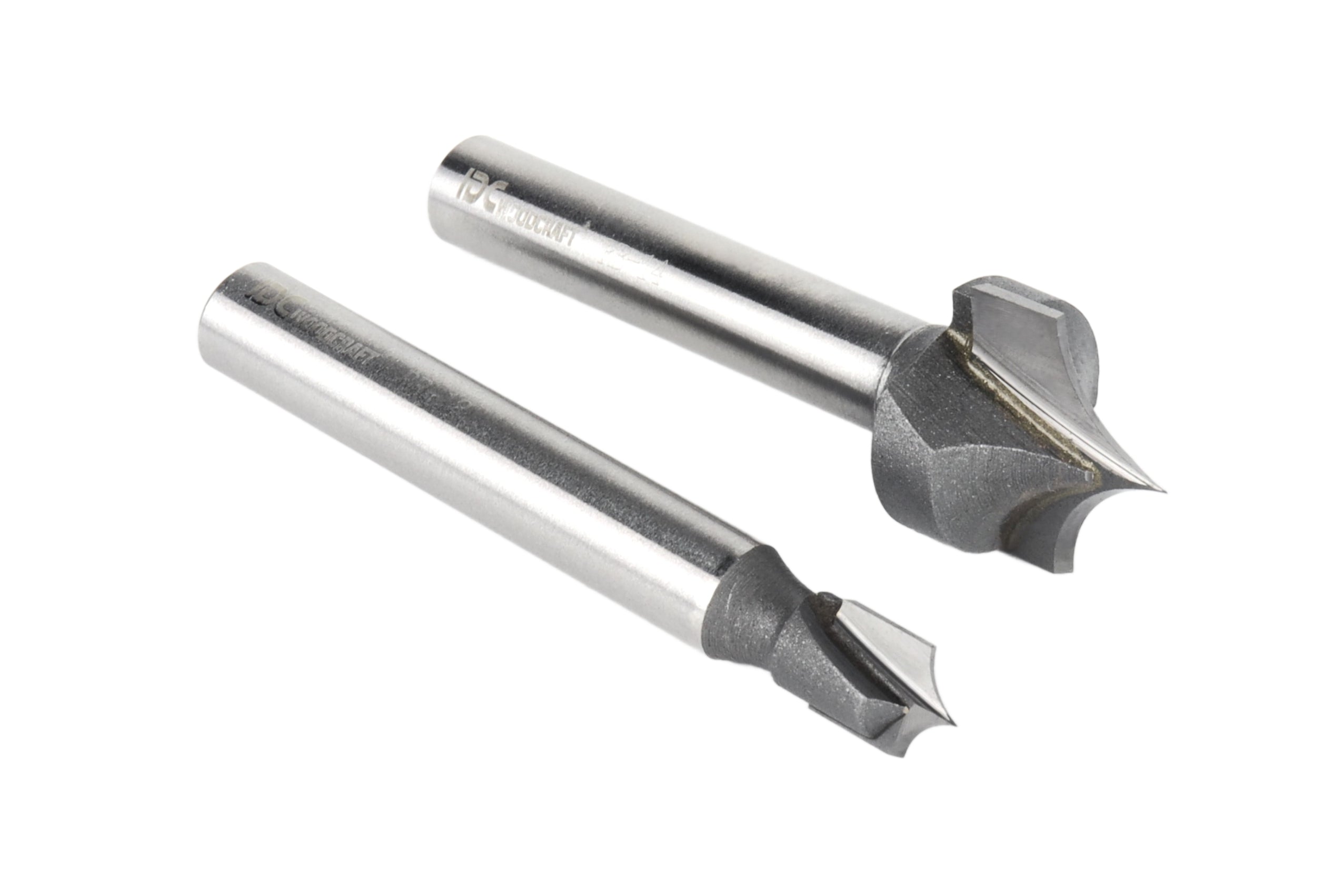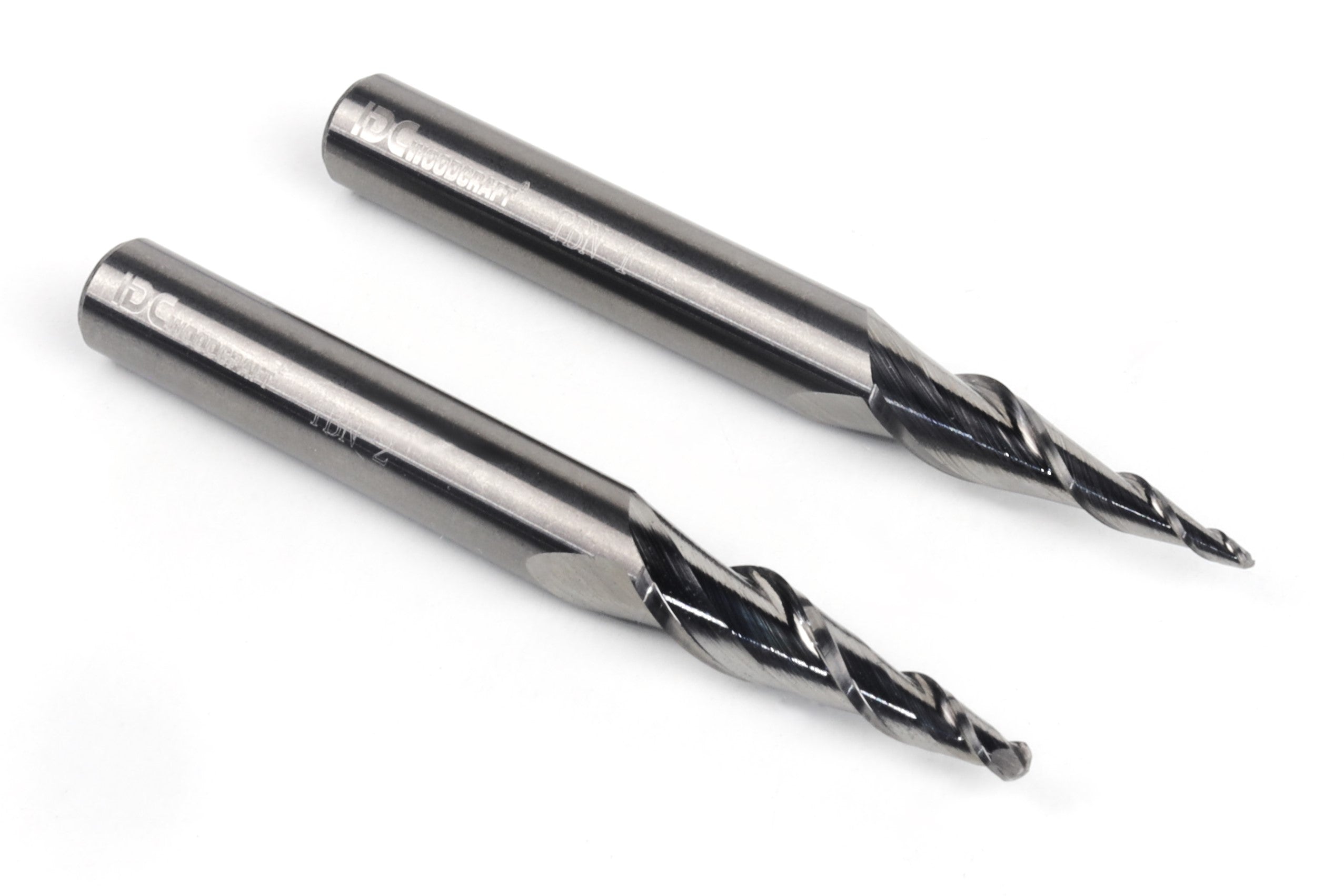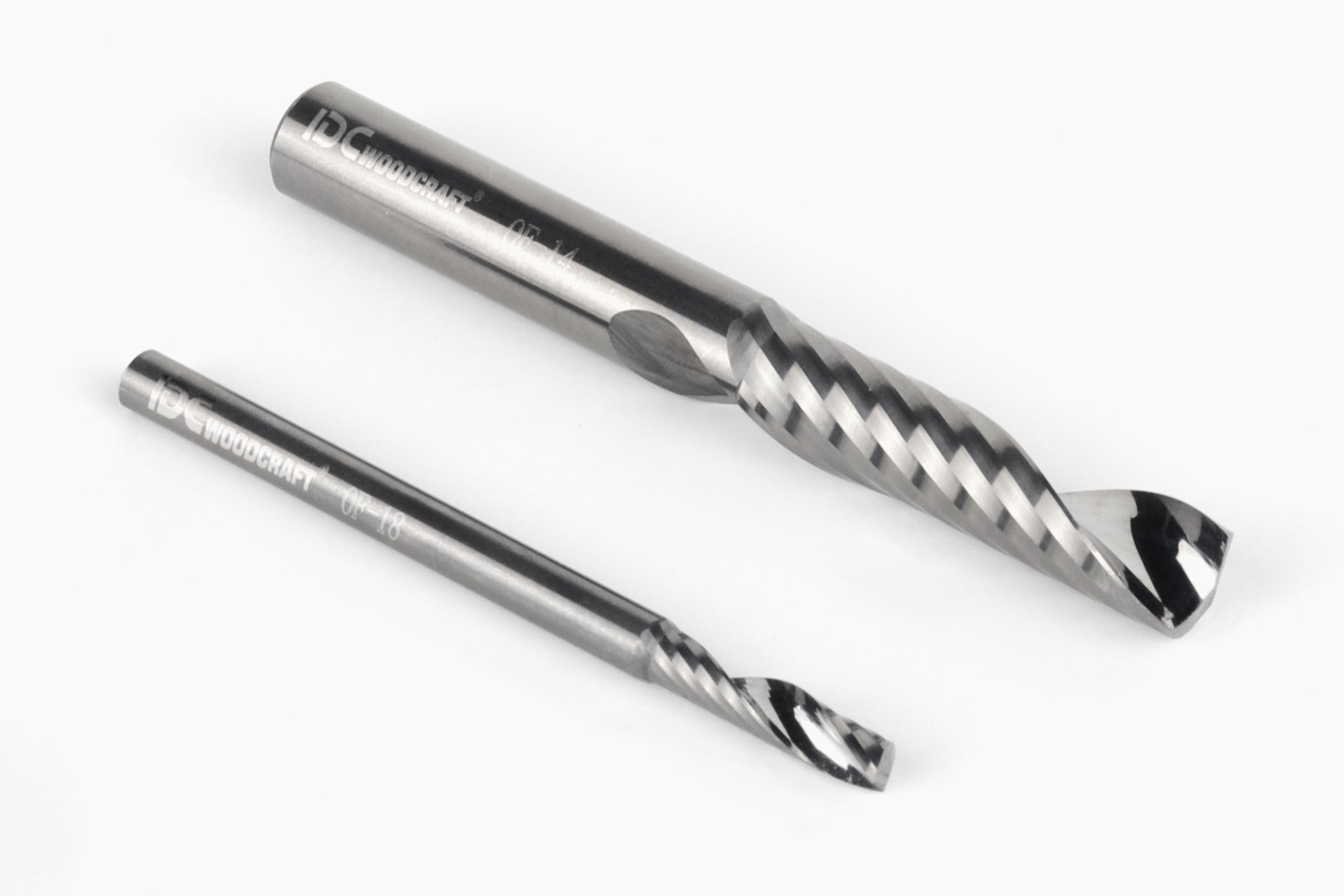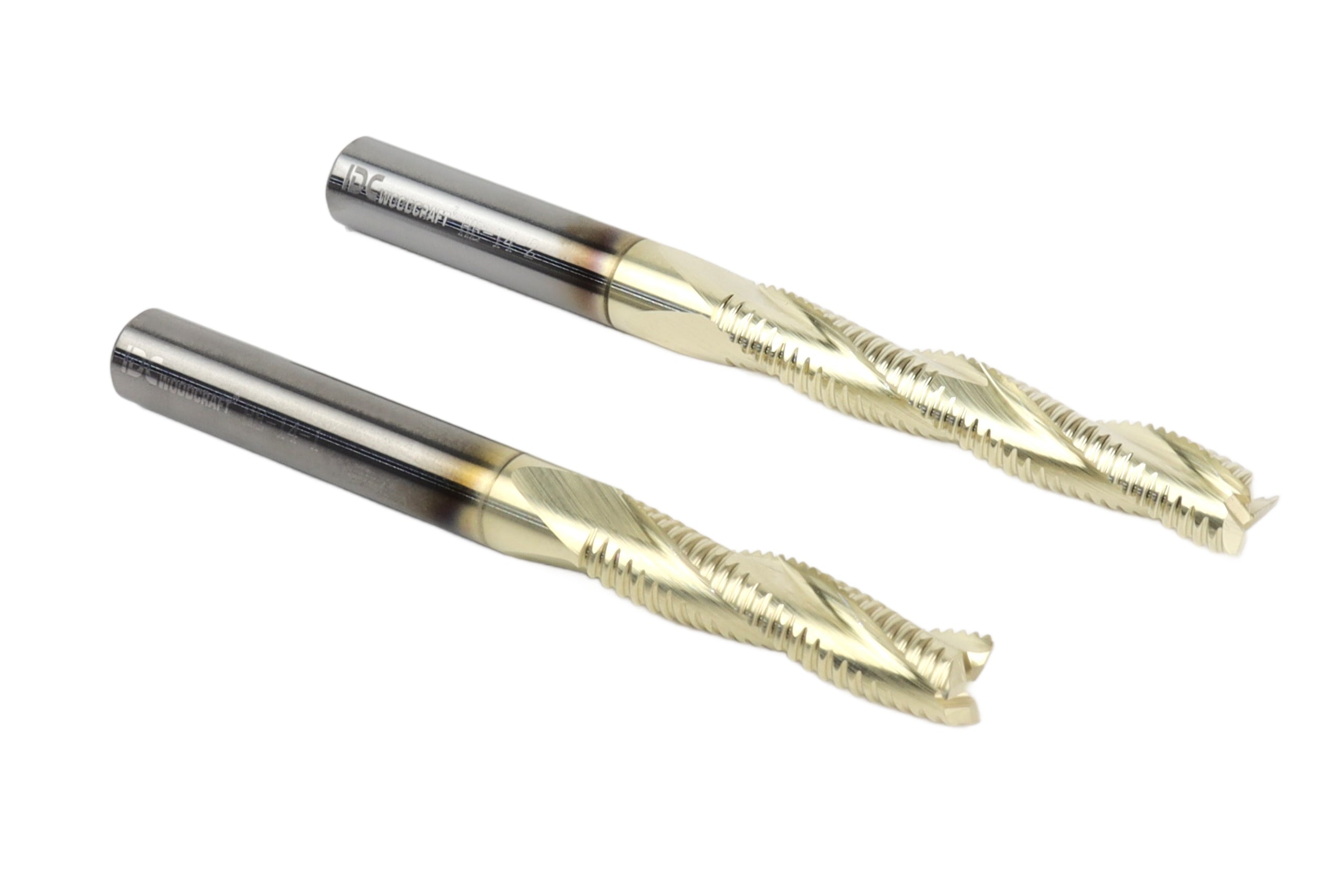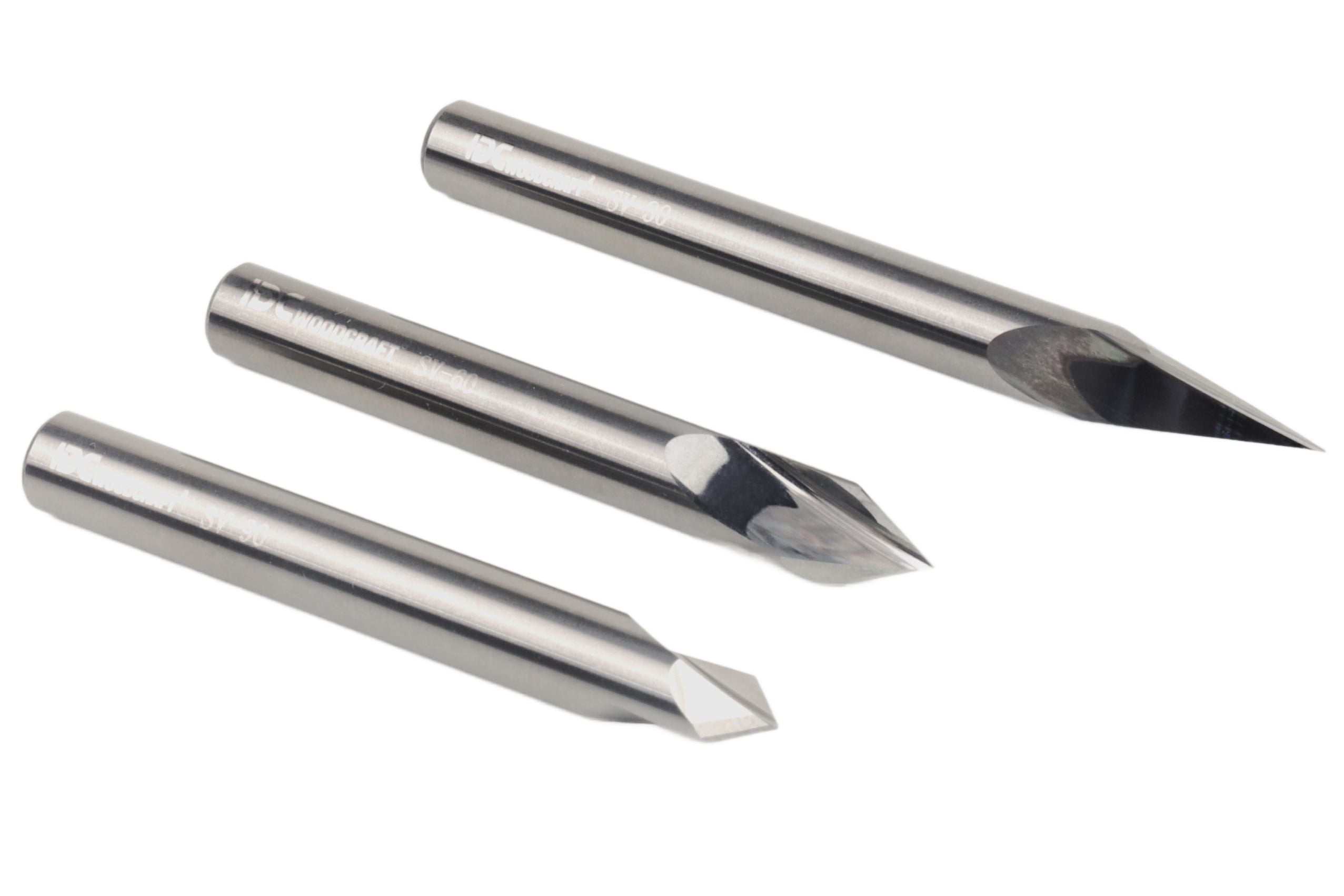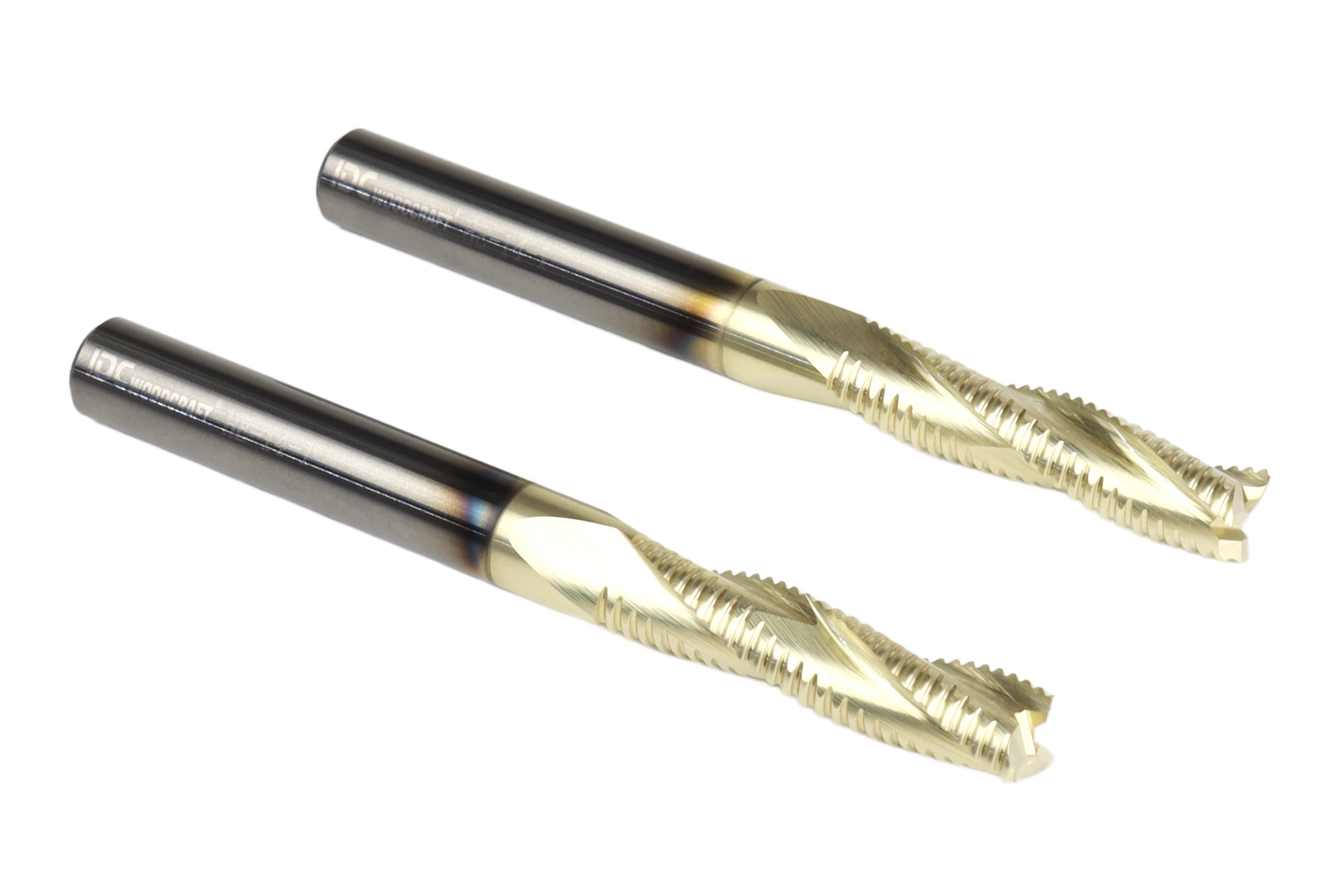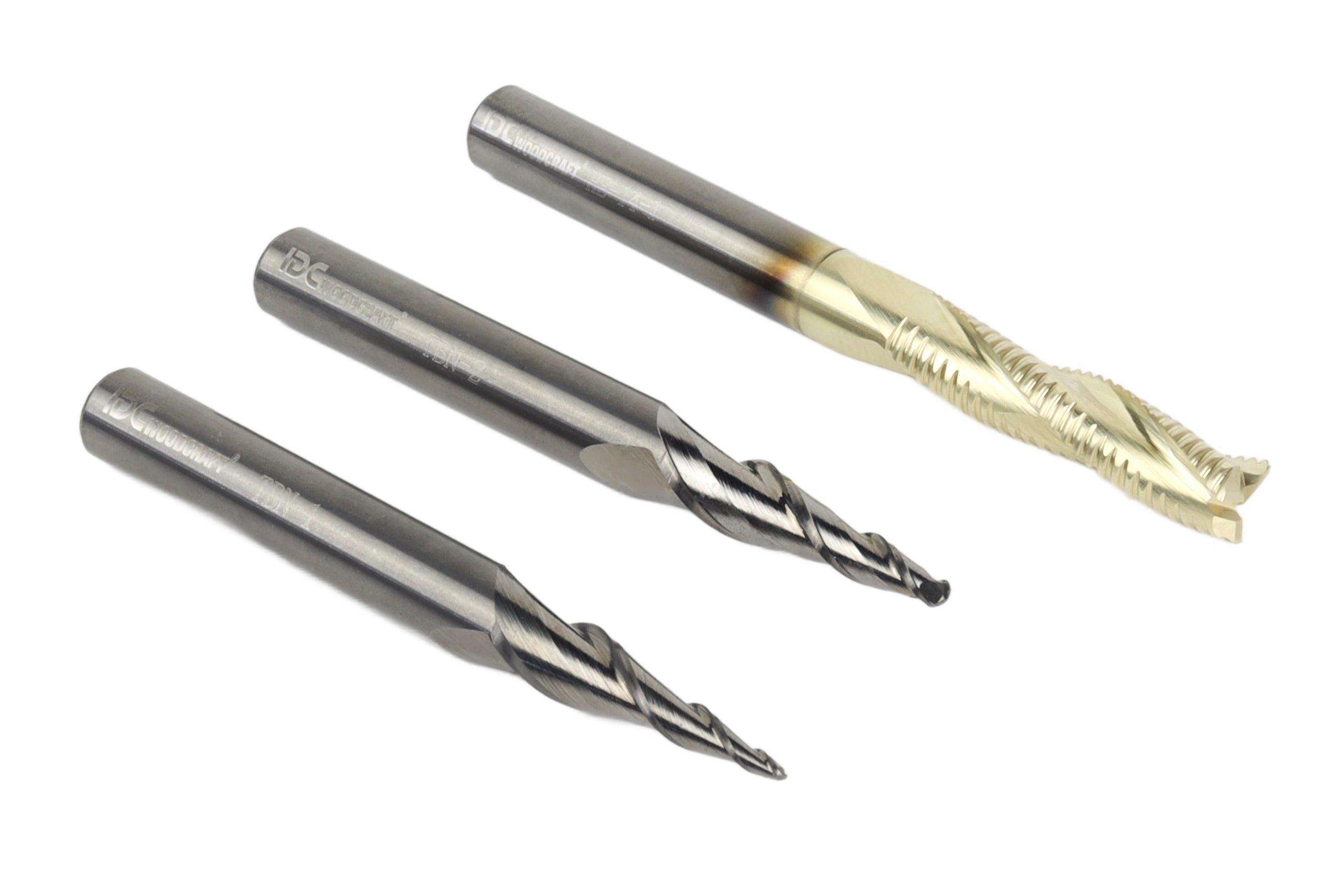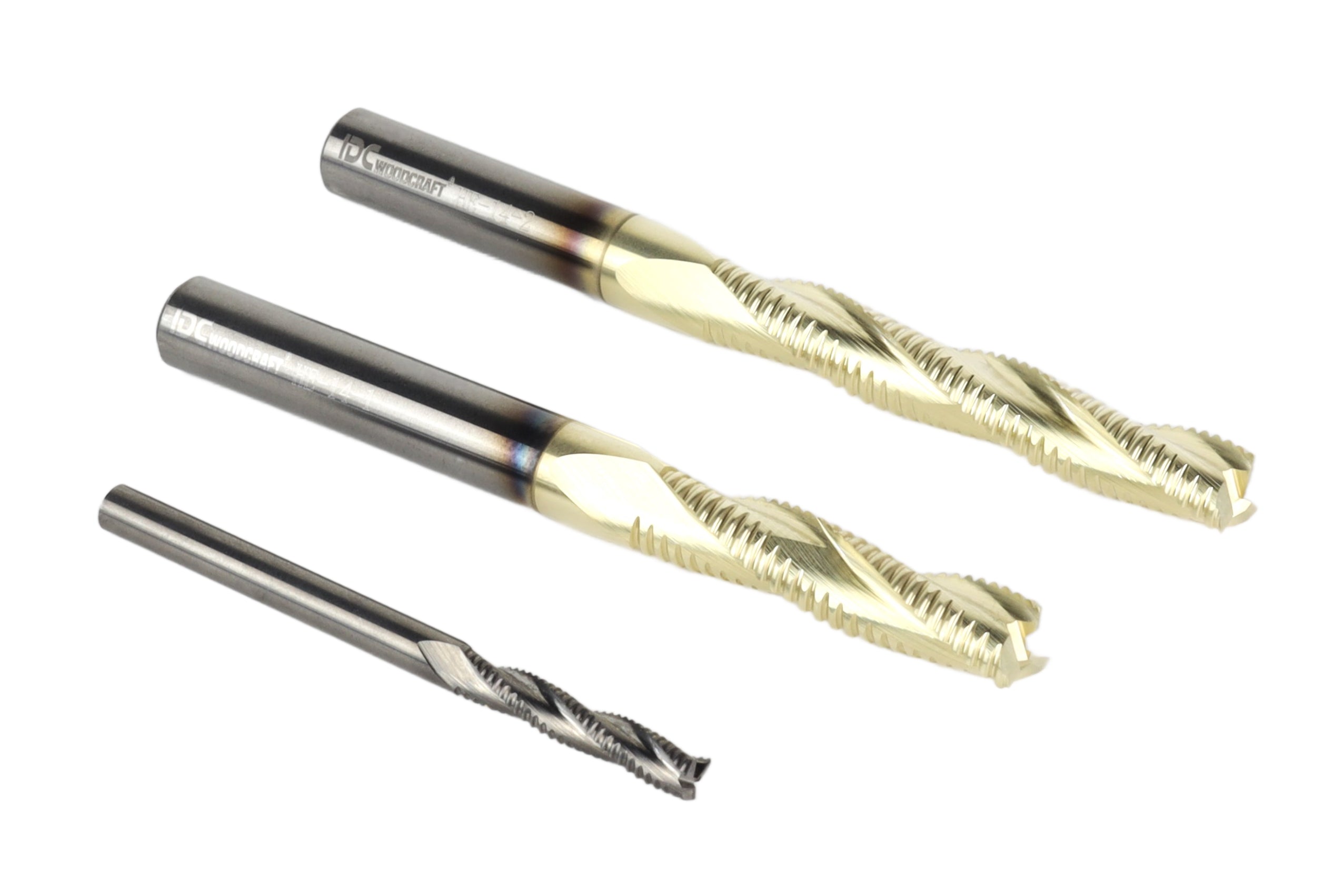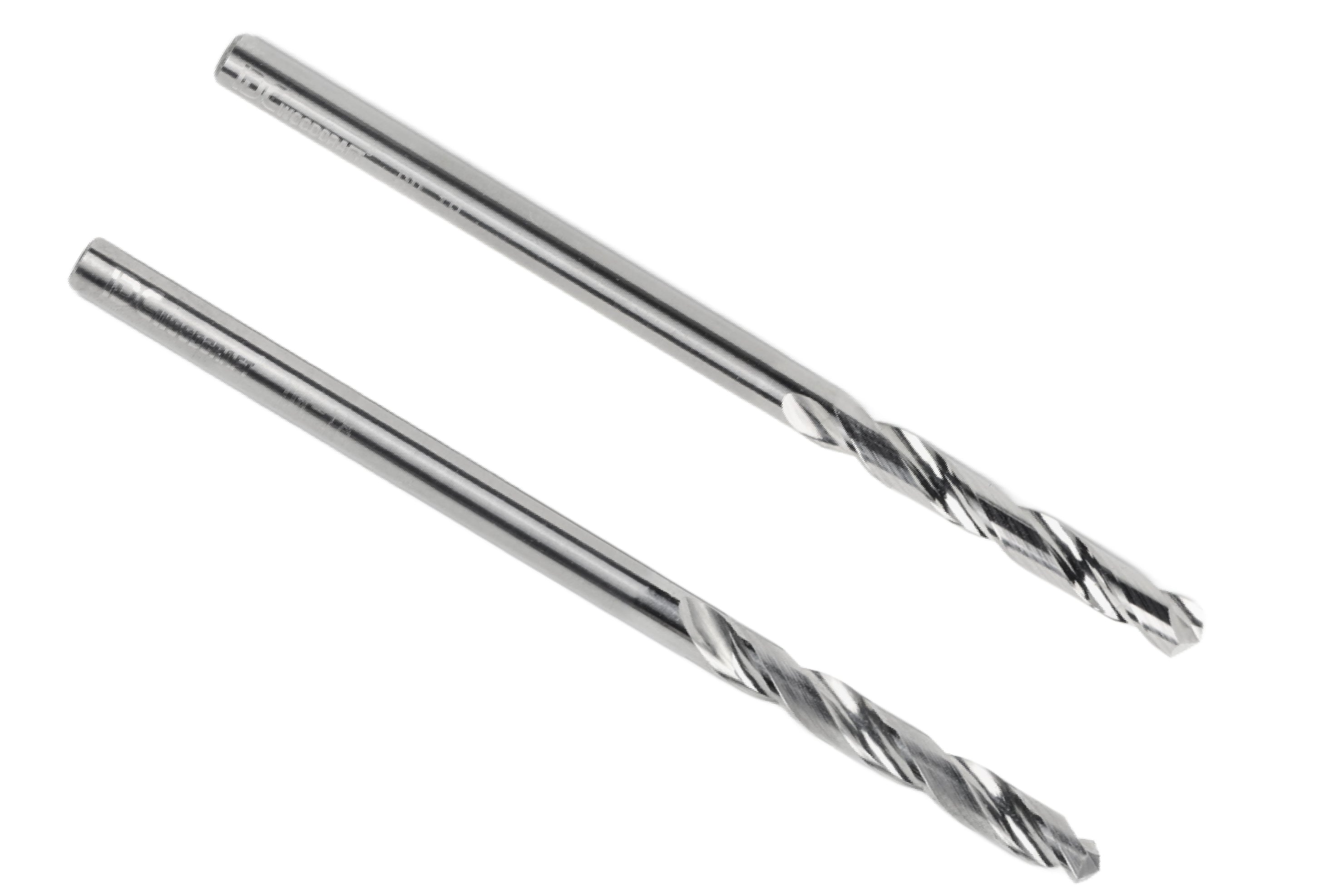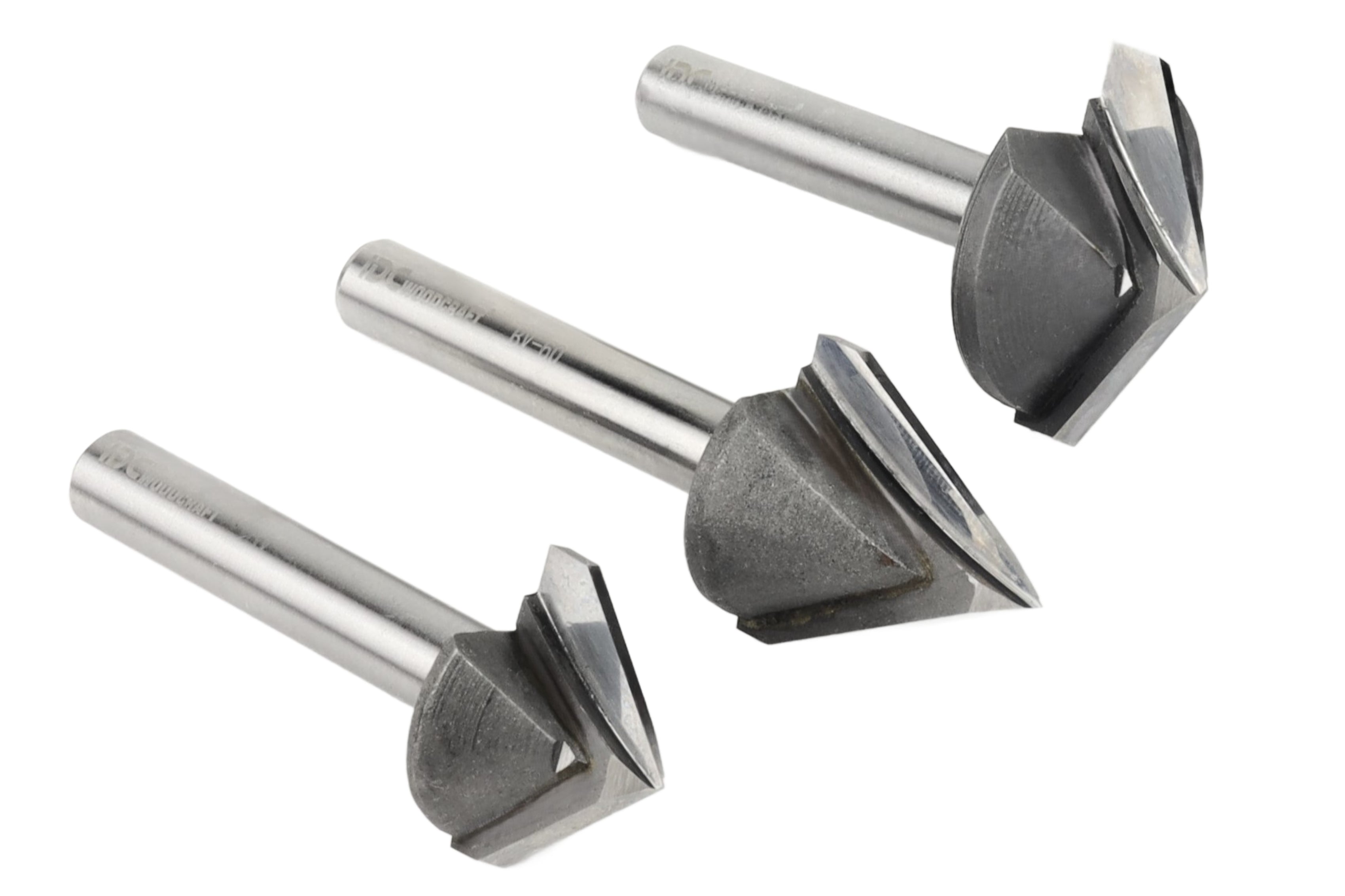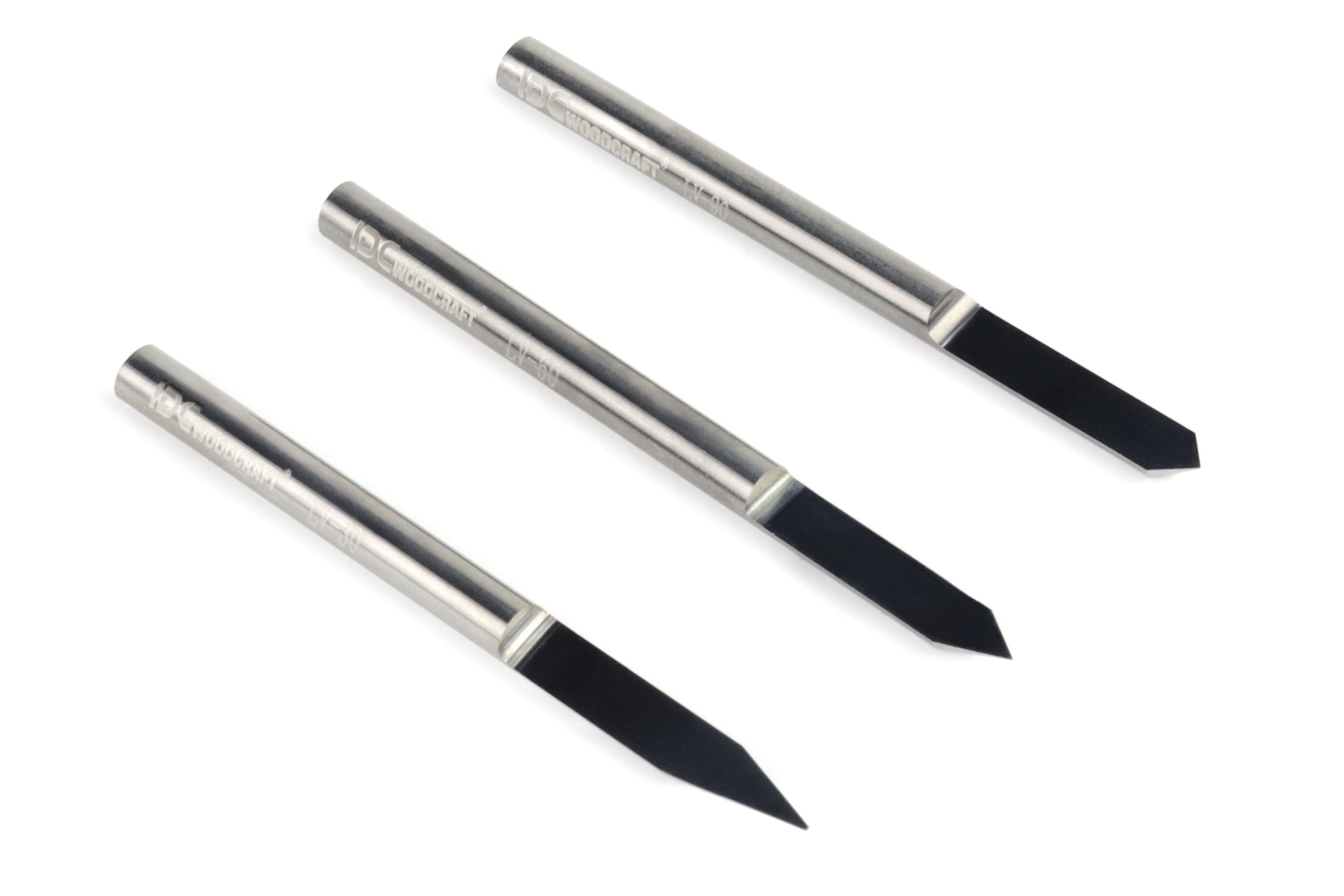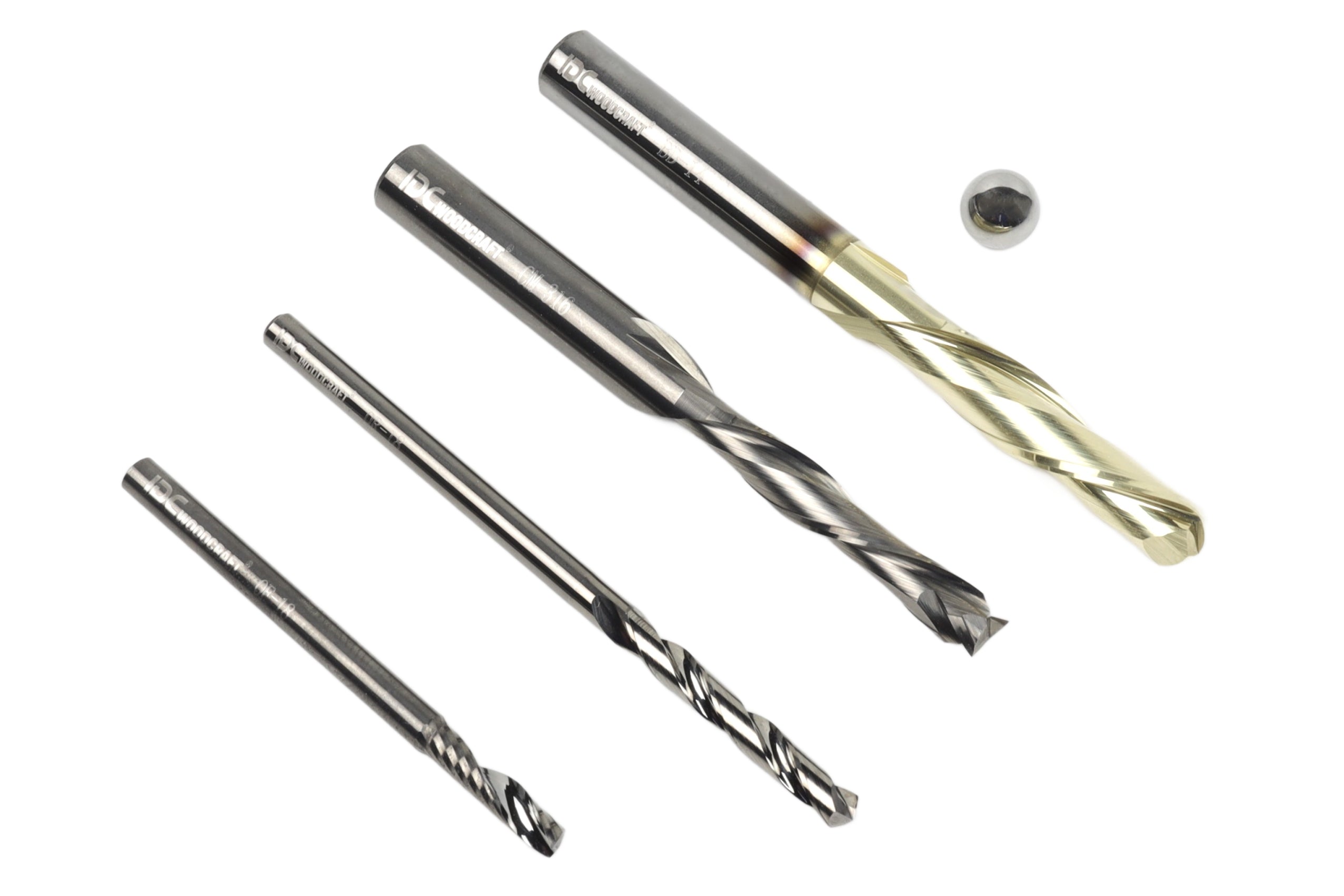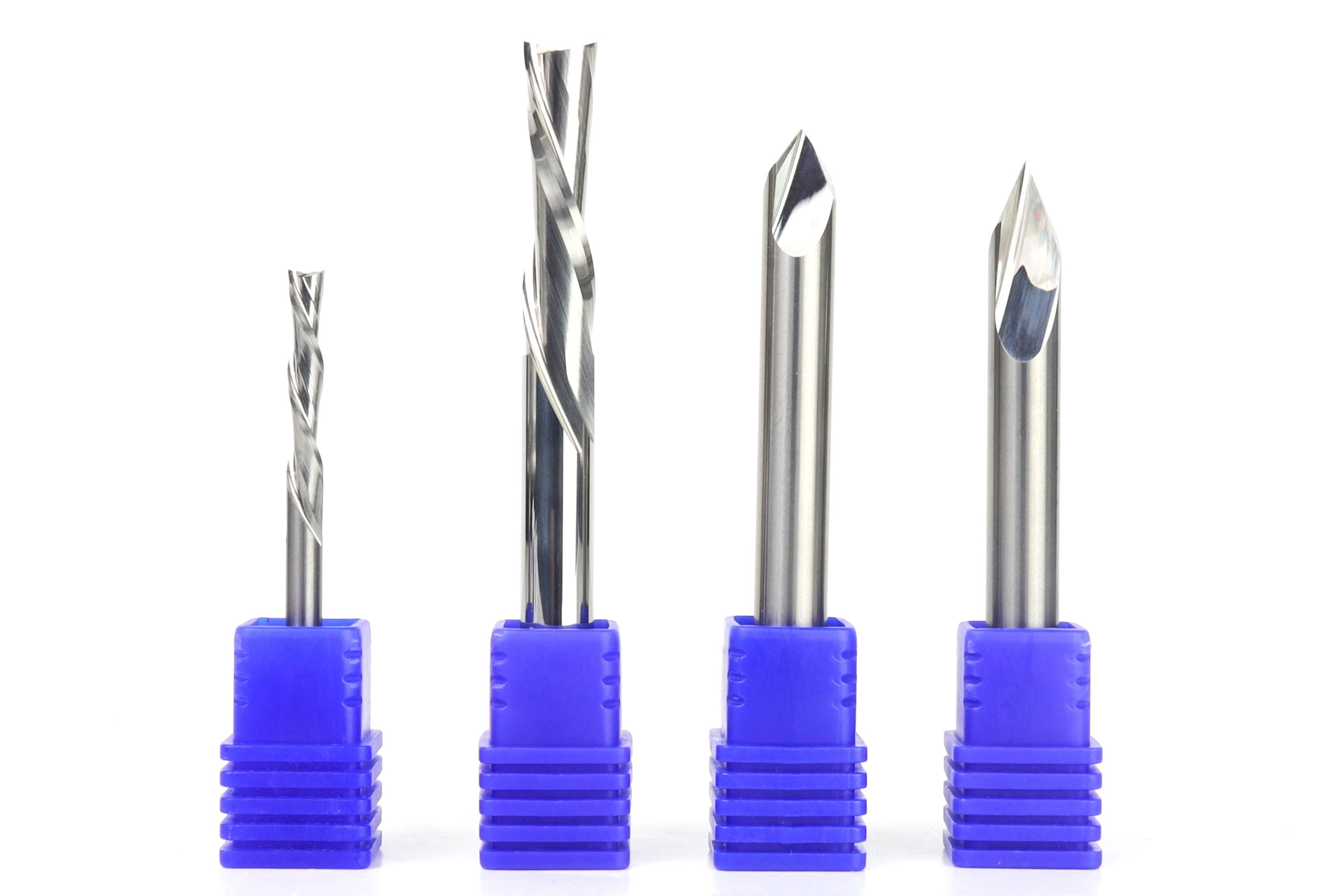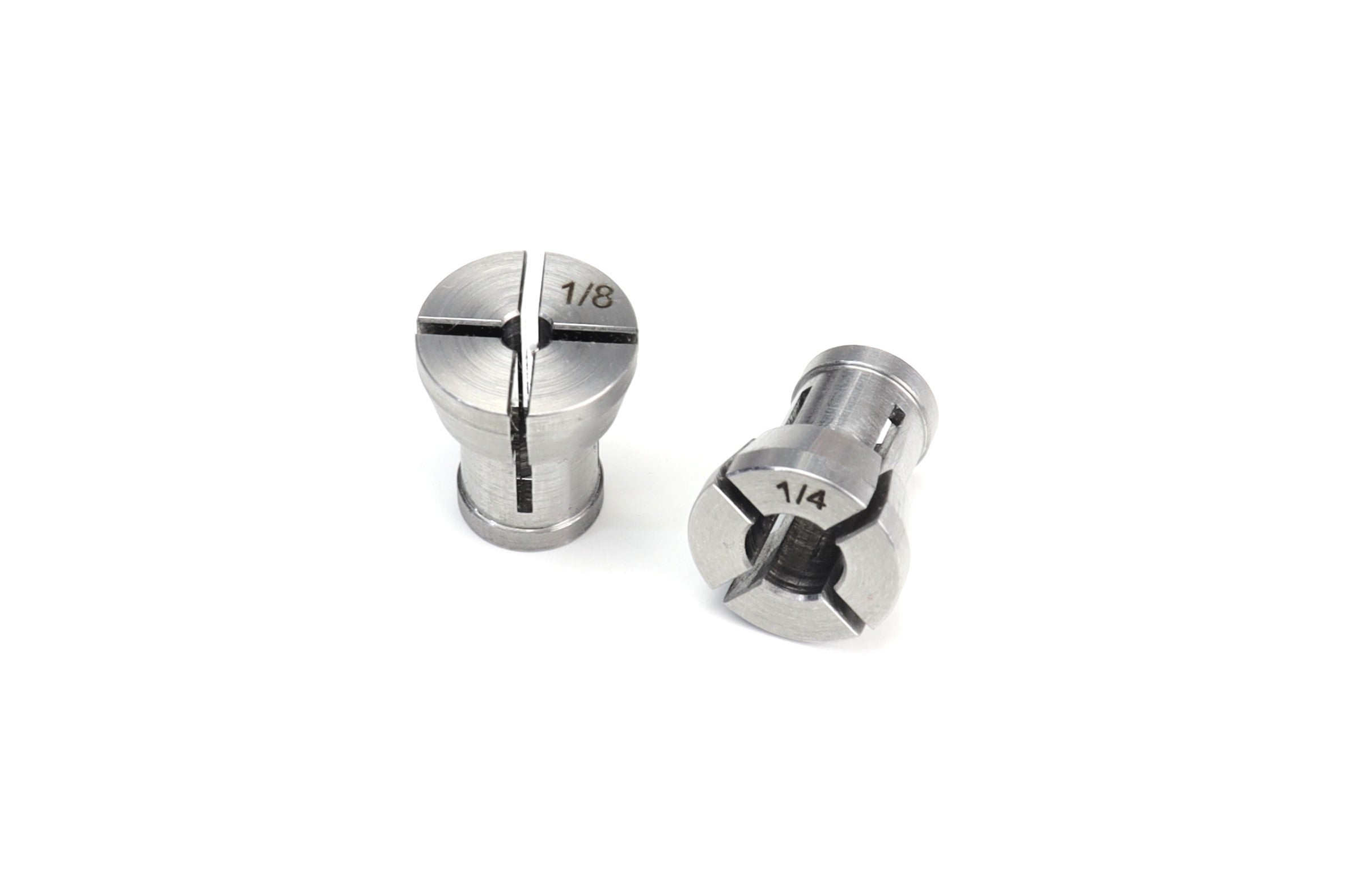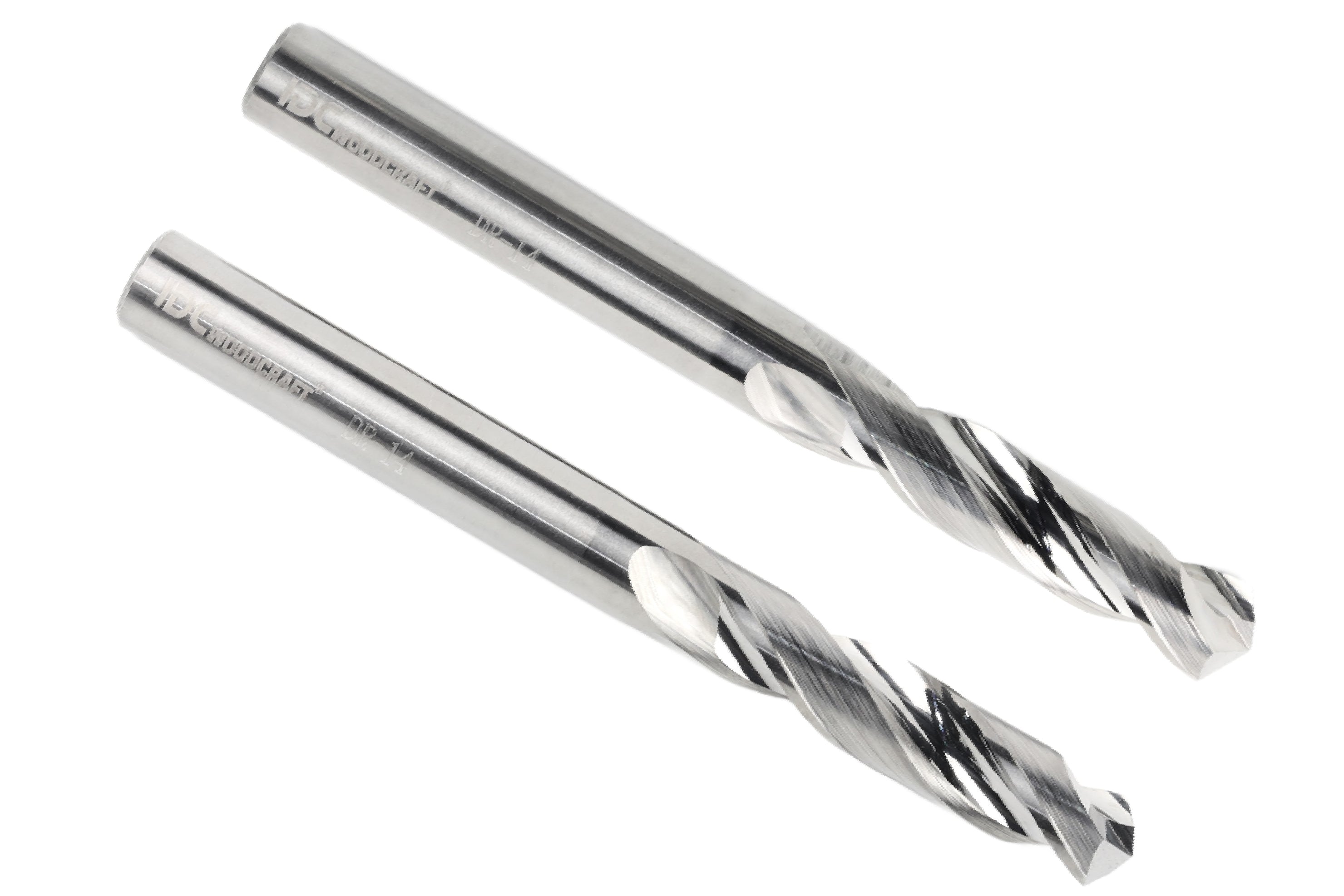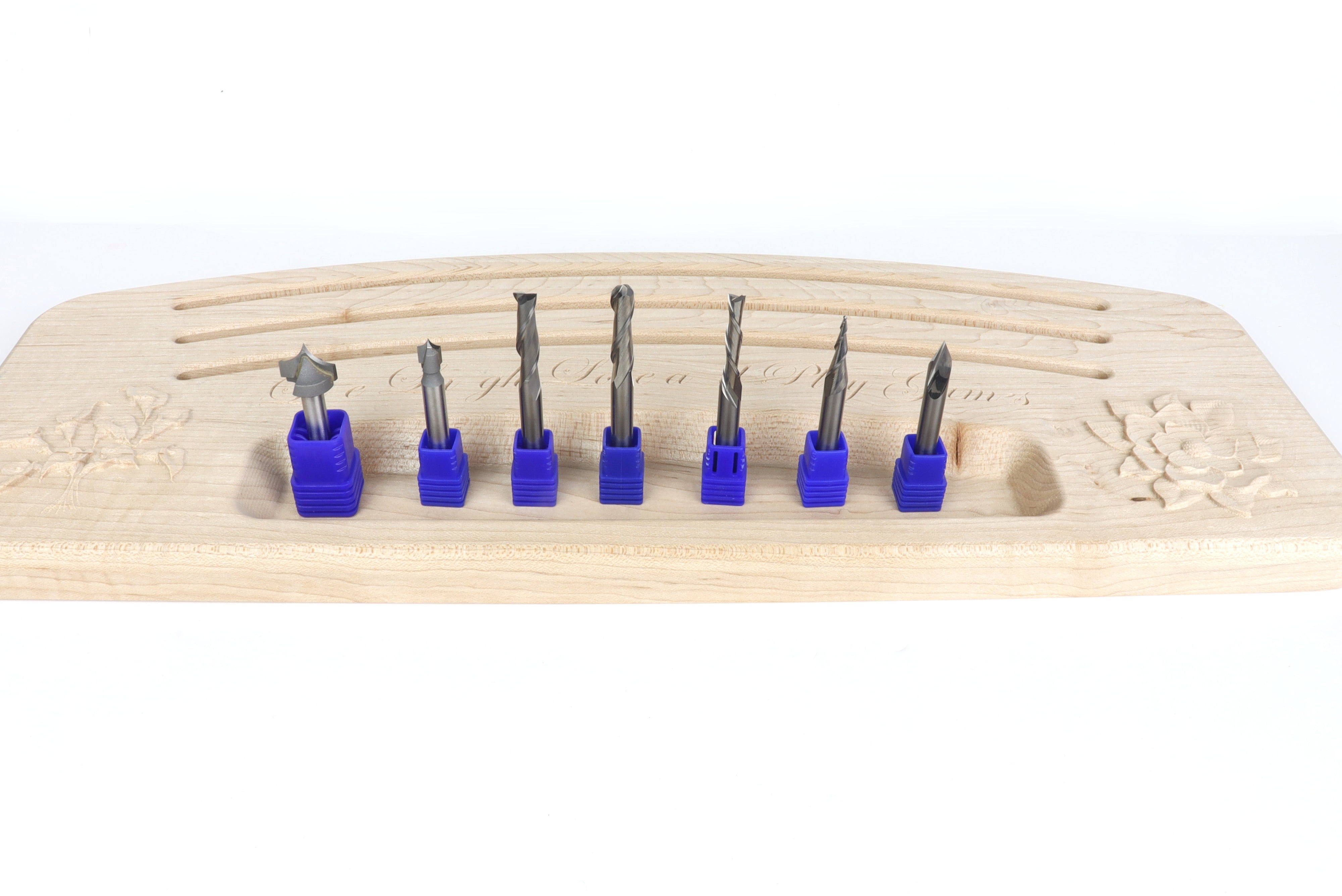
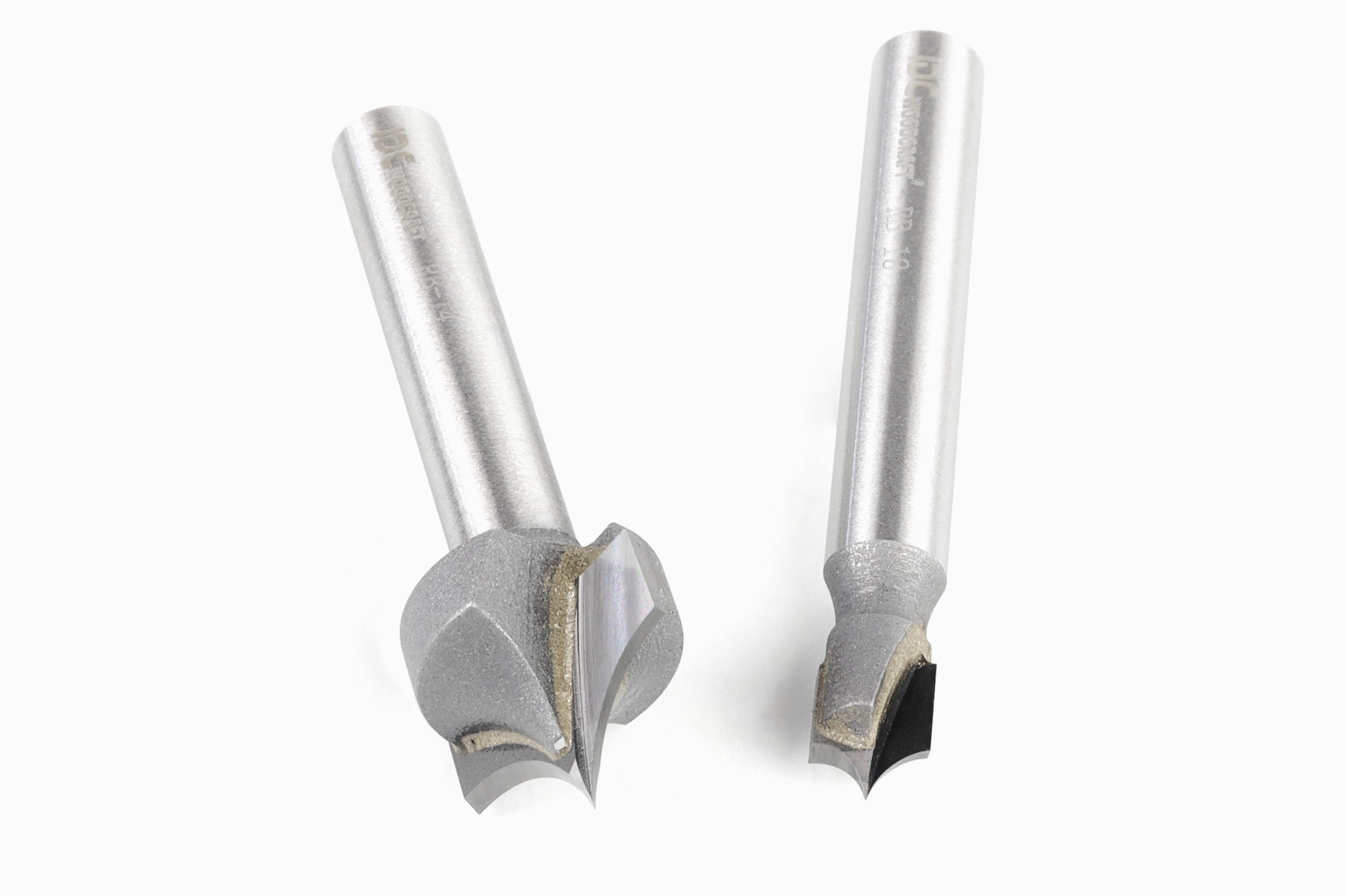
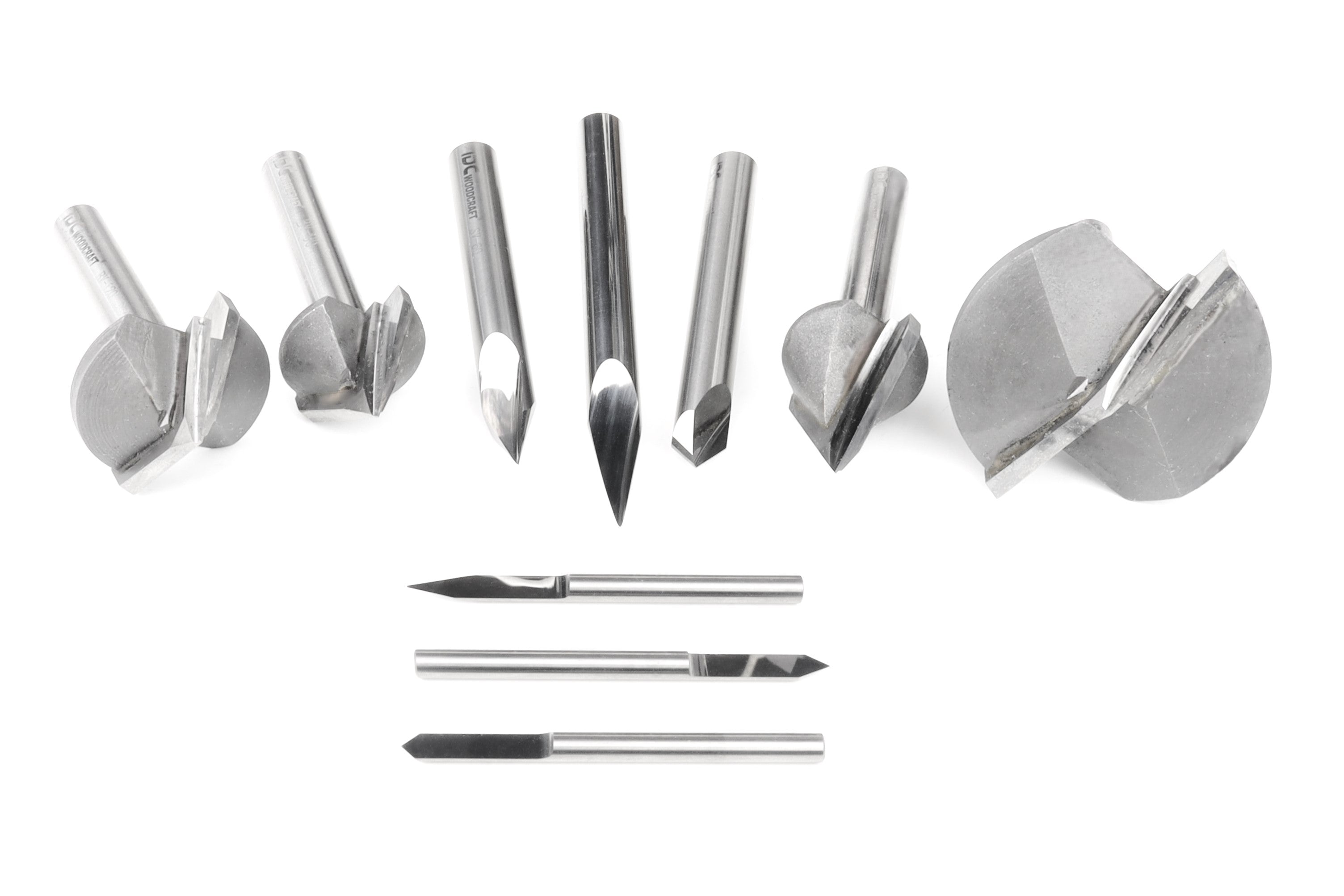
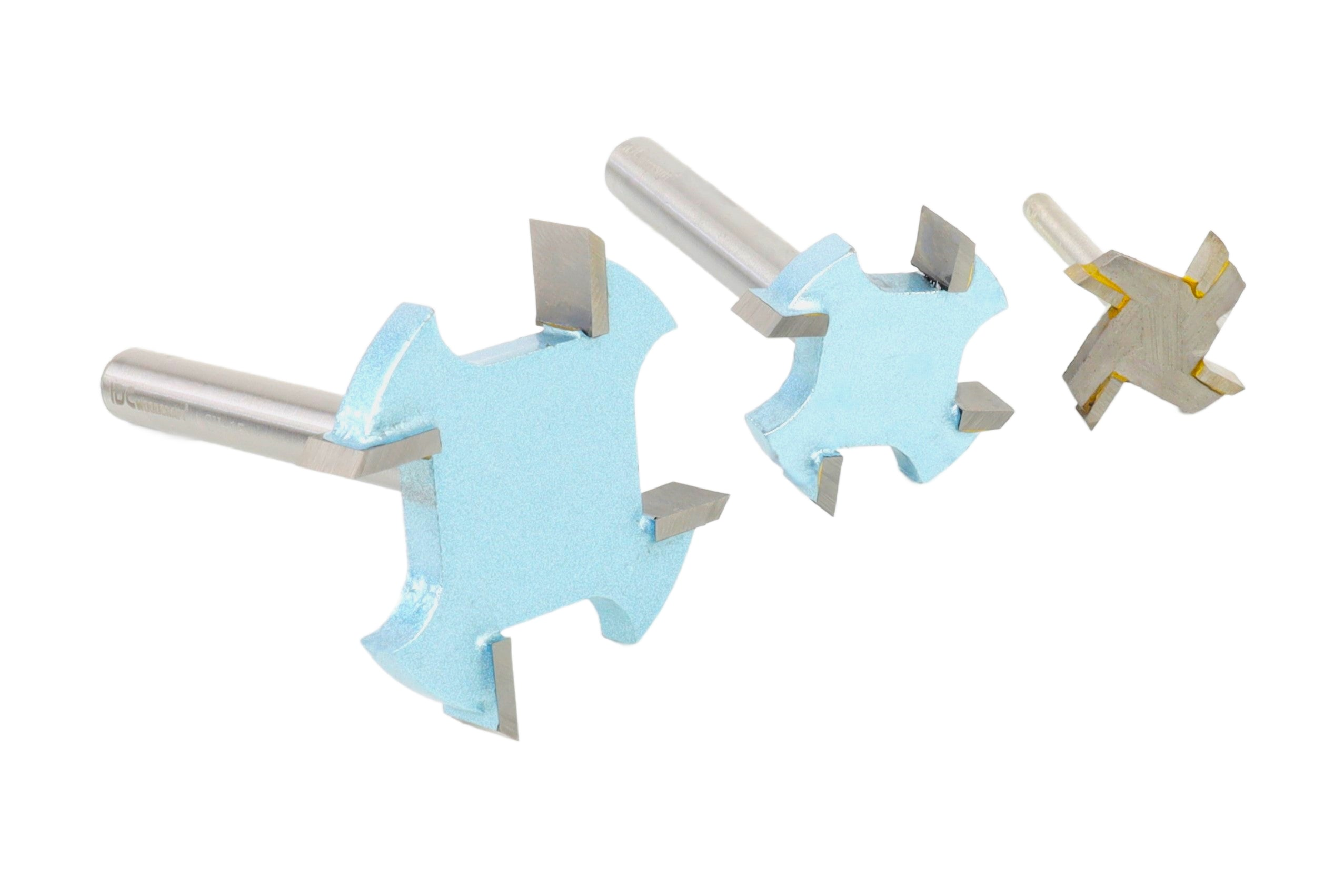
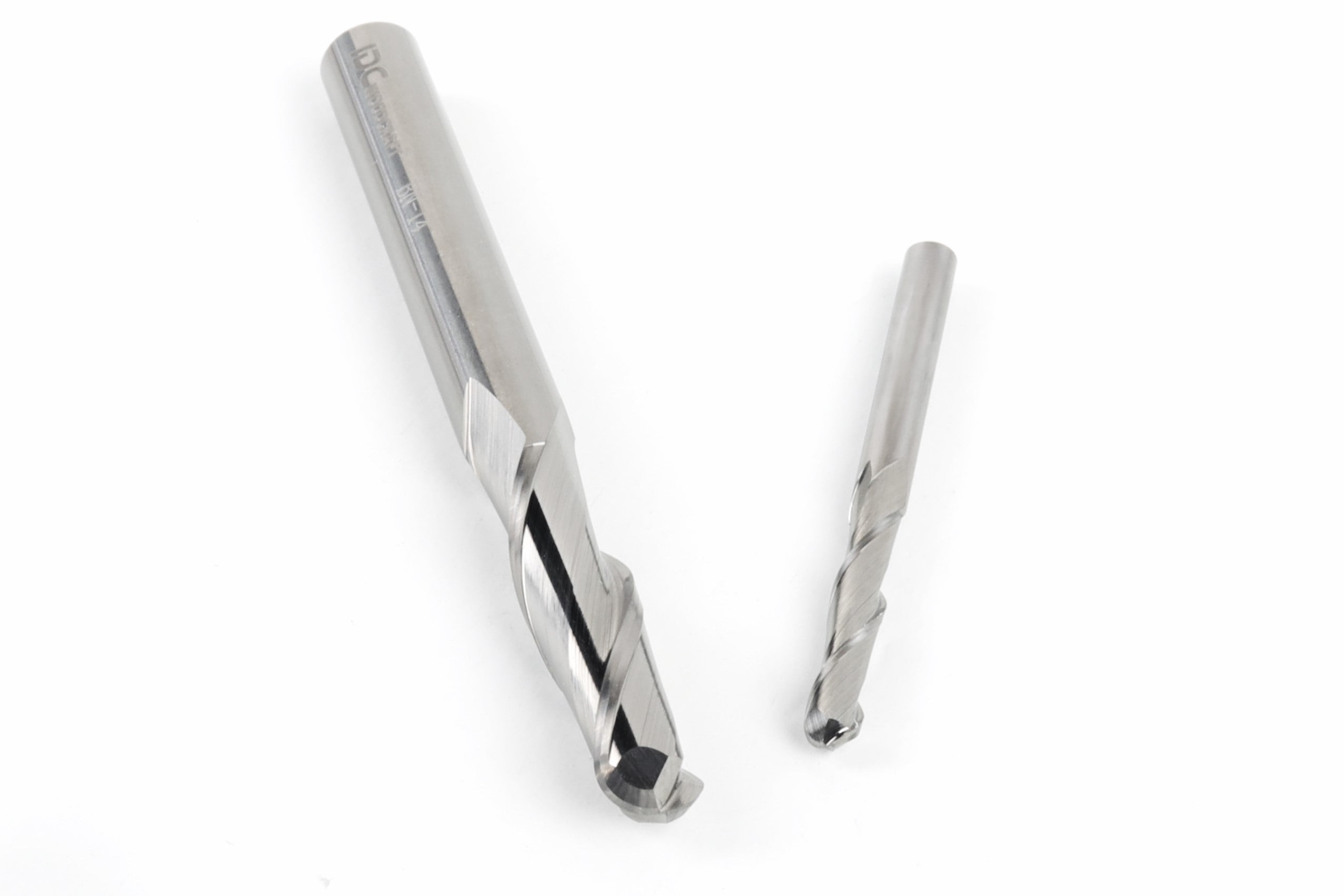
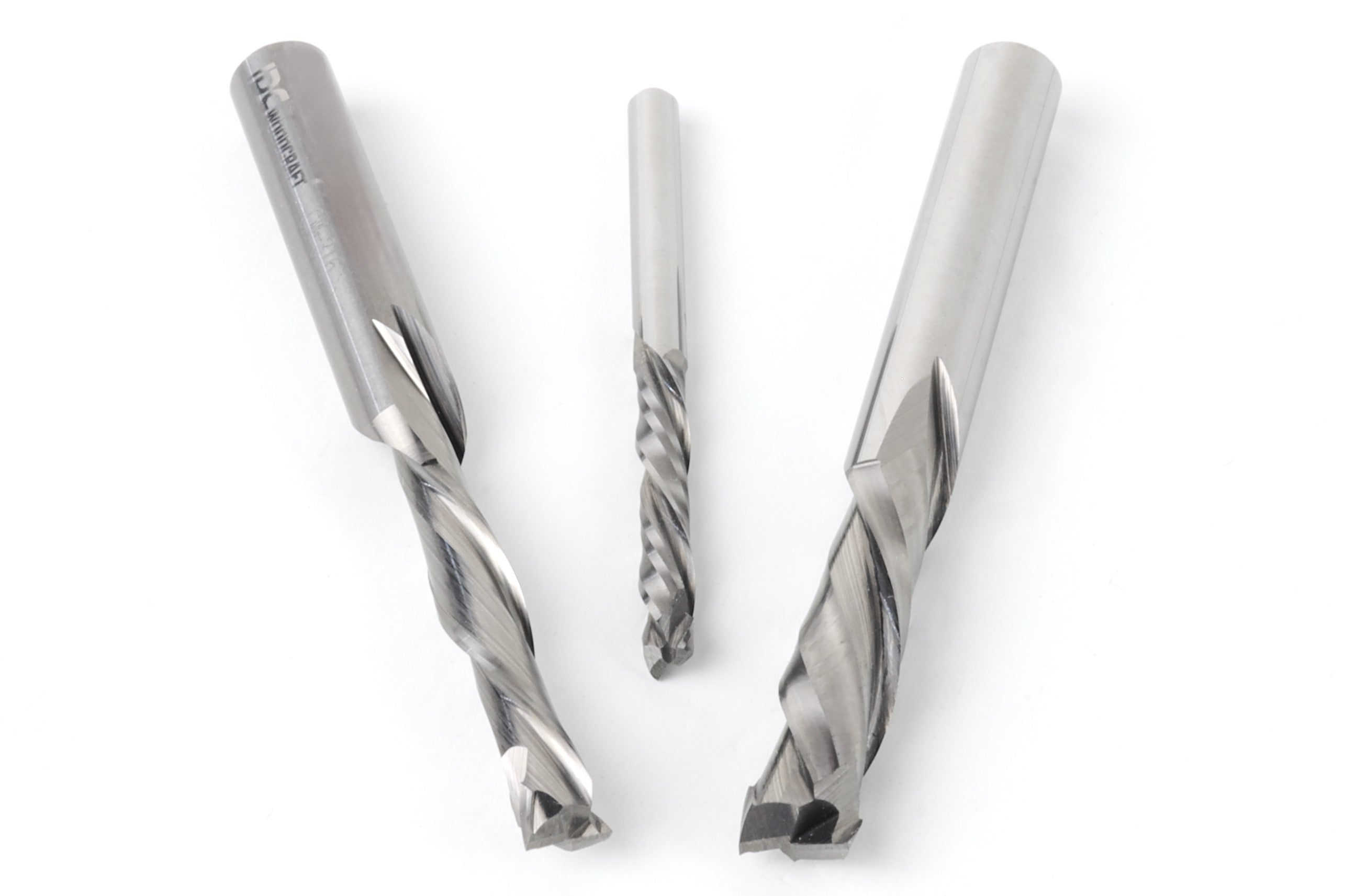
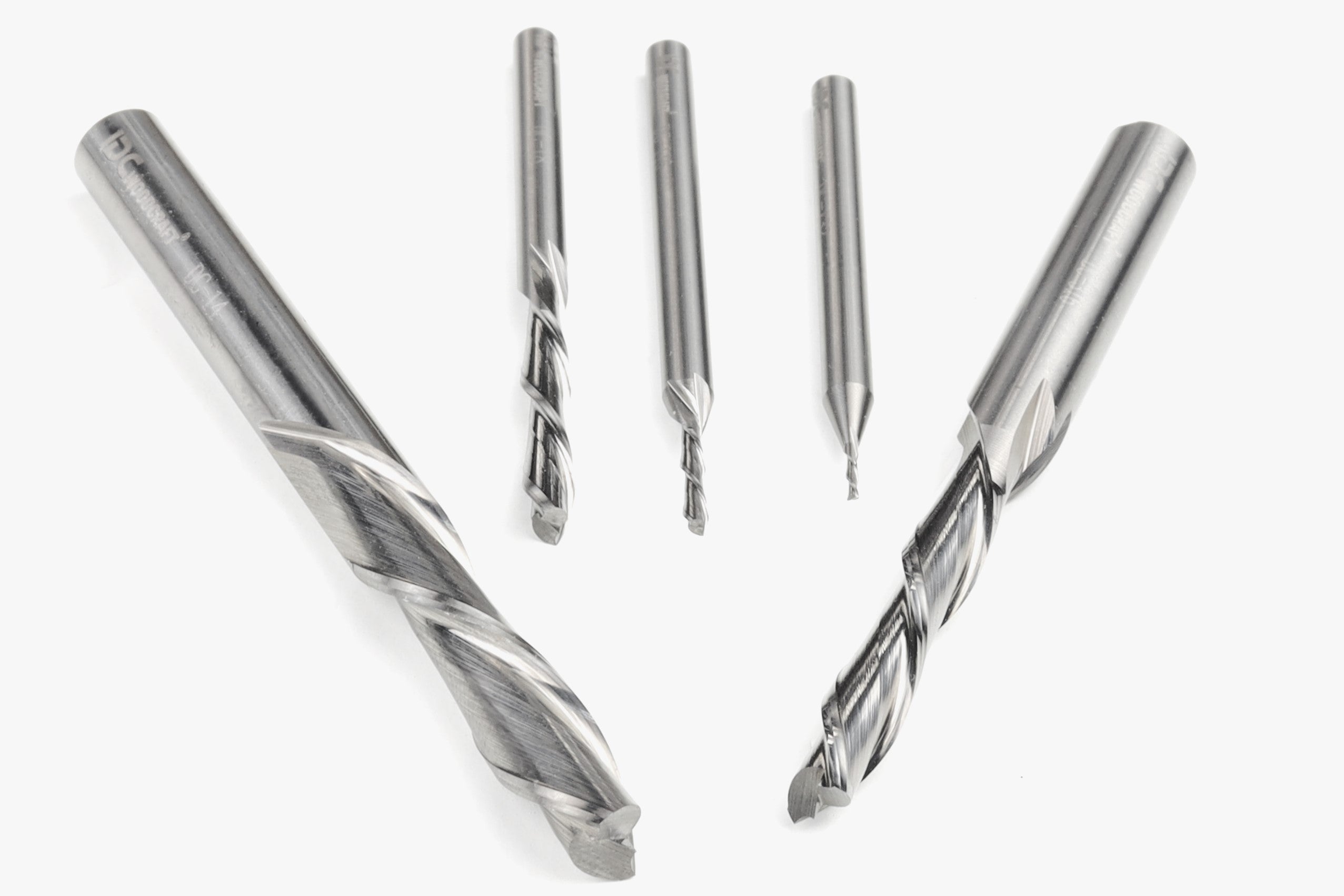
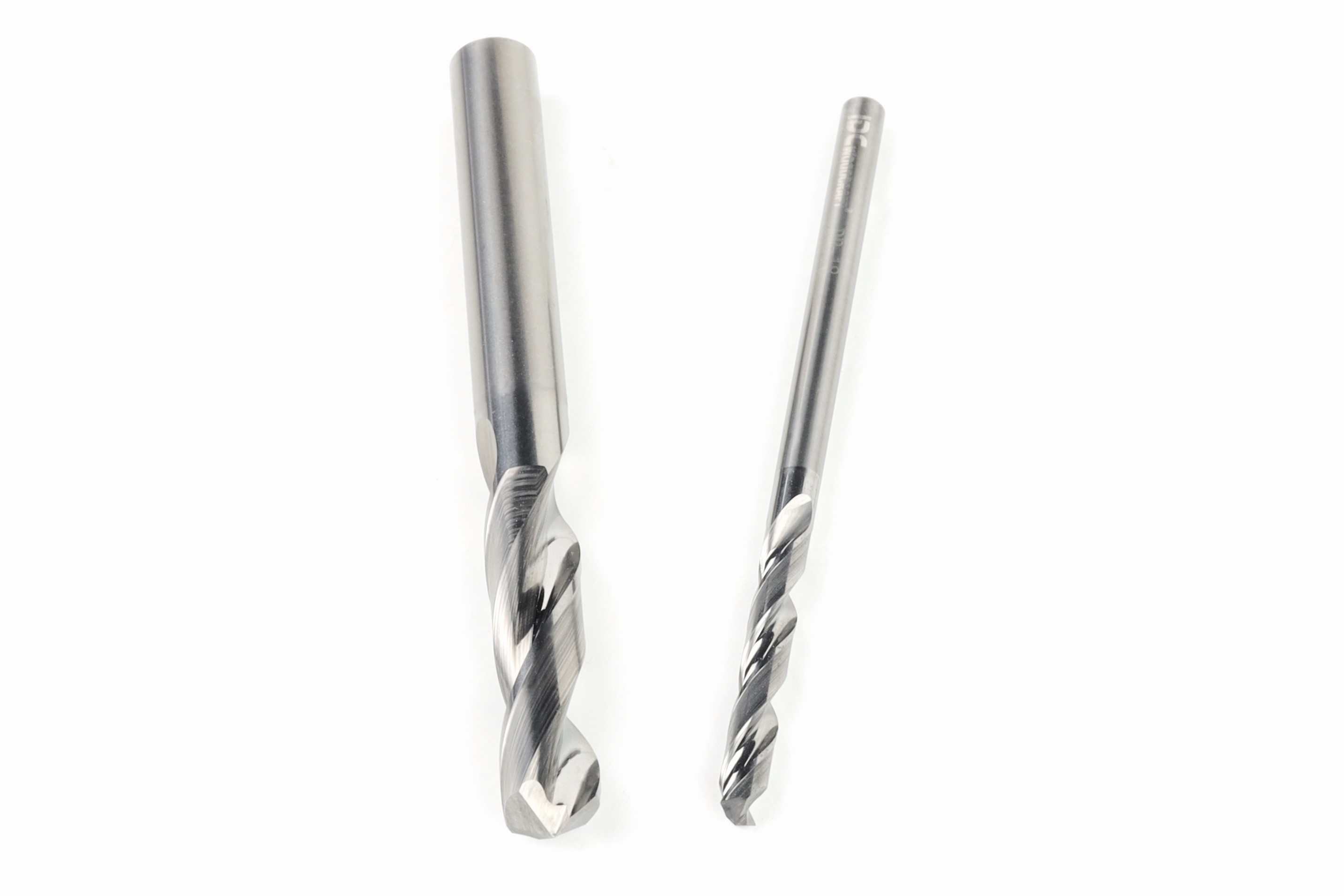
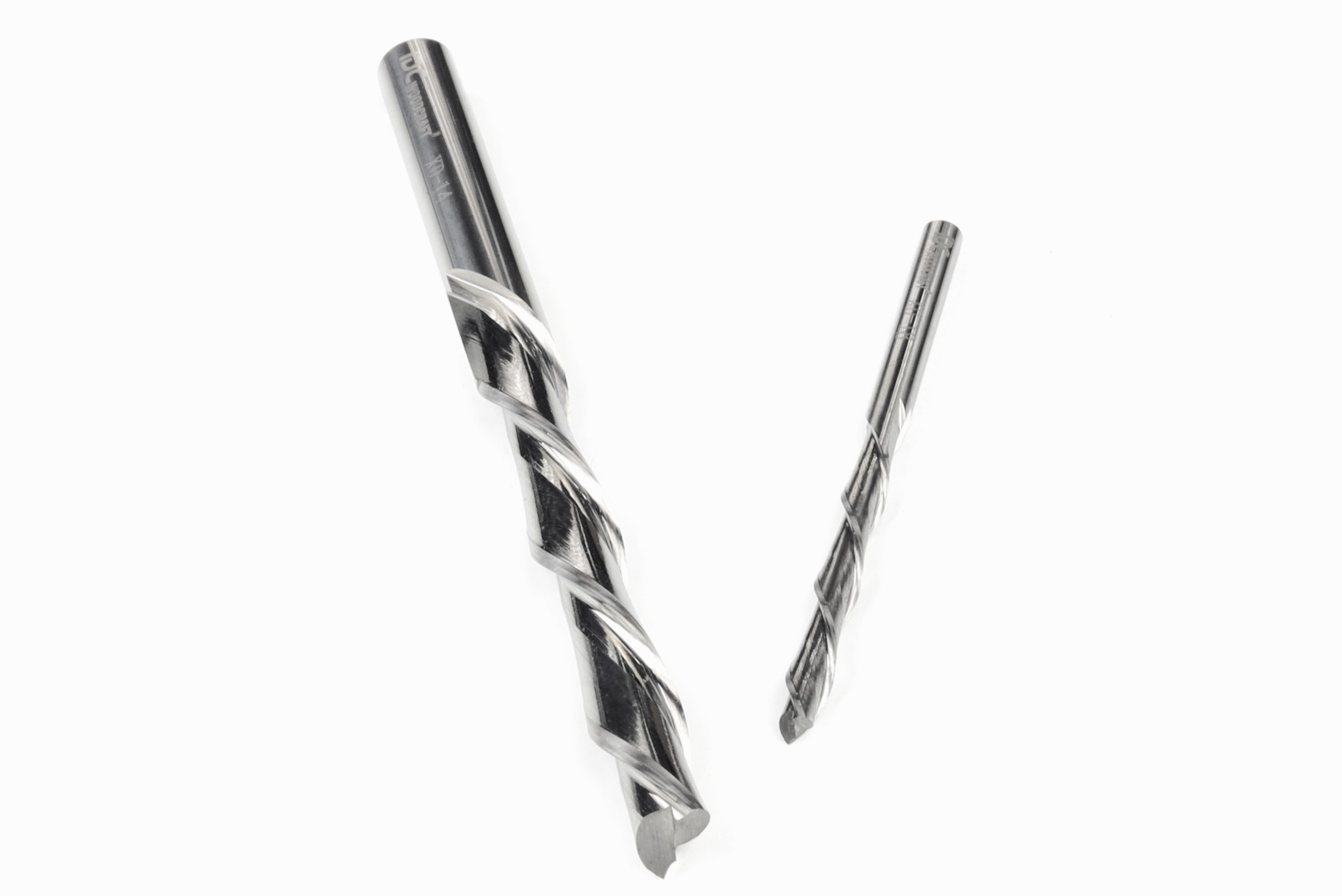
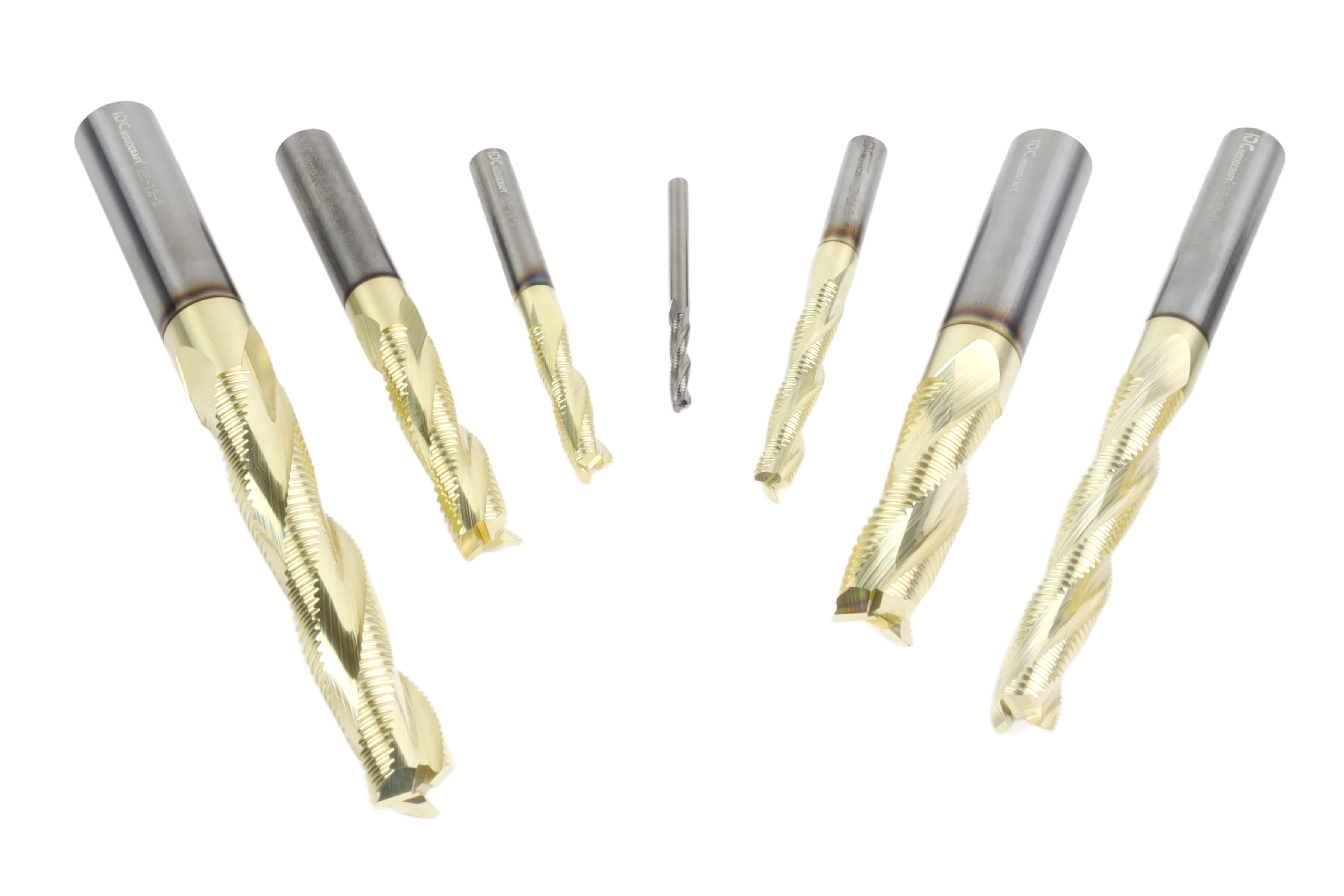
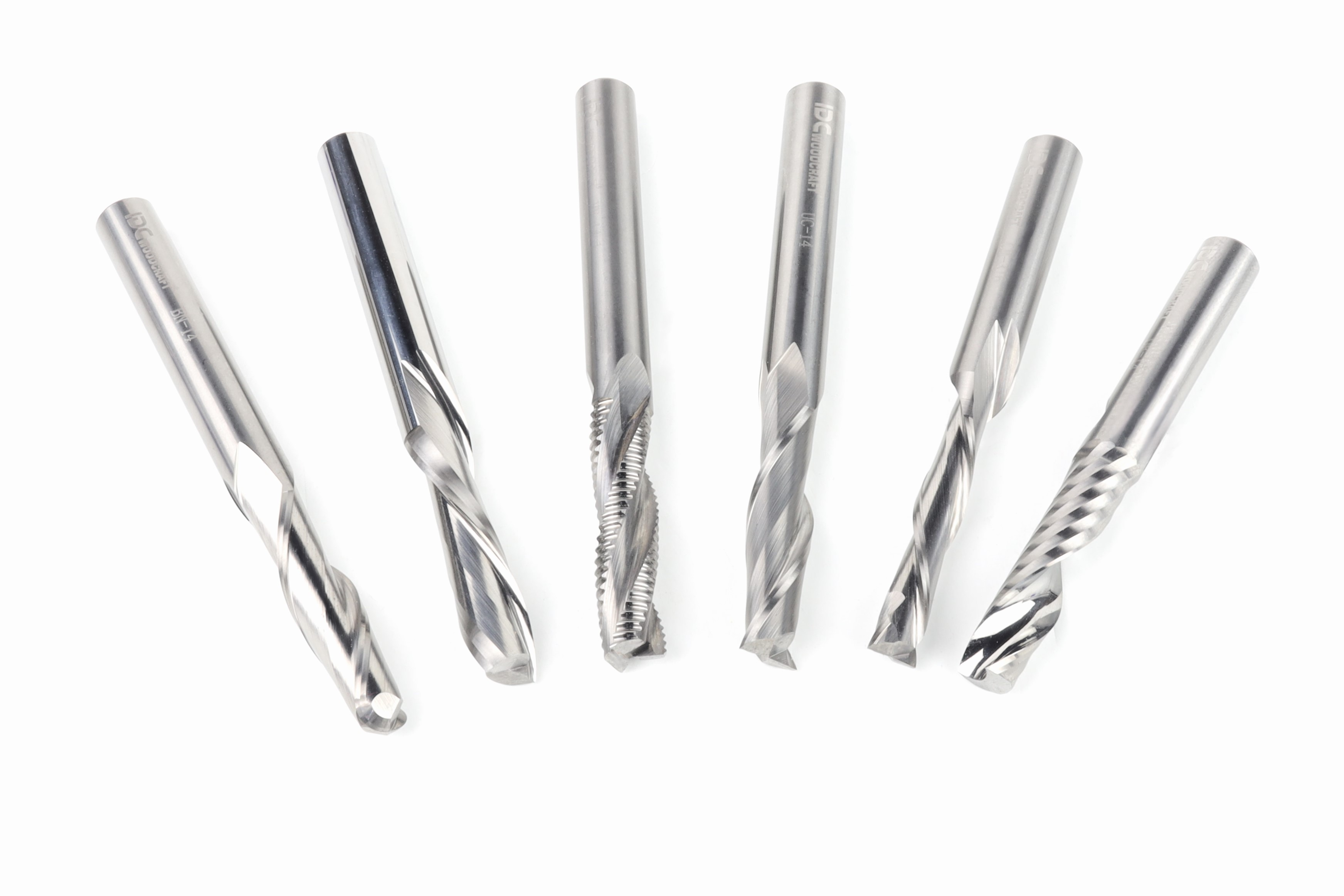
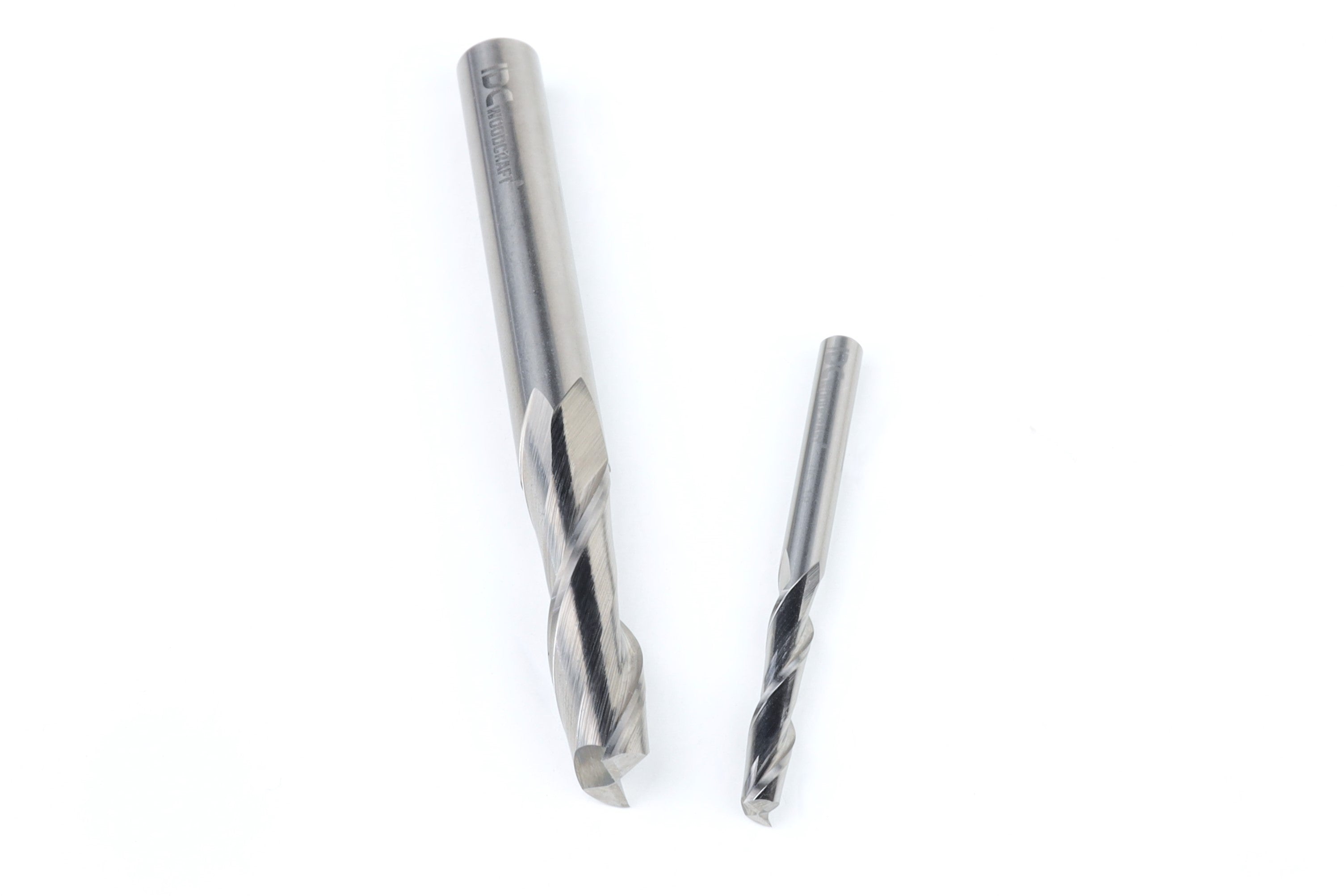
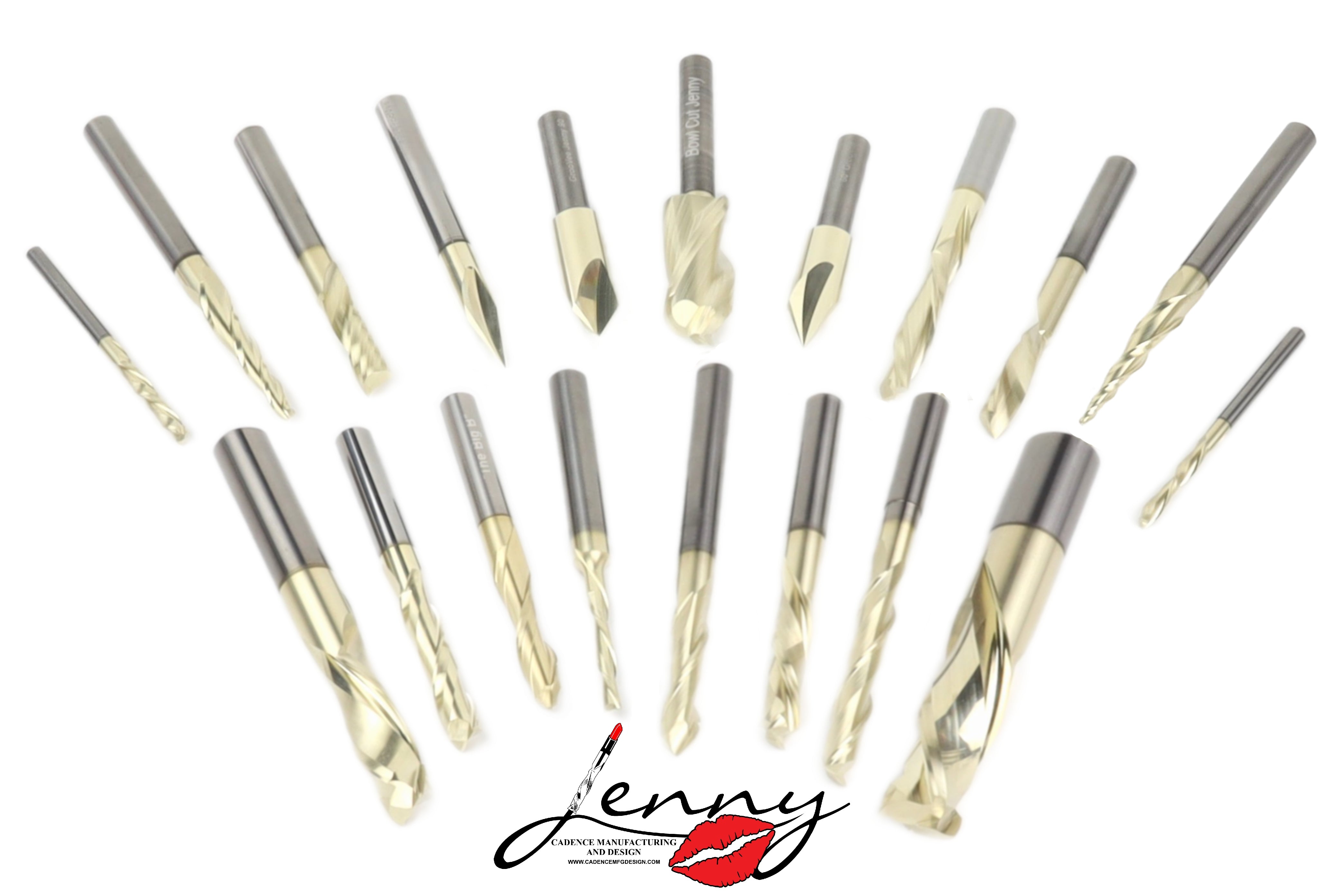
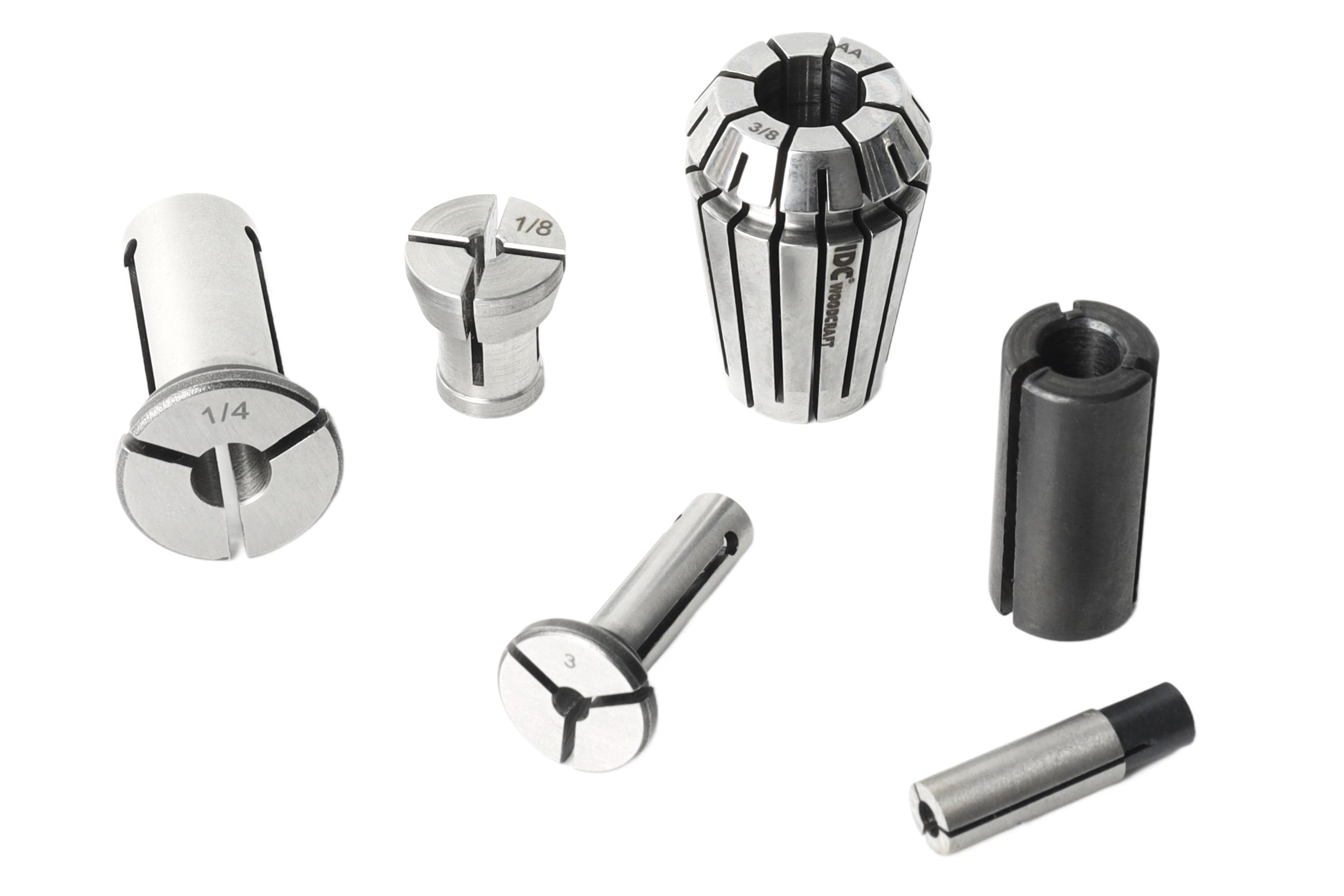

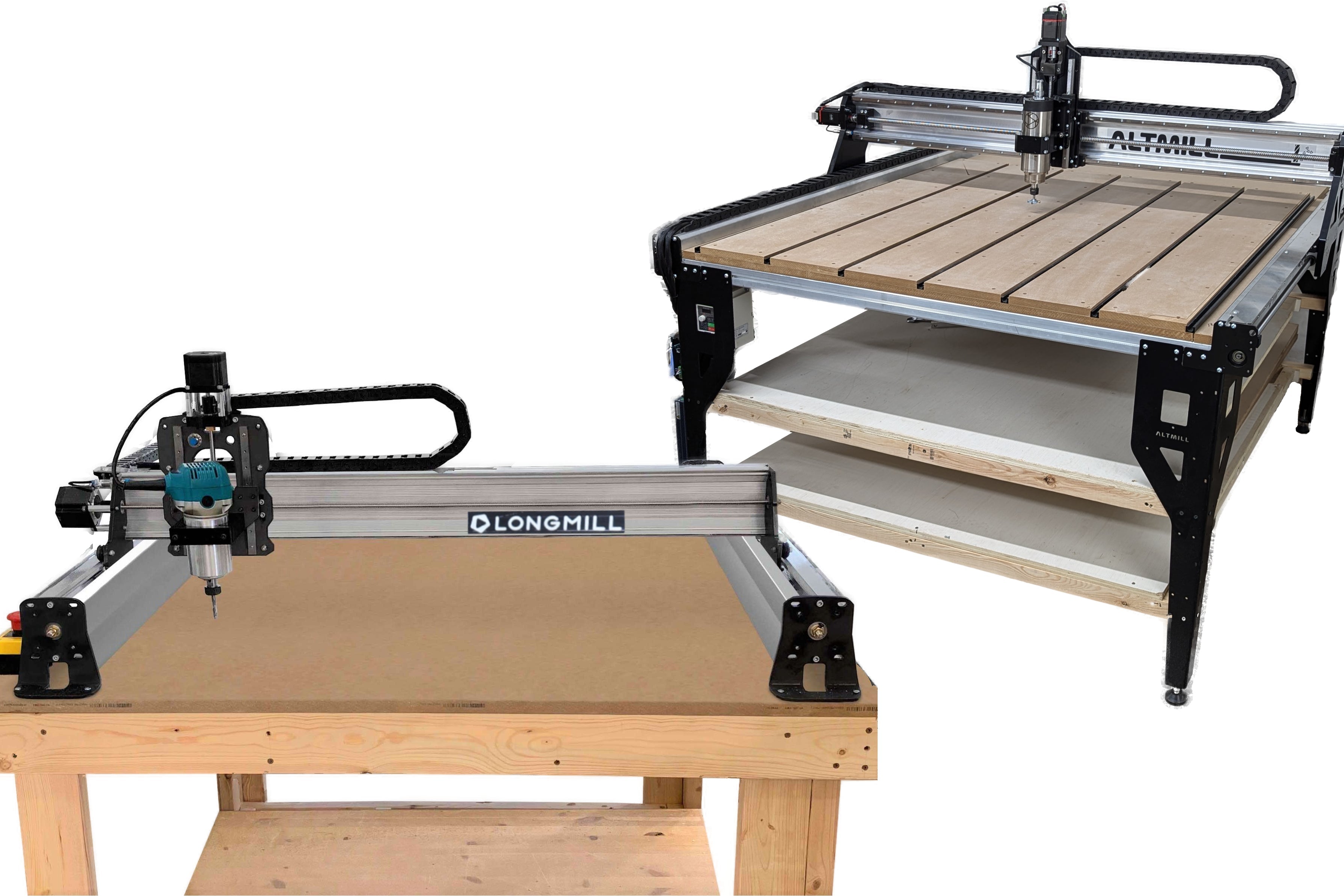








The following tables will help guide you through our CNC router bit sets and the bits included in each set, as well as Feeds & Speeds for the individual bits you’ll find throughout our collection.
The Feeds & Speeds provided are average, accepted values for benchtop CNC routers and are suitable for soft, medium, and moderately hard woods. For extremely hard woods (ex. Brazilian Ebony, Snakewood), we recommend doing some additional research and testing before running your project.
You may see values in these tables for materials or cutting conditions that aren’t specifically listed. These are intended as starting points and may need to be adjusted based on your CNC router, material, tooling, and setup. As always, start conservatively and work your way up until you find what works best for your machine.
your software. Some programs require more information than usual. Don’t worry, if you don’t see it in yours. It won’t be needed.

Feeds & Speeds tables always refer to speed in rpm (revolutions per minute). This is fine when
the router uses a spindle controlled by the CNC.
However, for those that have manual routers, the rpm number is not very helpful.
To help with this, you will see an unusual field titled “Router Dial”. This is for users with
manual routers.
Note: The “Router Dial” number refers to Makita model RT0701C that commonly comes with desktop CNC routers.
Different CNC routers have different levels of rigidity. The rigidity of a machine will determine the feeds & speeds limits a machine can handle. A rigid machine will work well with these settings. One with flex in the gantry will not. If your machine has flex, you will want to back the feeds off by about 20%.
How to tell if you need to tone down the feeds.
Grab your router and push back and forth. If it moves easily, reduce the feed rates in this table.

Appropriate Feed & Speed set up is designed to get the best life from your bit, as well as the best cuts. However, router bits do not last forever.
Router bits eventually get dull, just like a kitchen knife.
There are many factors that
contribute to this, such as:
• Quality of the bit
• Material being cut
• How the bit is used
• Stiffness of your CNC router
• The sound from the bit seems to be at a higher, and louder pitch
• The bit seems to be working harder than normal
• A low-pitch rumble is coming from your machine while cutting
• The bit gets very hot (the nut will be hot as well)
• The cut is rougher than usual with a fuzzy finish
• Chips from the cut tend to be more dust than chips
• Edges and corners of raised letters seem to break more often, or leave jagged edges
• Brown lines (burn marks) start showing up at the bottom of cuts
• You can smell burning wood
Resharpening – It is not cost-effective to resharpen smaller spiral bits. Flat-blade bits are easy to resharpen.
If you are brand new to CNC routers and router bits, this tutorial video will teach
you everything you need to know about router bits.
Setting up your bits properly in the Vectric software can feel a little intimidating
at first.
This video will walk you through the process, so you get it right the first time.
We also have pre built tool databases for common software such as Fusion 360, Vectric Vcarve, Vectric Cut 2D, Vectric Aspire, Carbide Create and Carveco for you to use free of charge. Just download the database, install into your software and start cutting!
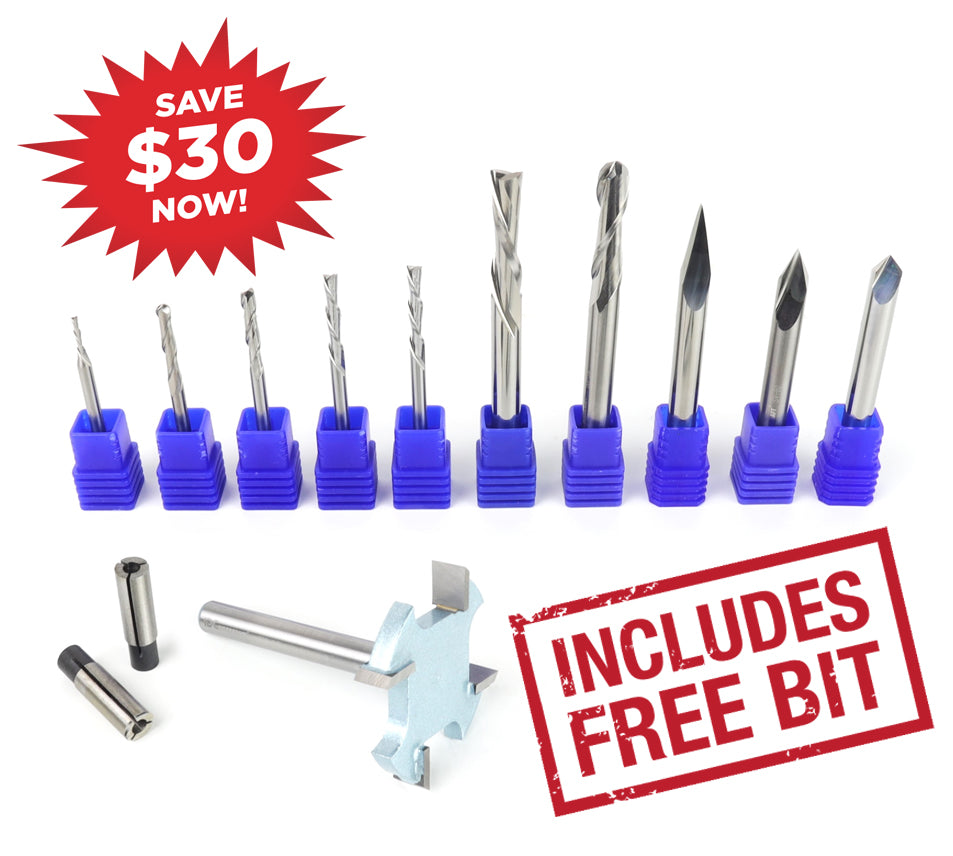
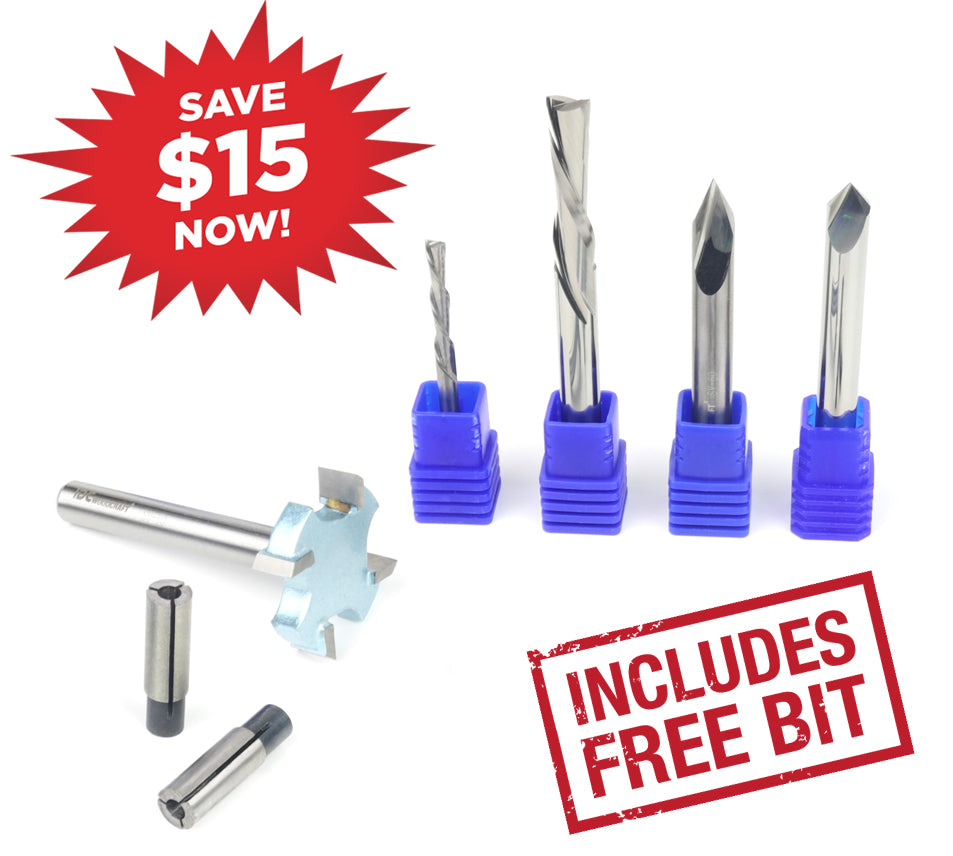
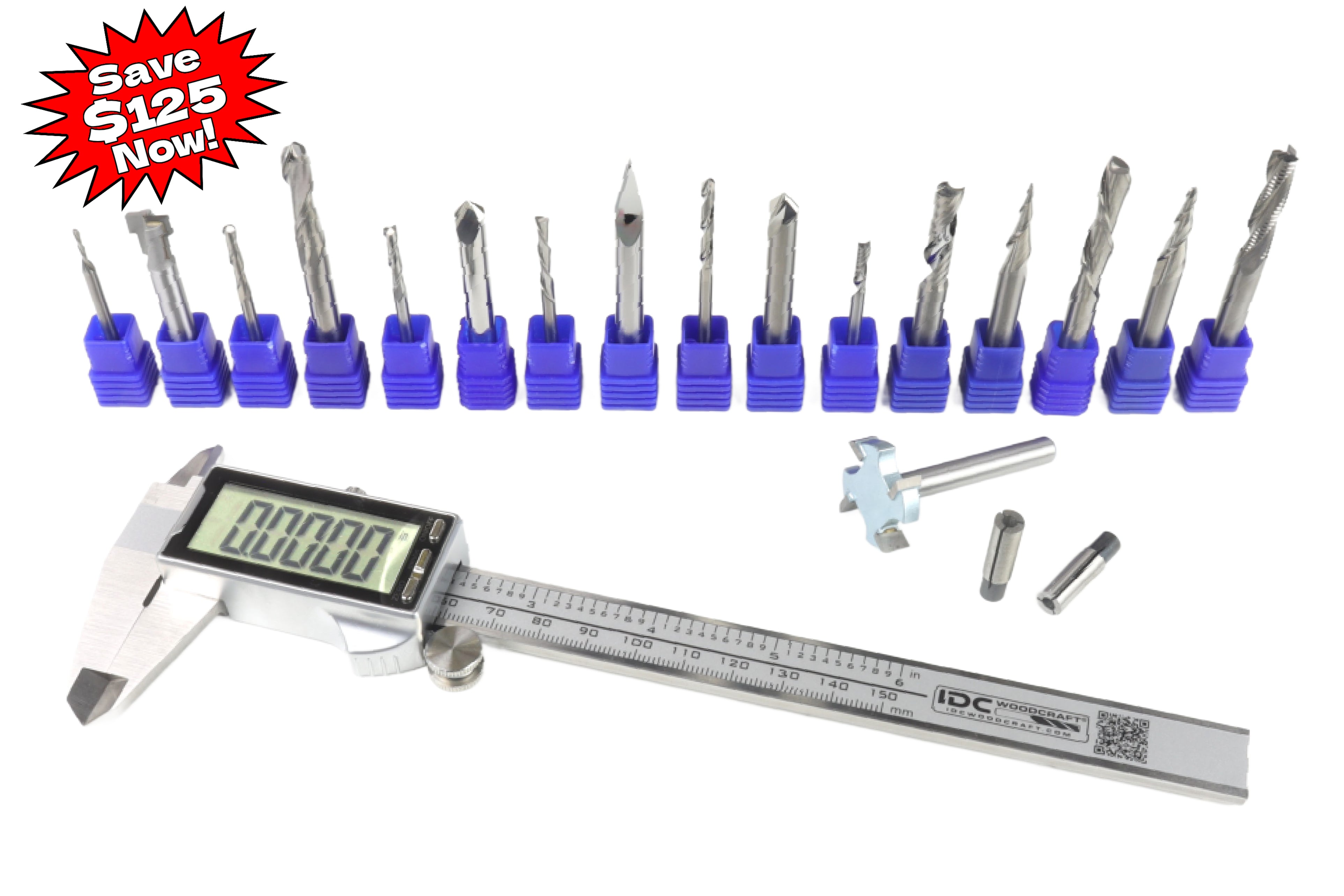
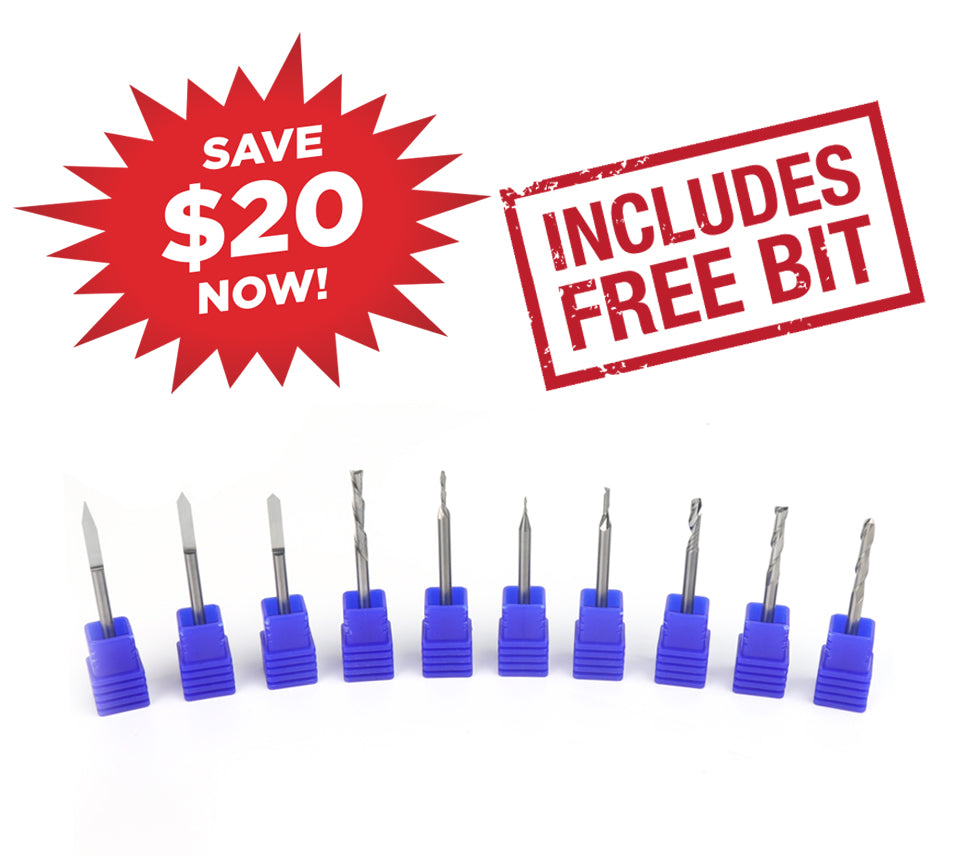
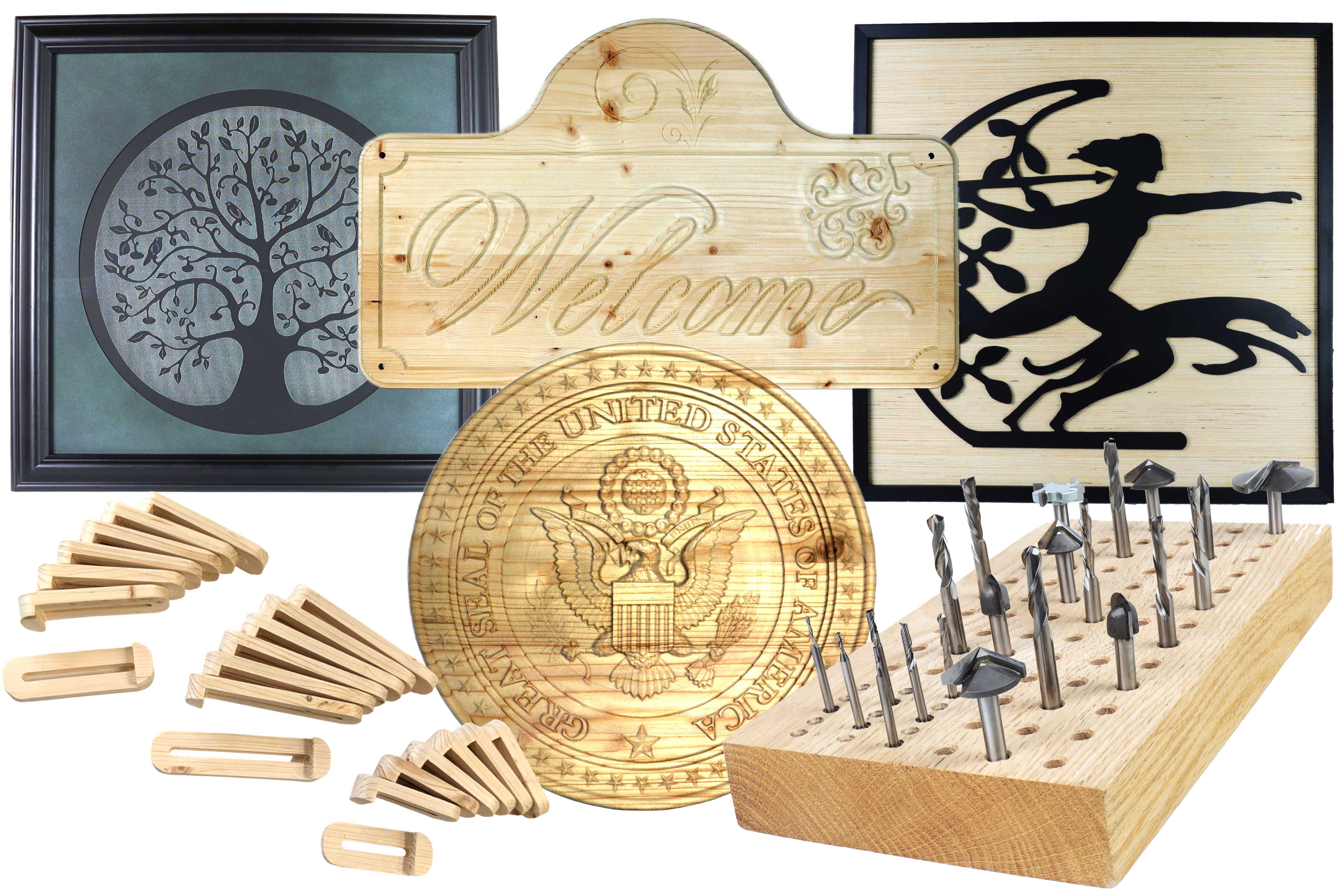
Your CNC router handles the movement and precision, but it still needs the right bits before it can carve anything. Buying bits one at a time means guessing at shank sizes, cut types, and which bit handles which job before you have carved anything. Our router bit sets take guesswork off the table by grouping bits that work together and matching them to the size of machine you own. Every set is made in the USA from solid carbide or carbide-tipped stock, which holds a sharp edge longer and gives you precise cuts across more woodworking projects.
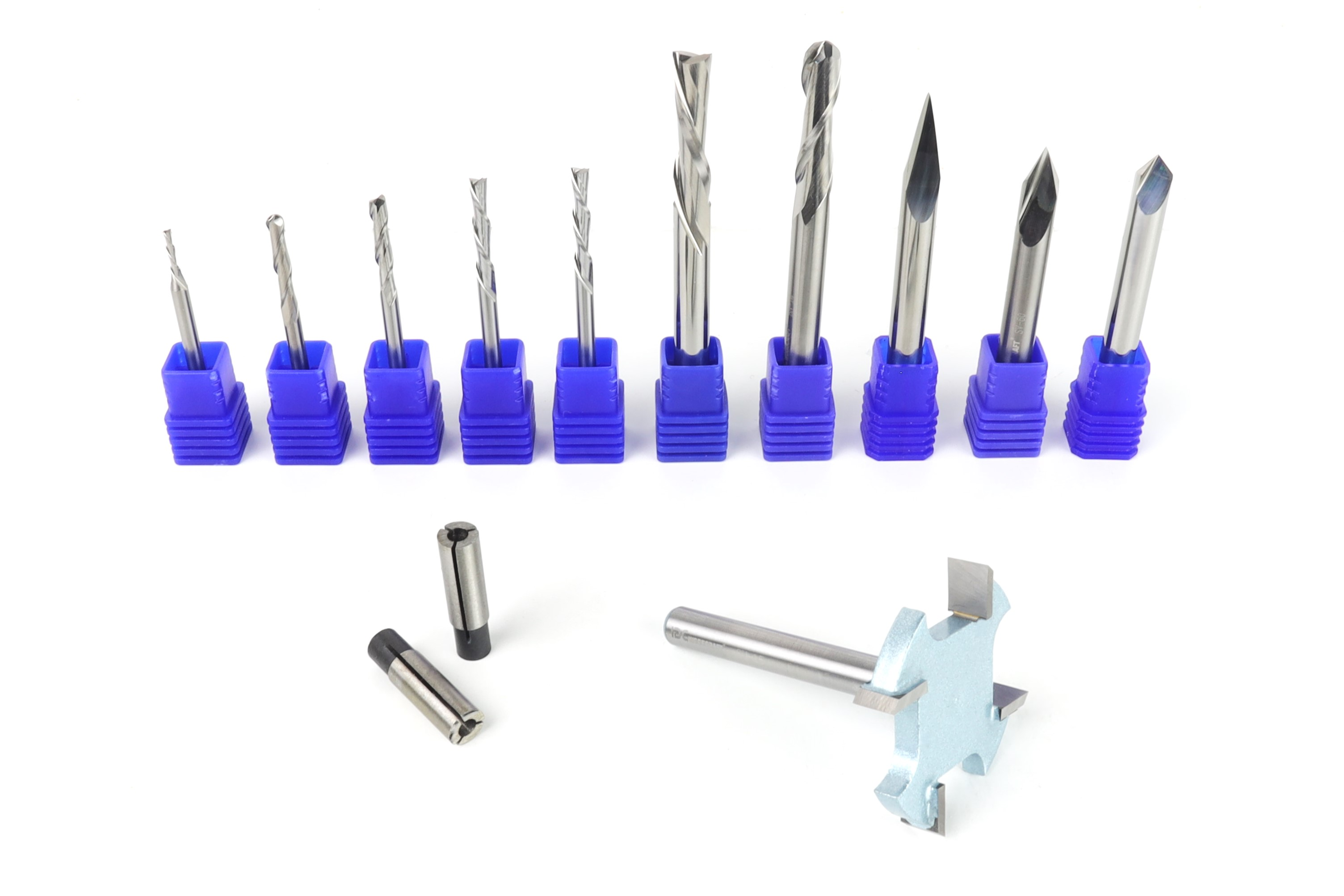
The right CNC router bit can make all the difference, but finding the right combination of bits for a specific project can take time. Our CNC router bit bundles take the guesswork out of choosing by grouping bits that are designed to work together for common projects, materials, and applications. Whether you're looking for a complete set to tackle a specific project or simply want to save money by buying multiple bits together, these bundles make it easier to get the tooling you need in one package. Every bundle is made in the USA from quality solid carbide or carbide-tipped tooling, giving you the precision, durability, and performance you need to get more from your CNC.