Free Shipping for CNC Bit orders over $160

Shop

Shop By Project

Shop By Type

Starter Sets

Starter Sets

Inlay

Inlay

3D Carving

3D Carving

Acrylic

Acrylic

Engraving

Engraving

Bowl And Tray

Bowl And Tray

Digital Files

Digital Files

Slotting

Slotting

Rounding

Rounding

V Grooving

V Grooving

Surfacing

Surfacing

Starter Sets

Starter Sets

Bit Bundles

Bit Bundles

Ball Nose

Ball Nose

Compression

Compression

Downcut

Downcut

Drills

Drills

Engraving

Engraving

Extended Cut

Extended Cut

Roughing

Roughing

Rounding

Rounding

Slotting

Slotting

Straight Cut

Straight Cut

Surfacing

Surfacing

Upcut

Upcut

V Grooving

V Grooving

Jenny Bits

Jenny Bits

Collets

Collets

Accessories

Accessories

CNC Machines

CNC Machines

Vacuum Tables

Vacuum Tables

Spindles

Spindles

Software

Software

Digital Files

Digital Files

Merch

Merch

Closeout

Closeout

CNC Resources

Database Downloads

About

Contact Us

Get A Gift Card

Shop

Shop By Project

Shop By Type

Starter Sets

Starter Sets

Inlay

Inlay

3D Carving

3D Carving

Acrylic

Acrylic

Engraving

Engraving

Bowl And Tray

Bowl And Tray

Digital Files

Digital Files

Slotting

Slotting

Rounding

Rounding

V Grooving

V Grooving

Surfacing

Surfacing

Starter Sets

Starter Sets

Bit Bundles

Bit Bundles

Ball Nose

Ball Nose

Compression

Compression

Downcut

Downcut

Drills

Drills

Engraving

Engraving

Extended Cut

Extended Cut

Roughing

Roughing

Rounding

Rounding

Slotting

Slotting

Straight Cut

Straight Cut

Surfacing

Surfacing

Upcut

Upcut

V Grooving

V Grooving

Jenny Bits

Jenny Bits

Collets

Collets

Accessories

Accessories

CNC Machines

CNC Machines

Vacuum Tables

Vacuum Tables

Spindles

Spindles

Software

Software

Digital Files

Digital Files

Merch

Merch

Closeout

Closeout

CNC Resources

Database Downloads

About

Contact Us

Get A Gift Card

10 Easy CNC Router Project Ideas You Can Make at Home


The Short Answer: The best CNC router projects for beginners are simple, one or two bit cuts on inexpensive wood. Each project teaches a core skill such as pocketing, profiling, or engraving without the risk that comes with a complex first carve. Start with a flat engraved project, get comfortable with your bits and settings, then work up from there.


You've got a new CNC machine set up in the shop, the software installed, and a stack of wood waiting. Then comes the hard part, deciding what to actually cut. The main reason beginners stall is picking a first project that's too big or too detailed. A complex 3D carving on your first time out usually ends with a snapped bit and a ruined board.


The 10 CNC router project ideas below start simple and build skill one step at a time. Most use one or two bits, inexpensive wood, and a free or low-cost file, so a mistake costs you a little material and not much else.

 

Before You Start

Knowing Your Machine

Your working area sets the largest piece you can cut in one go, so check it before you pick a project. A small desktop machine handles most of the projects on this list. If you're cutting in a home shop, a dust shoe around the bit keeps chips off your work and out of the air. Many hobby machines can also cut aluminum and other soft metals, and some take a laser module for engraving. 


IDC Pro Tip: Wood is still the best place to learn, since it forgives mistakes that metal won't.

Pick Your Software and File Type

Your CNC software comes in two parts. Design software is where you draw or import a project and set up the toolpaths, which are the routes the bit follows. A control program like gSender then sends the job to the machine. For a full breakdown, see our guide on what software you need to run a CNC router.


Most CNC projects start from one of three file types. 

File Type What It Holds Best For
SVG file 2D vector shapes Signs, text, and cutouts
DXF file 2D lines from CAD and engineering programs Precise parts, clamps, and jigs
STL file A 3D surface model 3D carving and relief work

Which Machines Work with gSender

gSender works with machines that run GRBL or grblHAL firmware. Firmware is the small program on the controller board that turns commands into motor movement. GRBL is the original version and often runs on Arduino-based boards. grblHAL is a newer version built for faster boards with more features, like Ethernet and a fourth axis.


Other hobby machines built on GRBL or grblHAL will run gSender too. Onefinity CNC machines are the exception on this list. The Onefinity controller comes with its own control software, so it doesn't use gSender. If you're not sure what firmware your machine's hardware runs, the manufacturer's site or user forum will tell you.

Machine or Controller Controller and Firmware Runs gSender
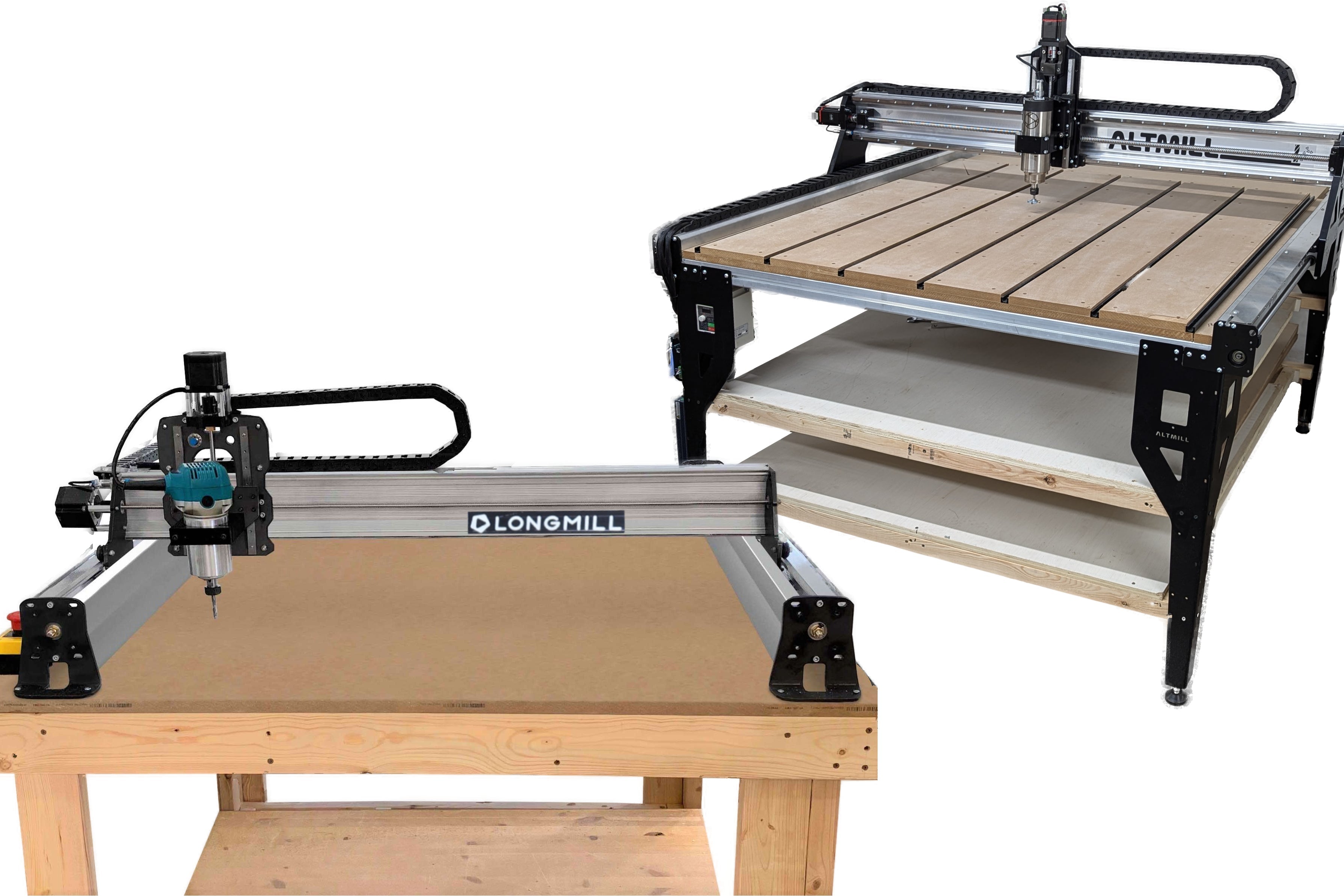
LongMill MK3 30x30, LongMill MK3 48x30, and the LongMill MK3 Beginner's Kit grblHAL Yes
AltMill 2x4, AltMill 4x4, and AltMill 4x8 SuperLongBoard EXT, grblHAL Yes
gControl touchscreen controller Works with any GRBL-based machine Yes, comes preloaded
Onefinity Apprentice and Onefinity Elite RealTime CNC controller No, uses its own software

One more setup step pays off on every project. Build a tool library in your software with each bit's size and settings saved, so you only enter them once. If you're not sure where to start with those numbers, our guide to feeds and speeds for beginners walks through it.

10 Project Ideas to Make at Home

A Flat Spoilboard

Your first project should be the machine itself. A spoilboard is the sacrificial sheet, usually MDF, that sits on your table and takes the cuts that go through your work. Surfacing it flat means every project after it sits level, so carve depths come out even across the whole piece. Run a 1.5" surfacing bit across the board in shallow, overlapping passes. Our 10 Step Method for Surfacing a Spoilboard can walk you through the whole process. 

Your Own CNC Clamps

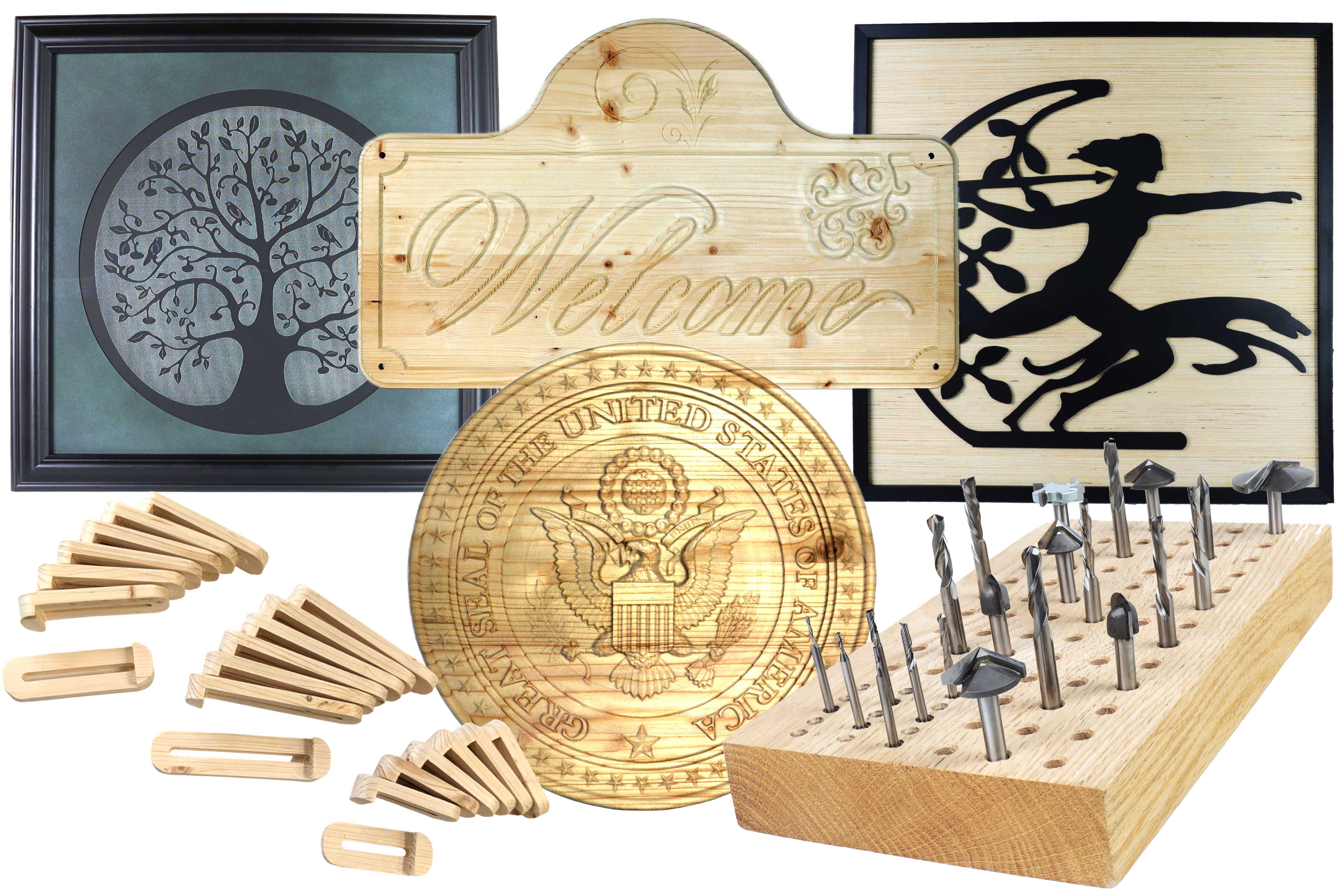
A good second project is a tool that makes every other project easier. Hold-down clamps keep your stock from shifting mid-cut, and cutting your own from hardwood or plywood costs far less than buying a set. It also saves you from ordering replacement parts every time one cracks. Our IDC clamp project file gives you a ready-made digital design, so you can skip the drawing and focus on setting up toolpaths.

A Personalized V-Carved Sign


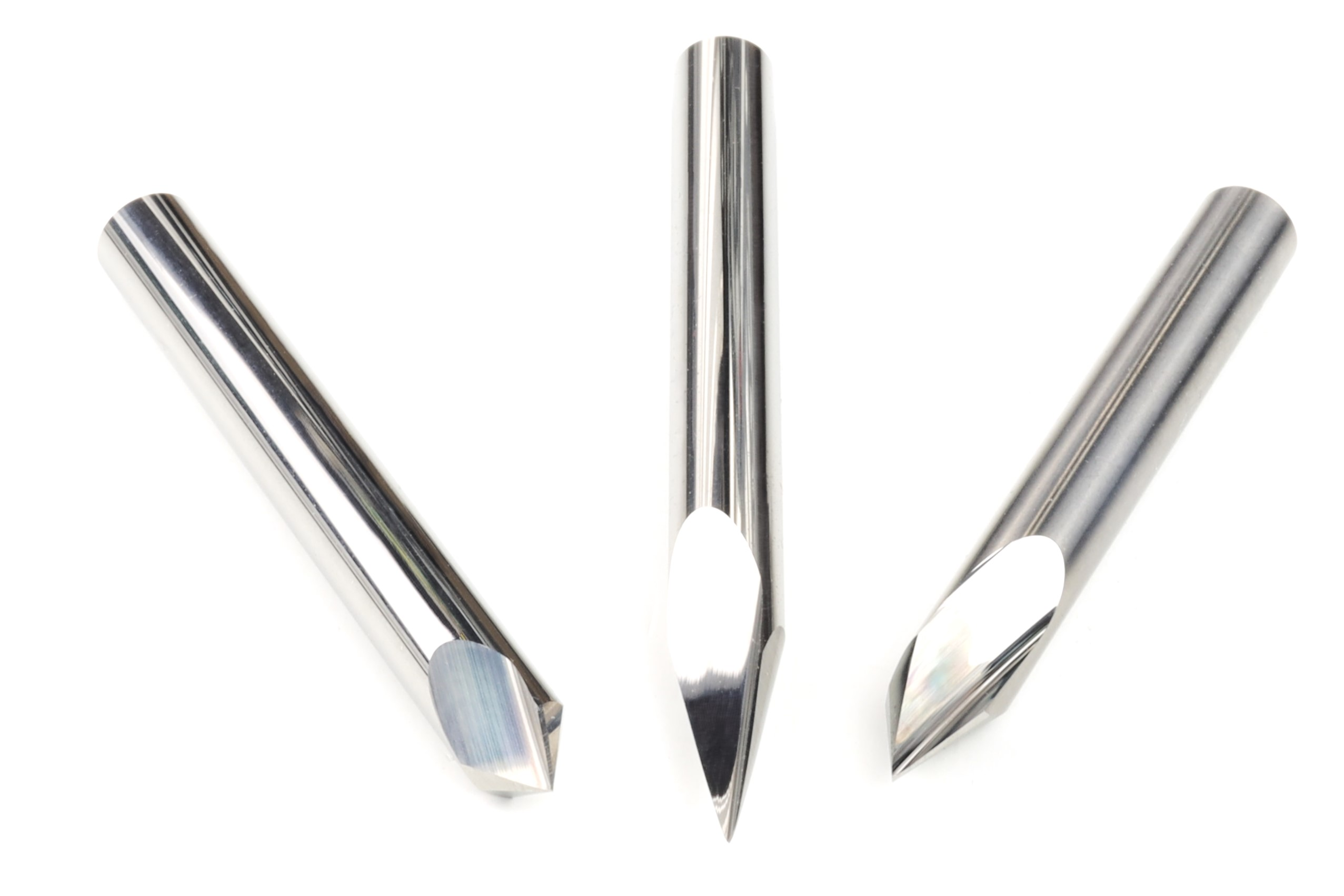
Signs are the classic first CNC router project for a reason. A V-bit cuts deeper on wide strokes and shallower on thin ones, so letters come out crisp from a single toolpath. Start with a family name or house number on a pine or poplar board. A 60 degree bit handles most lettering, and a 30 degree bit gets into finer detail. The 30, 60, and 90 degree V-bit set covers every angle you'll need, and our guide to perfect raised lettering shows how to take signs a step further.


A Pizza Peel With a Taper


A pizza peel teaches you to cut a clean profile and carve a smooth taper so the front edge slides under the dough. Use a hardwood like maple or cherry, and keep the taper to the front edge only. It's a simple project that gets used every week, and it makes a good gift. Our pizza peel guide walks through the full process.


A Cutting Board with a Juice Groove

A cutting board is one of the most popular router projects, and it's a good excuse to try your first slab glue-up. Edge-glue strips of maple, walnut, or cherry into a panel, flatten it with your surfacing bit, then cut a groove around the edge with a 1/2" ball nose bit. The rounded bottom of the groove catches liquid and wipes clean easily. Our CNC cutting board guide has the step-by-step.

A Cribbage Board

A cribbage board is mostly holes, which makes it a great lesson in drilling. Every peg hole has to line up, so this project shows you right away if your zero setting and spoilboard are dialed in. IDC's 1/8" carbide drill bit comes with free cribbage files, so you can cut your first board without drawing one.

A Marble Maze


Kids love this one, and it teaches pocketing, which means clearing an area of material down to a set depth. You tilt the finished board to roll a marble through the channels cut into the wood. Keep the channels a little wider than the marble so it rolls without catching. The marble maze bit set includes free maze design files, so this is a free project file and a lesson in one.


Tray or Small Bowl


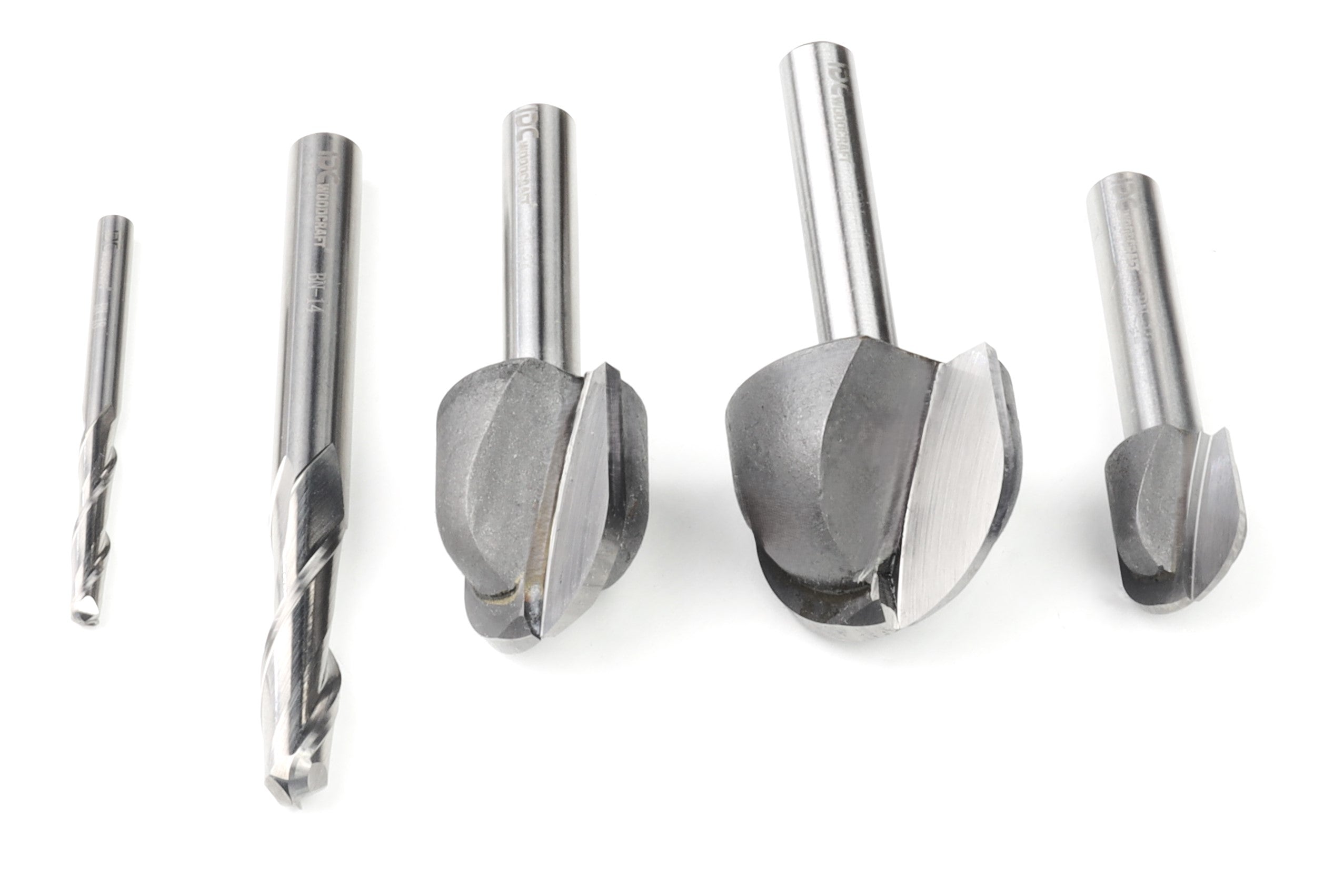
A small tray for keys or jewelry teaches you to cut a deep pocket with a rounded inside edge. A bowl bit leaves a smooth, curved bottom that needs very little sanding. Keep the depth modest on your first one, since deep pockets in hardwood put more load on the bit. IDC's 1" bowl bit is built for this job.


A Wooden Flag

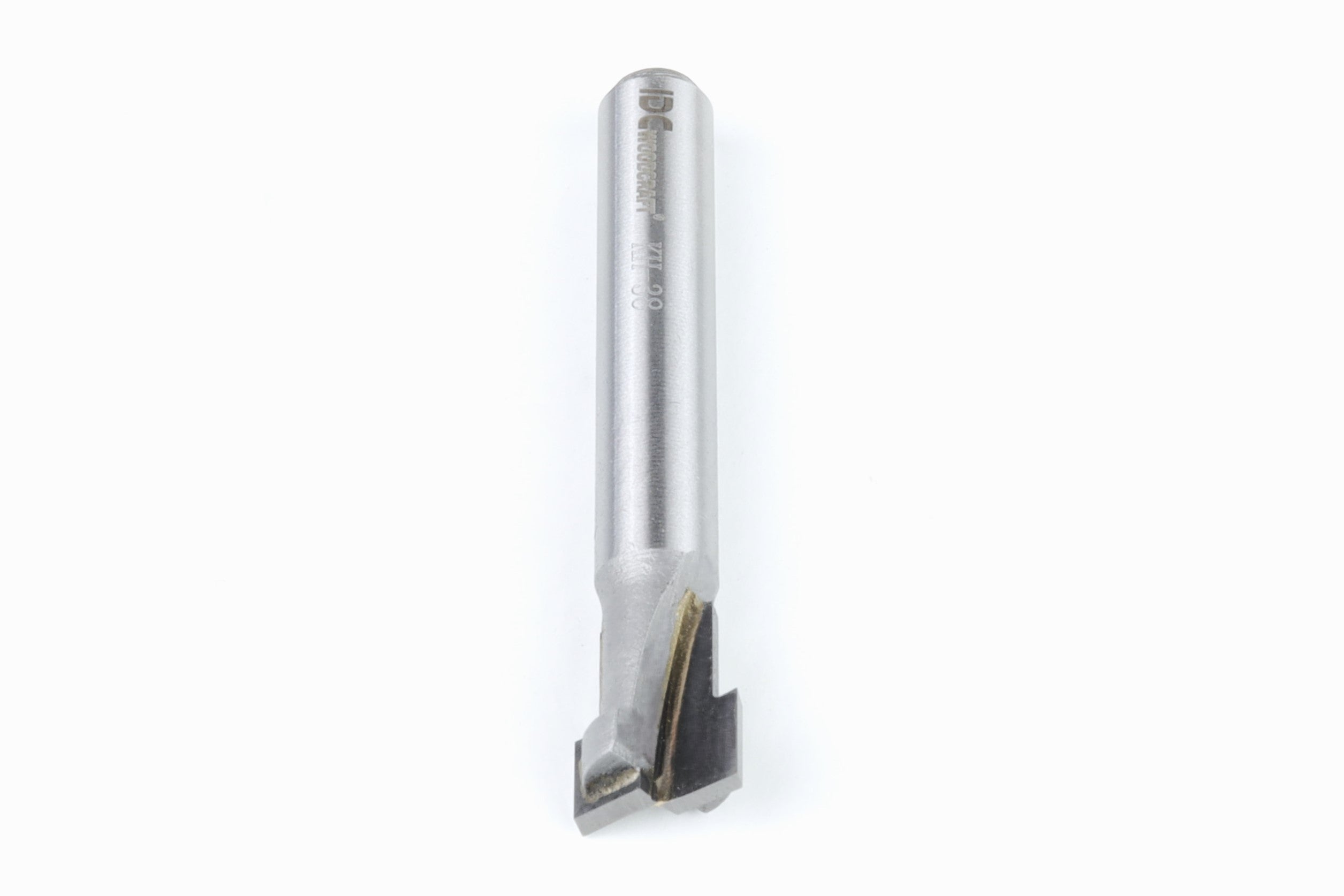
A wooden flag is a good capstone project because it puts everything from the earlier projects into one piece. Stripes are straight cuts, a field of color is a pocket, and stars or other symbols are V-carved. Use two or three wood species for the colors, like walnut and maple, so you skip painting. Cut a keyhole slot in the back for a hidden wall mount. Once this one is done, you're ready for more complex designs. Our wooden flag guide walks through a full build, and the 60 degree V-bit handles the stars.

Project Difficulty Main Bits File
Spoilboard Easy Surfacing bit Built in your software
CNC clamps Easy End mill IDC clamp file
V-carved sign Easy V-bit Your own design
Pizza peel Easy to moderate End mill Your own design
Cutting board Moderate Surfacing bit, ball nose Your own design
Cribbage board Easy 1/8" drill bit Free with IDC drill bit
Marble maze Easy to moderate Maze bit set Free with IDC maze set
Inlaid coasters Moderate V-bit Your own design
Tray or bowl Moderate Bowl bit Your own design
Wooden flag Moderate End mill, V-bit, keyhole bit Your own design

Turning Projects into a Revenue Stream

Several projects on this list sell well once you get consistent, quality results with them. Personalized signs, cutting boards, and cribbage boards are popular with buyers because custom designs let you charge more than a generic, store-bought version. 

Plenty of CNC enthusiasts start by making gifts, then begin taking orders from friends once people see the work. Track your material costs and machine time for each piece so you know what to charge. For ideas on landing your first customers, read our guide to getting CNC business for your router.

Get Started on Your CNC Projects Today

You don't need a big shop or years of experience to make something worth keeping. Every project on this list fits a home setup, and each one teaches a skill you'll use for years. Pick one, load your stock, and make your first cut this week.


IDC Woodcraft is built for beginners. Along with USA-made solid carbide bits and starter sets, IDC offers project files, a chipload calculator, and a video center full of walkthroughs to help each project come out right the first time. Shop bits and free resources at IDC Woodcraft.